

Show Image Dimensions
This Greasy Fork userscript adds image dimensions to Google Image Search; install it with a compatible userscript manager.
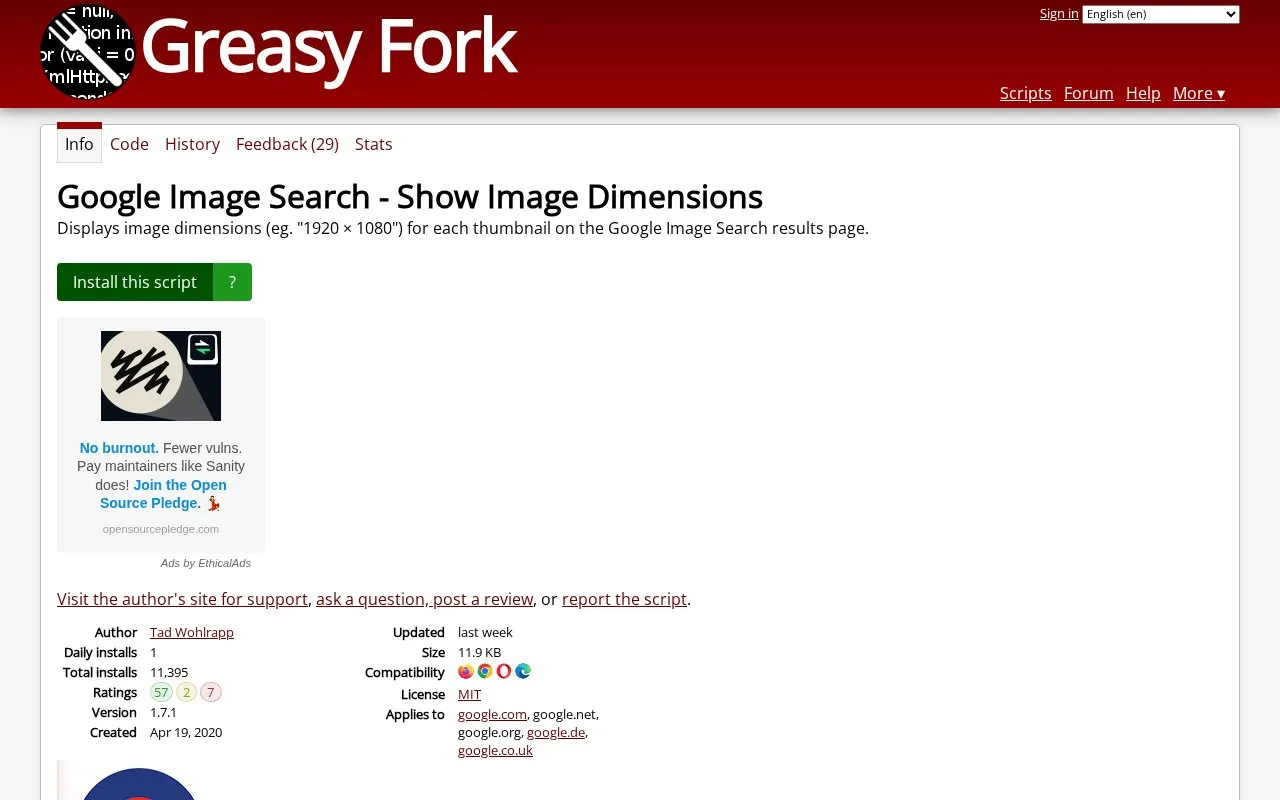
About Show Image Dimensions
Show Image Dimensions is a userscript published on Greasy Fork that reintroduces image dimensions on thumbnails in Google Image Search results. It applies to Google Image Search on google.com, google.net, google.org, google.de and google.co.uk.
Key features
- Displays image dimensions on thumbnails in Google Image Search results
- Applies to google.com, google.net, google.org, google.de and google.co.uk
- Installed via userscript managers such as Tampermonkey, Greasemonkey or Violentmonkey
- Version 1.7.1, an 11.9 KB script updated 2026-09-29
- Author page offers support requests, questions, reviews and script reports
Best for: People who already use a userscript manager and want image dimensions visible while browsing Google Image Search results.
Good for
- Fills a specific gap by restoring dimensions on Google Image Search thumbnails
- Small script file of 11.9 KB
- Has an established install history and a feedback channel with 29 responses
Watch out for
- Requires a separate userscript manager; it does not install on its own
- Limited to the Google domains the script lists as applying to
- No pricing information is stated on the listing
Show Image Dimensions at a glance
- Category
- Software & Utilities › Browser Extensions
- Type
- Website
- Pricing
- Not confirmed. Check the site
- Platforms
- iOS, Web
- Open source
- Not stated
- Language
- English
- Last checked
- Oct 5, 2026 · Online when checked
- Listed
- Oct 5, 2026
Guides for Browser Extensions
Show Image Dimensions alternatives
Tools and sites you could use instead, ranked by how closely they match.

Install the Fast.com Info Blur userscript from Greasy Fork to blur information on the speed test page.

Google Hit Hider by Domain is a search-filtering userscript listed on Greasy Fork; the supplied page does not detail its current behavior.

This userscript adds a custom sidebar to Google Search and requires a userscript manager such as Tampermonkey or Violentmonkey.

Skip sponsor segments while browsing with Simple Sponsor Skipper, a Greasy Fork userscript.

Greasy Fork is an open-source online repository and platform for discovering, installing, and publishing user scripts and user styles.
FreeOpen source
24 alternatives
Greasy Fork lists user scripts that can modify or add features to websites in a browser.
Popular in Browser Extensions
Well-known listings from the same topic.
Popupblocker by Joofthanaddons.mozilla.org/firefox/addon/popupblockerallEnhancementscplx.appViolentmonkeyviolentmonkey.github.ioMomentummomentumdash.comMission Controlmission-control.appSession Buddysessionbuddy.com


Show Image Dimensions FAQ
What do I need before installing this script?
A userscript manager extension, such as Violentmonkey for Chrome, Edge, Firefox and Opera, or Tampermonkey for Chrome, Edge, Safari, Firefox and Opera. After installing one, go to the script page and click the install button.
How do I use it after installing?
Visit the Google Image Search page at google.com/imghp and start searching; dimensions appear on the thumbnails.
Which Google sites does it work on?
The listing states it applies to google.com, google.net, google.org, google.de and google.co.uk.
Is something wrong or out of date?
Tell us and an editor will check it.
Own this website?
Claim this listing
Claim the listing and suggest updates yourself. An editor checks every claim first.