

FFmpeg
FFmpeg records, converts, and streams audio and video across platforms, with command-line tools for common media workflows.
About FFmpeg
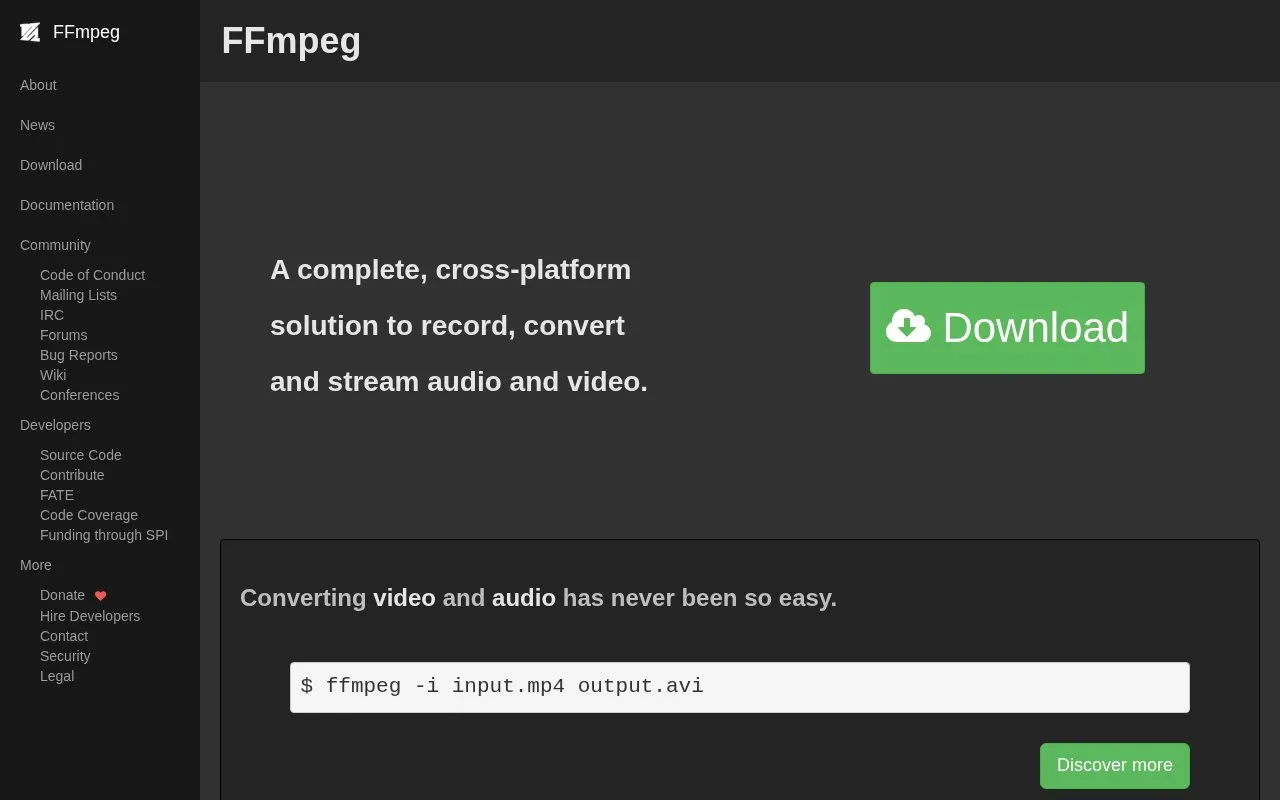
FFmpeg is a cross-platform tool to record, convert and stream audio and video. Conversion is done with command-line commands, such as ffmpeg -i input.mp4 output.avi.
It supports decoders, encoders, formats and filters, including hardware-accelerated encoding and decoding options for selected codecs.
Key features
- Record audio and video on multiple platforms
- Convert media files with command-line commands
- Stream audio and video
- Decode multiple codecs, including APV and ProRes RAW
- Use hardware-accelerated encoding and decoding for selected codecs
- Apply video and audio filters for processing tasks
Best for: People who use command-line tools and need to record, convert, or stream audio and video.
Good for
- Works across platforms for recording, conversion, and streaming
- Supports multiple codecs, formats, and filters noted in releases
- Provides hardware-accelerated encoding and decoding options for selected codecs
Watch out for
- Vulkan compute codec support is limited to codecs designed for parallelized decoding
- Some components are marked experimental, such as xHE-AAC Mps212 decoding
FFmpeg at a glance
- Website
- ffmpeg.org
- Type
- Online tool
- Pricing
- Not confirmed. Check the site
- Platforms
- Web
- Open source
- Not stated
- Language
- English
- Last checked
- Oct 6, 2026 · Online when checked
- Listed
- Oct 5, 2026
Guides for Screen Recording & Streaming Tools
FFmpeg alternatives
Tools and sites you could use instead, ranked by how closely they match.

Meld Studio combines live streaming and recording with multistreaming, customizable overlays, and 4K recording.

StreamRecorder records live streams from 19 platforms automatically through a browser-based service that requires no installation.

StreamElements provides live streaming tools such as overlays, tipping, chatbots, alerts, merchandise, and stream integrations.
FreePick
24 alternatives
FFmpeg provides libraries and tools for processing audio, video, subtitles, and related multimedia data and formats.
obs-multi-rtmp is an OBS plugin for streaming to multiple sites at once, with a Windows installation guide and release downloads.

Streamer.bot connects live stream automation with Twitch, YouTube, Kick, OBS Studio, Streamlabs, and other services.
Popular in Screen Recording & Streaming Tools
Well-known listings from the same topic.
Streamlabsstreamlabs.comAwesome Streaminggithub.com/juancarlospaco/awesome-streaming-to…VDO.Ninjavdo.ninjaScreenRECscreen-rec.vercel.appTikFinitytikfinity.zerody.one


FFmpeg FAQ
How do I convert a video file?
Use a command such as ffmpeg -i input.mp4 output.avi.
Is something wrong or out of date?
Tell us and an editor will check it.
Own this website?
Claim this listing
Claim the listing and suggest updates yourself. An editor checks every claim first.