

Segra
Segra records gameplay through OBS and can automatically clip highlights across supported games; its page describes it as free and open source.
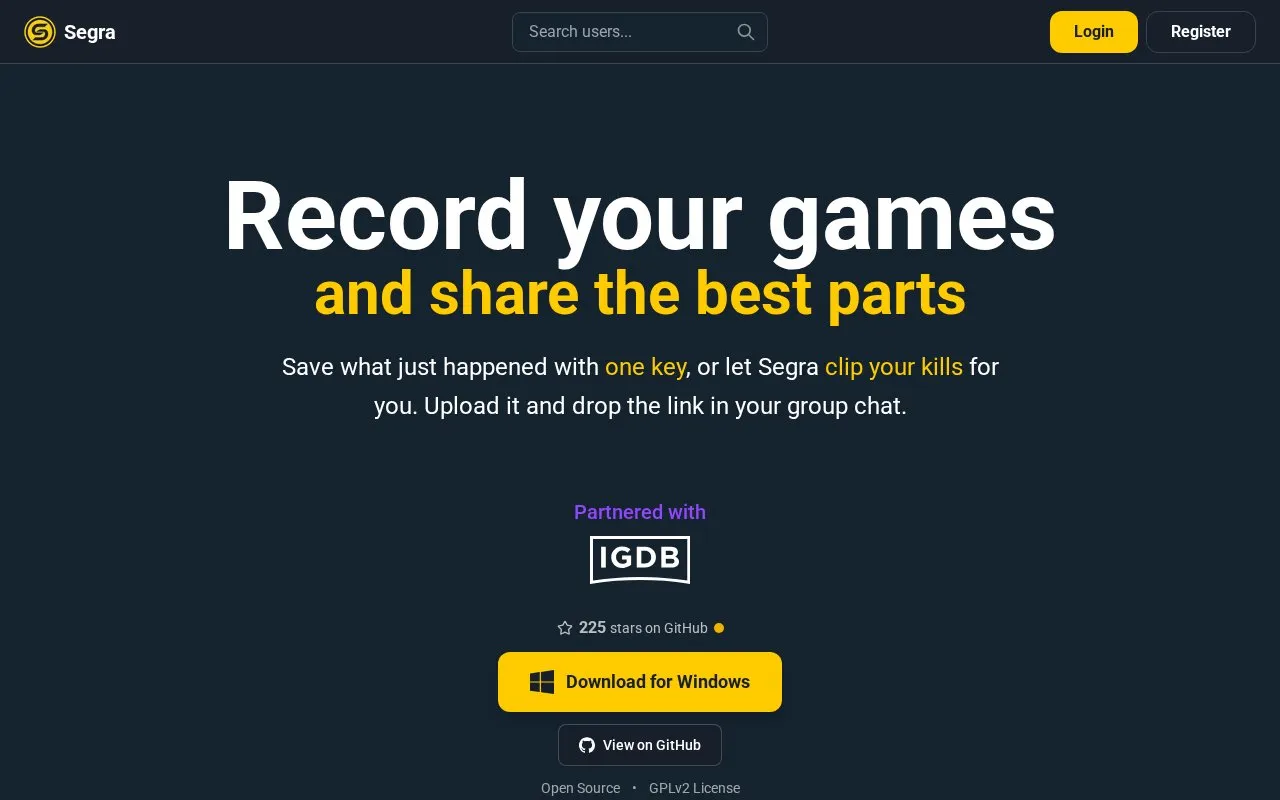
About Segra
Segra is a free, open-source game recorder built on OBS. It runs in the background and records gameplay at up to 4K and 144 FPS, and a hotkey lets you bookmark a moment while playing so it can be cut into a clip in the built-in editor and uploaded for sharing. Separately, Segra can clip automatically: it picks up kills, assists and deaths while you play and cuts your kills into one highlight video. Automatic clipping applies to the listed supported games (17 titles including Counter-Strike 2, Valorant, Fortnite, PUBG, Overwatch and League of Legends), while any game that runs on a PC can be recorded. The app is distributed as a Windows download and its code is public on GitHub under the GPLv2 license; pricing beyond the stated free/open-source status is not specified.
Key features
- Background game recording at up to 4K and 144 FPS
- Hotkey bookmarks a recent moment while you play
- Automatic clipping of kills, assists and deaths into one highlight video
- Editor for cutting a clip and uploading it
- Auto-clipping for 17 listed games; any PC game recordable
- Built on OBS; source public on GitHub under GPLv2
Best for: Windows players who want a free, open-source background recorder with automatic highlight clipping for supported games.
Good for
- Free and open source, licensed GPLv2, with code public on GitHub
- Automatic clipping covers kills, assists and deaths across a list of supported games
- Any game that runs on a PC can be recorded, even outside the verified list
Watch out for
- Automatic clipping is only available for the listed supported games
- Download is offered for Windows; macOS and Linux builds are not stated
- Pricing beyond the stated free and open-source status is not specified
Segra at a glance
- Website
- segra.tv
- Type
- Online tool
- Pricing
- Not confirmed. Check the site
- Platforms
- Web, Windows
- Open source
- Yes · Source code
- Language
- English
- Last checked
- Oct 5, 2026 · Online when checked
- Listed
- Oct 5, 2026
Guides for Screen Recording & Streaming Tools
Segra alternatives
Tools and sites you could use instead, ranked by how closely they match.

RePlays automatically records detected games and includes a clip editor for quickly sharing video highlights.
Open source
24 alternatives
LiveStreamDVR automatically records livestreams, according to its repository description.
Open source
24 alternatives
Chat Downloader retrieves chat messages from livestreams, videos, clips, and past broadcasts without authentication, with Python installation options.
Open source
24 alternatives
Owncast is free, open source software for running a live video and web chat server with existing broadcasting software.
Open source
24 alternatives
vokoscreenNG is a screencast creator for Windows and Linux that records the screen, an area, or a window (Linux only), with audio from multiple sources and built-in camera support.
Open source
24 alternatives
SteelSeries Moments records and shares gameplay clips, with AI auto-clipping support for Street Fighter 6.
Popular in Screen Recording & Streaming Tools
Well-known listings from the same topic.
StreamElementsstreamelements.comStreamlabsstreamlabs.comStreamer.botstreamer.botAwesome Streaminggithub.com/juancarlospaco/awesome-streaming-to…VDO.Ninjavdo.ninjaStreamrecorderstreamrecorder.io


Segra FAQ
Which games support automatic clipping?
Segra lists 17 currently supported games: Battlefield 6, Counter-Strike 2, Deadlock, Dota 2, Fortnite, Grand Theft Auto V, League of Legends, Minecraft, Overwatch, PUBG: BATTLEGROUNDS, Rainbow Six Siege, Rocket League, RuneScape: Dragonwilds, Rust, Valorant, War Thunder and WARDOGS.
Can I record a game that is not on the supported list?
Yes. The listed games are verified for automatic clipping, but Segra states any game that runs on your PC can be recorded.
Is Segra free?
Yes. Segra describes itself as free and open source, with its code available on GitHub under the GPLv2 license.
Is something wrong or out of date?
Tell us and an editor will check it.
Own this website?
Claim this listing
Claim the listing and suggest updates yourself. An editor checks every claim first.