

SteelSeries Moments
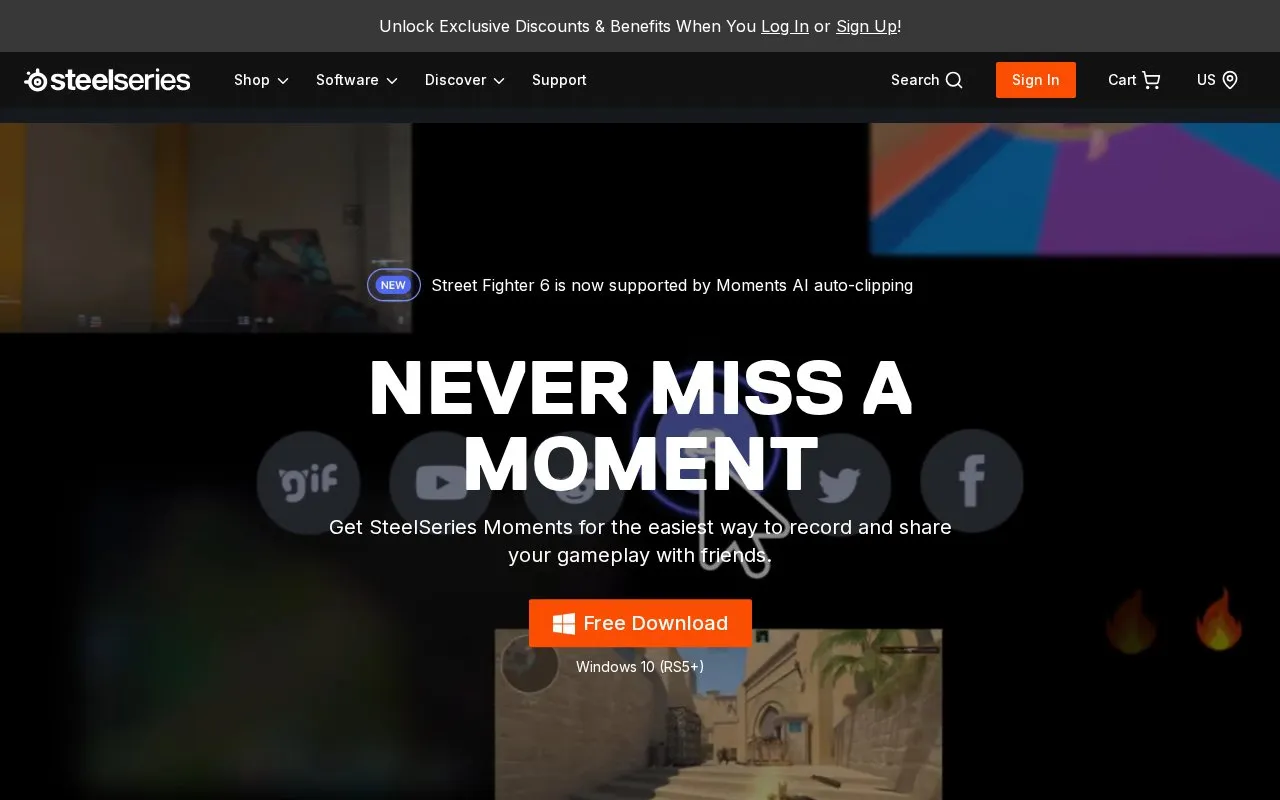
SteelSeries Moments records and shares gameplay clips, with AI auto-clipping support for Street Fighter 6.
About SteelSeries Moments
SteelSeries Moments records gameplay clips on Windows PCs, with manual clipping via hotkey and automatic highlight markers in supported games including Street Fighter 6 and Call of Duty: Black Ops 7. It includes in-app trimming, montage assembly, multi-track audio editing, and a gallery to filter, star, rename, or delete clips. Clips can be uploaded to YouTube, Discord, Reddit, and X or exported as files. It requires Windows 10 or later, and automatic clipping works only with specific games.
Key features
- Clip gameplay after it happens using custom hotkey
- Auto-save highlights as timeline event markers in supported games
- Trim clips in-app and save as new full-quality files
- Combine multiple clips into montages
- Record multiple audio sources for independent editing
- Upload clips to YouTube, Discord, Reddit, and X
Best for: Windows PC players who want to capture gameplay moments and share short clips.
Good for
- Uploads directly to YouTube, Discord, Reddit, and X
- Uses hardware encoding and variable bitrate to manage performance and file size
- Gallery allows filtering by game or tag and starring favorites
Watch out for
- Requires Windows 10 or later
- AI auto-clipping works only with specific supported games
SteelSeries Moments at a glance
- Website
- steelseries.com/gg/moments
- Type
- Website
- Pricing
- Not confirmed. Check the site
- Platforms
- Web, Windows
- Open source
- Not stated
- Language
- English
- Last checked
- Oct 6, 2026 · Online when checked
- Listed
- Oct 5, 2026
Guides for Screen Recording & Streaming Tools
SteelSeries Moments alternatives
Tools and sites you could use instead, ranked by how closely they match.

Segra records gameplay through OBS and can automatically clip highlights across supported games; its page describes it as free and open source.
Open source
24 alternatives
RePlays automatically records detected games and includes a clip editor for quickly sharing video highlights.
Open source
24 alternatives
Recordly provides open source screen recording for Mac, Windows, and Linux, with auto-zoom, cursor effects, and product demo tools.
FreeOpen source
24 alternatives
Shar.ec records a screen and provides a downloadable recording or a link for sharing it.

Restream helps create live video and broadcast it to multiple destinations, with tools for producing streams and making clips.

Loom records, edits, and shares screen videos on Mac and PC, with templates and video storage for work teams.
Popular in Screen Recording & Streaming Tools
Well-known listings from the same topic.
StreamElementsstreamelements.comStreamlabsstreamlabs.comStreamer.botstreamer.botAwesome Streaminggithub.com/juancarlospaco/awesome-streaming-to…VDO.Ninjavdo.ninjaStreamrecorderstreamrecorder.io


Is something wrong or out of date?
Tell us and an editor will check it.
Own this website?
Claim this listing
Claim the listing and suggest updates yourself. An editor checks every claim first.