

RePlays
RePlays automatically records detected games and includes a clip editor for quickly sharing video highlights.
About RePlays
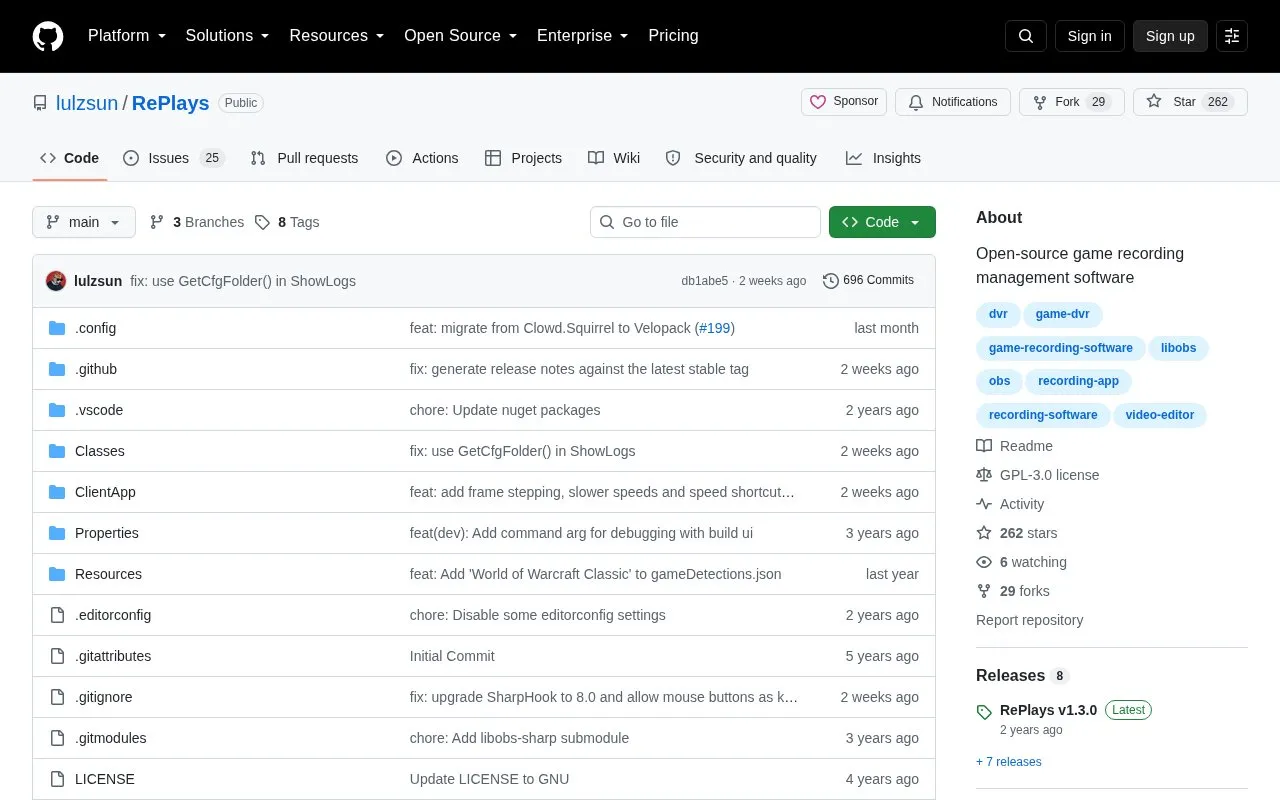
RePlays is a free, open-source program for managing recordings of detected running games. It includes a clip editor for quick video sharing. The project uses a C# (.NET 8) backend and a TypeScript React interface, and recording functionality is powered by libobs from the OBS Project.
Windows users can install it with RePlaysSetup.exe from the latest or nightly release; some Windows versions may require manually installing Microsoft Edge WebView2 runtime. Linux support is work-in-progress and available for normal use if users build it themselves. RePlays is licensed under GPL-3.0 and is not affiliated with Plays.tv.
Key features
- Automatically manages recording of detected running games
- Includes a clip editor for quick video sharing
- Windows installer from latest or nightly releases
- Powered by libobs for recording functionality
- Uses C# (.NET 8) backend and TypeScript React frontend
- Linux support available if built from source, work-in-progress
Best for: Gamers who want automatic recording of detected games with a clip editor, especially Windows users; Linux users must be willing to build it themselves.
Good for
- Free and open source under the GPL-3.0 license.
- Automatically records detected running games and includes a clip editor for sharing.
- Powered by libobs and offers Windows latest and nightly releases.
Watch out for
- Linux support is work-in-progress and requires building the software yourself.
- Some Windows versions may need Microsoft Edge WebView2 runtime installed manually.
RePlays at a glance
- Website
- github.com/lulzsun/RePlays
- Type
- Open-source project
- Pricing
- Not confirmed. Check the site
- Platforms
- Linux, Windows
- Open source
- Yes · Source code
- Language
- English
- Last checked
- Oct 6, 2026 · Online when checked
- Listed
- Oct 5, 2026
Guides for Screen Recording & Streaming Tools
RePlays alternatives
Tools and sites you could use instead, ranked by how closely they match.

Segra records gameplay through OBS and can automatically clip highlights across supported games; its page describes it as free and open source.
Open source
24 alternatives
LiveStreamDVR automatically records livestreams, according to its repository description.
Open source
24 alternatives
Chat Downloader retrieves chat messages from livestreams, videos, clips, and past broadcasts without authentication, with Python installation options.
Open source
24 alternatives
vokoscreenNG is a screencast creator for Windows and Linux that records the screen, an area, or a window (Linux only), with audio from multiple sources and built-in camera support.
Open source
24 alternatives
Strem automates streamer workflows by connecting triggers and tasks to actions in other apps, with Windows listed as its official platform.
Open source
24 alternatives
gInk is Windows software for annotating the screen during presentations, demonstrations, or other work beside on-screen content.
Open source
24 alternativesPopular in Screen Recording & Streaming Tools
Well-known listings from the same topic.
StreamElementsstreamelements.comStreamlabsstreamlabs.comStreamer.botstreamer.botAwesome Streaminggithub.com/juancarlospaco/awesome-streaming-to…VDO.Ninjavdo.ninjaStreamrecorderstreamrecorder.io


RePlays FAQ
Is RePlays free to use?
Yes. It is described as a free and open source program and is licensed under GPL-3.0.
Which platforms does RePlays support?
There is a Windows installer. Linux support is work-in-progress but available for normal use if you build it yourself.
Do I need anything else to run it on Windows?
Depending on your Windows version, you may need to manually download and install Microsoft Edge WebView2 runtime if not prompted.
Is something wrong or out of date?
Tell us and an editor will check it.
Own this website?
Claim this listing
Claim the listing and suggest updates yourself. An editor checks every claim first.