

ppInk
This Windows screen annotation project is a fork of gInk, according to its repository description.
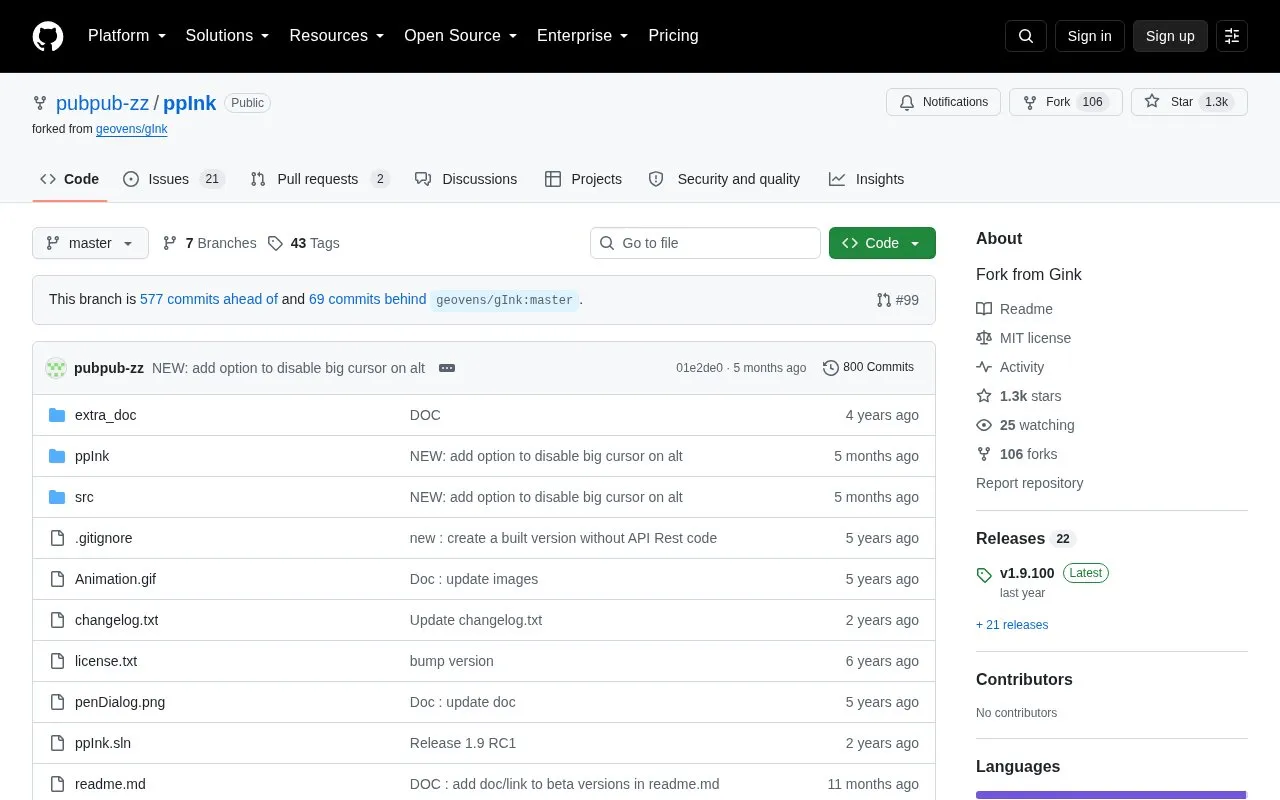
About ppInk
ppInk is an open-source, Windows-only on-screen annotation tool derived from gInk. It lets presenters draw over the desktop using a mouse, touchscreen, drawing tablet or tablet pen, with pressure sensitivity supported. Instead of adjusting color, transparency and tip width individually, users pick from configurable pens, and annotations can later be captured as screenshots.
The tool includes handwriting, lines (two-point and polyline), rectangles, ellipses, arrows, numbering tags, aligned text, cliparts and stroke patterns, along with move, copy, resize and rotate operations. Some toolbar buttons expose extra functions through repeated or long clicks, and keyboard shortcuts can activate functions. The repository notes a regression introduced by the Windows 24H2 update (August 2025) when microsoft.ink.dll is used; until Microsoft fixes it, an included script must be run with administrator rights to revert to an earlier working DLL. Interim beta releases are also published to address issues quickly.
Key features
- Annotate the Windows desktop via mouse, touchscreen, drawing tablet or pen
- Drawing tools: handwriting, lines, polylines, rectangles, ellipses, arrows, numbering tags
- Configurable pens with fading, width and line stroke settings
- Move, copy, resize and rotate existing annotations
- Capture the screen with annotations applied
- Scaled measurement that displays in-progress drawing length
Best for: Presenters, teachers and streamers on Windows who need to draw over their screen with a mouse, touchscreen or drawing tablet.
Good for
- Open-source project with source code, changelog and documentation in the repository
- Works with mouse, touchscreen, graphic tablet and pen input including pressure
- Pens let users change fading, width and stroke rather than adjusting settings per stroke
Watch out for
- Runs on Windows only
- A Windows 24H2 regression affecting microsoft.ink.dll may require running an included script with administrator rights
- Beta releases are issued as interim fixes, which may not stay aligned with released versions and documentation
ppInk at a glance
- Website
- github.com/PubPub-zz/ppInk
- Type
- Open-source project
- Pricing
- Not confirmed. Check the site
- Open source
- Yes · Source code
- Language
- English
- Last checked
- Oct 6, 2026 · Online when checked
- Listed
- Oct 5, 2026
Guides for Screen Recording & Streaming Tools
ppInk alternatives
Tools and sites you could use instead, ranked by how closely they match.

gInk is Windows software for annotating the screen during presentations, demonstrations, or other work beside on-screen content.
Open source
24 alternatives
LiveDraw lets users draw or mark over the screen in real time while presenting dynamic content, according to its repository description.
Open source
24 alternatives
Moblin provides an iOS app for livestreaming in real life, according to its repository description.
FreeOpen source
24 alternatives
LiveStreamDVR automatically records livestreams, according to its repository description.
Open source
24 alternatives
vokoscreenNG is a screencast creator for Windows and Linux that records the screen, an area, or a window (Linux only), with audio from multiple sources and built-in camera support.
Open source
24 alternatives
Strem automates streamer workflows by connecting triggers and tasks to actions in other apps, with Windows listed as its official platform.
Open source
24 alternativesPopular in Screen Recording & Streaming Tools
Well-known listings from the same topic.
StreamElementsstreamelements.comStreamlabsstreamlabs.comStreamer.botstreamer.botAwesome Streaminggithub.com/juancarlospaco/awesome-streaming-to…VDO.Ninjavdo.ninjaStreamrecorderstreamrecorder.io


ppInk FAQ
What operating system does ppInk run on?
ppInk is described as on-screen annotation software for Windows.
How is ppInk related to gInk?
The repository describes ppInk as a fork from gInk, with additional features and a modified pen-based interface.
What is the Windows 24H2 issue mentioned in the repository?
A Windows update introduced a regression when using microsoft.ink.dll. Until Microsoft fixes it, an included script must be executed with administrator rights to revert to the latest operational DLL.
Is something wrong or out of date?
Tell us and an editor will check it.
Own this website?
Claim this listing
Claim the listing and suggest updates yourself. An editor checks every claim first.