

gInk
gInk is Windows software for annotating the screen during presentations, demonstrations, or other work beside on-screen content.
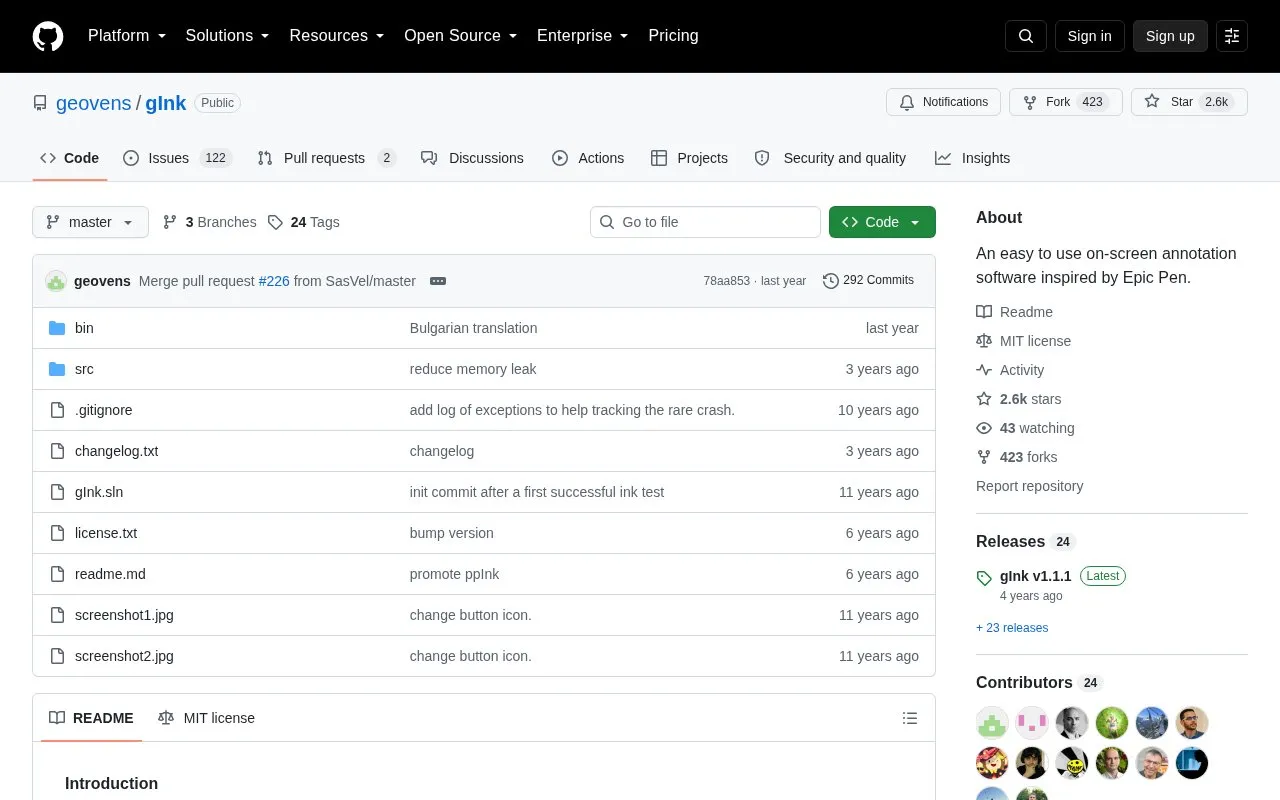
About gInk
gInk is an open-source on-screen annotation tool for Windows, inspired by Epic Pen. It is used during presentations, demonstrations, and for noting temporary thoughts beside on-screen content. It starts in the system tray; clicking the icon or using a hotkey begins drawing, and an exit button or ESC ends it. The interface is designed to stay simple and not distract the presenter or audience. Pens combine color, transparency, and tip width, and each pen is configurable. It supports stylus with eraser, touch screen, mouse, pen pressure, multiple displays, click-through mode, snapshots, and hotkeys. A known issue affects multiple displays with unmatched DPI settings, with a Windows compatibility workaround. Drawing tools such as lines, arrows, squares, and text are not included; the README points to the ppInk fork for those features.
Key features
- Start and stop drawing from system tray icon or hotkey
- Pens combine configurable color, transparency, and tip width settings
- Supports stylus eraser, touch screen, mouse, and pen pressure
- Click-through mode and multiple displays support
- Snapshot support
- Hidden config.ini options not shown in the options window
Best for: Presenters, demonstrators, and Windows users who need simple on-screen annotation without a complex interface.
Good for
- Simple interface intended not to distract the presenter or audience
- Pen-based drawing avoids changing color, transparency, and tip width individually
- Open-source repository under MIT license
Watch out for
- No built-in line, arrow, square, or text drawing tools
- Known issue with multiple displays using unmatched DPI settings
- Windows-only software
gInk at a glance
- Website
- github.com/geovens/gInk
- Type
- Open-source project
- Pricing
- Not confirmed. Check the site
- Platforms
- Windows
- Open source
- Yes · Source code
- Language
- English
- Last checked
- Oct 6, 2026 · Online when checked
- Listed
- Oct 5, 2026
Guides for Screen Recording & Streaming Tools
gInk alternatives
Tools and sites you could use instead, ranked by how closely they match.

This Windows screen annotation project is a fork of gInk, according to its repository description.
Open source
24 alternatives
LiveDraw lets users draw or mark over the screen in real time while presenting dynamic content, according to its repository description.
Open source
24 alternatives
vokoscreenNG is a screencast creator for Windows and Linux that records the screen, an area, or a window (Linux only), with audio from multiple sources and built-in camera support.
Open source
24 alternatives
Strem automates streamer workflows by connecting triggers and tasks to actions in other apps, with Windows listed as its official platform.
Open source
24 alternatives
RePlays automatically records detected games and includes a clip editor for quickly sharing video highlights.
Open source
24 alternatives
Streamlabs Desktop is free, open source streaming software built with OBS and Electron.
Open source
24 alternativesPopular in Screen Recording & Streaming Tools
Well-known listings from the same topic.
StreamElementsstreamelements.comStreamlabsstreamlabs.comStreamer.botstreamer.botAwesome Streaminggithub.com/juancarlospaco/awesome-streaming-to…VDO.Ninjavdo.ninjaStreamrecorderstreamrecorder.io


gInk FAQ
How do I start and stop drawing in gInk?
Start gInk and an icon appears in the system tray. Click the icon or use a hotkey to start drawing, then click the exit button or press ESC to stop.
Does gInk include line, arrow, square, or text tools?
No. The README says these features have not been implemented while keeping the UI simple, and points to the ppInk fork for drawing lines, arrows, squares, and text.
What should I do if multiple displays have unmatched DPI settings?
The README suggests right-clicking gInk.exe, opening Properties, Compatibility, Change high DPI settings, and enabling override high DPI scaling behavior with scaling performed by Application. This applies to gInk v1.1.0 and after.
Is something wrong or out of date?
Tell us and an editor will check it.
Own this website?
Claim this listing
Claim the listing and suggest updates yourself. An editor checks every claim first.