

Phone Controller
OBS Blade uses the OBS WebSocket plugin to control streams and recordings from a separate app built with Flutter.
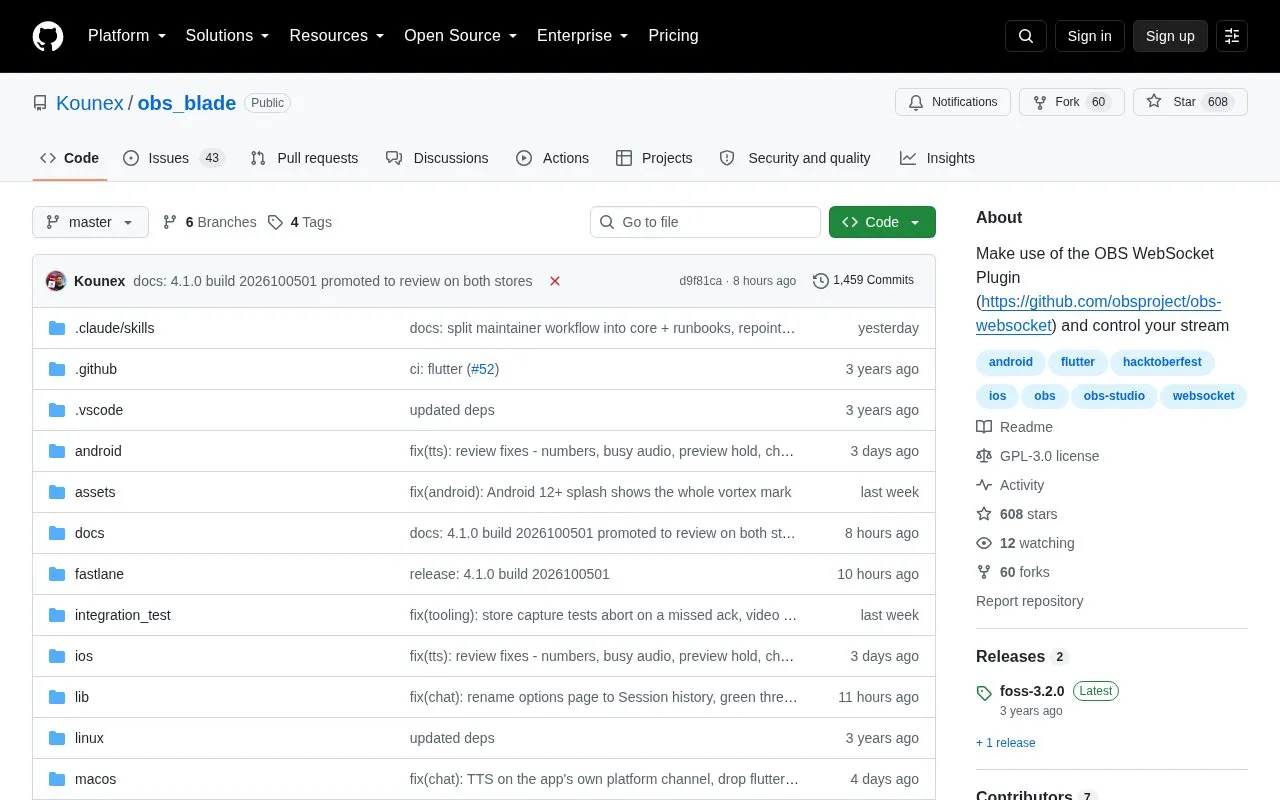
About Phone Controller
OBS Blade is an open-source companion app for OBS (Open Broadcaster Software). It is built with Flutter and connects to a running OBS instance through the OBS WebSocket plugin. The project states it is not affiliated with OBS. It is optimized for iOS and Android phones and tablets, and is listed in the iOS App Store, Google Play Store, F-Droid, and on GitHub.
You can use it from a separate device to start and stop streaming and recording, switch the active scene, toggle scene item visibility, and adjust volume or mute audio sources. It also shows Twitch and YouTube chat with the ability to write messages, displays live statistics such as FPS, CPU usage, and kbit/s, and saves statistics from previous streams and recordings.
To connect, the device running OBS Blade must be on the same network as the device running OBS. OBS Studio 28.0 and higher includes the WebSocket plugin, while older versions require manual installation. It suits OBS streamers who want to manage basic controls without switching to the OBS computer.
Key features
- Start and stop stream and recording remotely
- Change the active OBS scene
- Toggle visibility of scene items
- Adjust volume or mute audio sources
- View and send Twitch and YouTube chat messages
- View live stream and recording statistics
Best for: OBS users who want to control streams from an iOS or Android device on the same network.
Good for
- Open-source code available on GitHub
- Available for iOS, Android, and F-Droid
- Works with built-in WebSocket in OBS 28.0 and higher
- Saves statistics from previous streams and recordings
Watch out for
- Device must be on same network as OBS
- OBS below 28.0 requires manual WebSocket install
Phone Controller at a glance
- Website
- github.com/Kounex/obs_blade
- Type
- Open-source project
- Pricing
- Not confirmed. Check the site
- Platforms
- Android, iOS
- Open source
- Yes · Source code
- Language
- English
- Last checked
- Oct 5, 2026 · Online when checked
- Listed
- Oct 5, 2026
Guides for Screen Recording & Streaming Tools
Phone Controller alternatives
Tools and sites you could use instead, ranked by how closely they match.

Streamlabs Desktop is free, open source streaming software built with OBS and Electron.
Open source
24 alternatives
vokoscreenNG is a screencast creator for Windows and Linux that records the screen, an area, or a window (Linux only), with audio from multiple sources and built-in camera support.
Open source
24 alternatives
real-url retrieves stream addresses and live chat from dozens of streaming platforms for use in players such as PotPlayer and flv.js.
Open source
24 alternatives
Moblin provides an iOS app for livestreaming in real life, according to its repository description.
FreeOpen source
24 alternatives
Full featured Twitch chat alternative to fill gaps from the official one.
Open source
24 alternatives
Strem automates streamer workflows by connecting triggers and tasks to actions in other apps, with Windows listed as its official platform.
Open source
24 alternativesPopular in Screen Recording & Streaming Tools
Well-known listings from the same topic.
StreamElementsstreamelements.comStreamlabsstreamlabs.comStreamer.botstreamer.botAwesome Streaminggithub.com/juancarlospaco/awesome-streaming-to…VDO.Ninjavdo.ninjaStreamrecorderstreamrecorder.io


Phone Controller FAQ
What is OBS Blade?
OBS Blade is an open-source app that controls OBS streaming and recording through the OBS WebSocket plugin from an iOS or Android device.
How do I connect OBS Blade to OBS?
Both devices must be on the same network. OBS Studio 28.0 and higher includes WebSocket support, while older versions need manual plugin installation.
Where can I get OBS Blade?
It is listed in the iOS App Store, Google Play Store, F-Droid, and on GitHub.
Is something wrong or out of date?
Tell us and an editor will check it.
Own this website?
Claim this listing
Claim the listing and suggest updates yourself. An editor checks every claim first.