

desktop
Streamlabs Desktop is free, open source streaming software built with OBS and Electron.
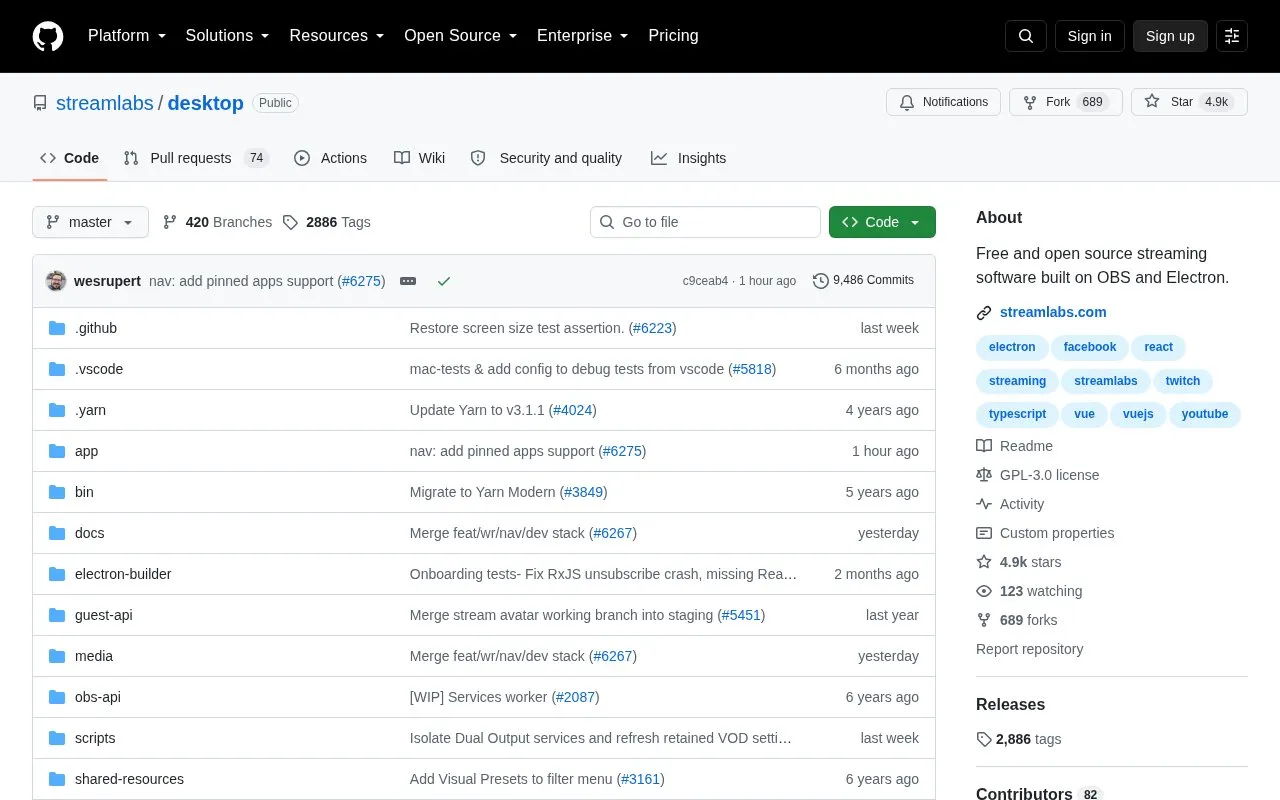
About desktop
Streamlabs Desktop is open source live streaming software built on OBS and Electron, with source code and build scripts published on GitHub. It currently only supports OSX 10.14+ and 64-bit Windows, and building from source requires Node.js, Yarn and a bash-like environment.
Key features
- Live streaming software built on OBS and Electron
- Source code available for inspection and modification
- Supports 64-bit Windows and macOS 10.14+
- Uses worker, main and child windows via Electron IPC
- Supports embedded webviews, projectors and pop-out windows
- Includes development scripts for install, compile and start
Best for: Developers and streamers who want an open-source OBS-based streaming codebase for Windows or supported macOS versions.
Good for
- Open source codebase published on GitHub
- Built on OBS and Electron
- Build steps using Yarn and webpack are documented
Watch out for
- Only supports OSX 10.14+ and 64-bit Windows
- Building from source requires Node.js, Yarn and bash-like environment
desktop at a glance
- Type
- Open-source project
- Pricing
- Not confirmed. Check the site
- Open source
- Yes · Source code
- Language
- English
- Last checked
- Oct 6, 2026 · Online when checked
- Listed
- Oct 5, 2026
Guides for Screen Recording & Streaming Tools
desktop alternatives
Tools and sites you could use instead, ranked by how closely they match.

OBS Blade uses the OBS WebSocket plugin to control streams and recordings from a separate app built with Flutter.
Open source
24 alternatives
vokoscreenNG is a screencast creator for Windows and Linux that records the screen, an area, or a window (Linux only), with audio from multiple sources and built-in camera support.
Open source
24 alternatives
real-url retrieves stream addresses and live chat from dozens of streaming platforms for use in players such as PotPlayer and flv.js.
Open source
24 alternatives
gInk is Windows software for annotating the screen during presentations, demonstrations, or other work beside on-screen content.
Open source
24 alternatives
Moblin provides an iOS app for livestreaming in real life, according to its repository description.
FreeOpen source
24 alternatives
Full featured Twitch chat alternative to fill gaps from the official one.
Open source
24 alternativesPopular in Screen Recording & Streaming Tools
Well-known listings from the same topic.
StreamElementsstreamelements.comStreamlabsstreamlabs.comStreamer.botstreamer.botAwesome Streaminggithub.com/juancarlospaco/awesome-streaming-to…VDO.Ninjavdo.ninjaStreamrecorderstreamrecorder.io


desktop FAQ
Which operating systems does this application support?
OSX 10.14+ and 64-bit Windows.
How do developers install and start it from source?
Install modules with yarn install, compile assets with yarn compile, then run yarn start.
Is something wrong or out of date?
Tell us and an editor will check it.
Own this website?
Claim this listing
Claim the listing and suggest updates yourself. An editor checks every claim first.