

This TechSpot article lists alternatives to Google products for readers considering other services over privacy and personal data concerns.
Firefox Focus
Browse with Firefox Focus, a mobile privacy browser with automatic tracking protection and history deletion.
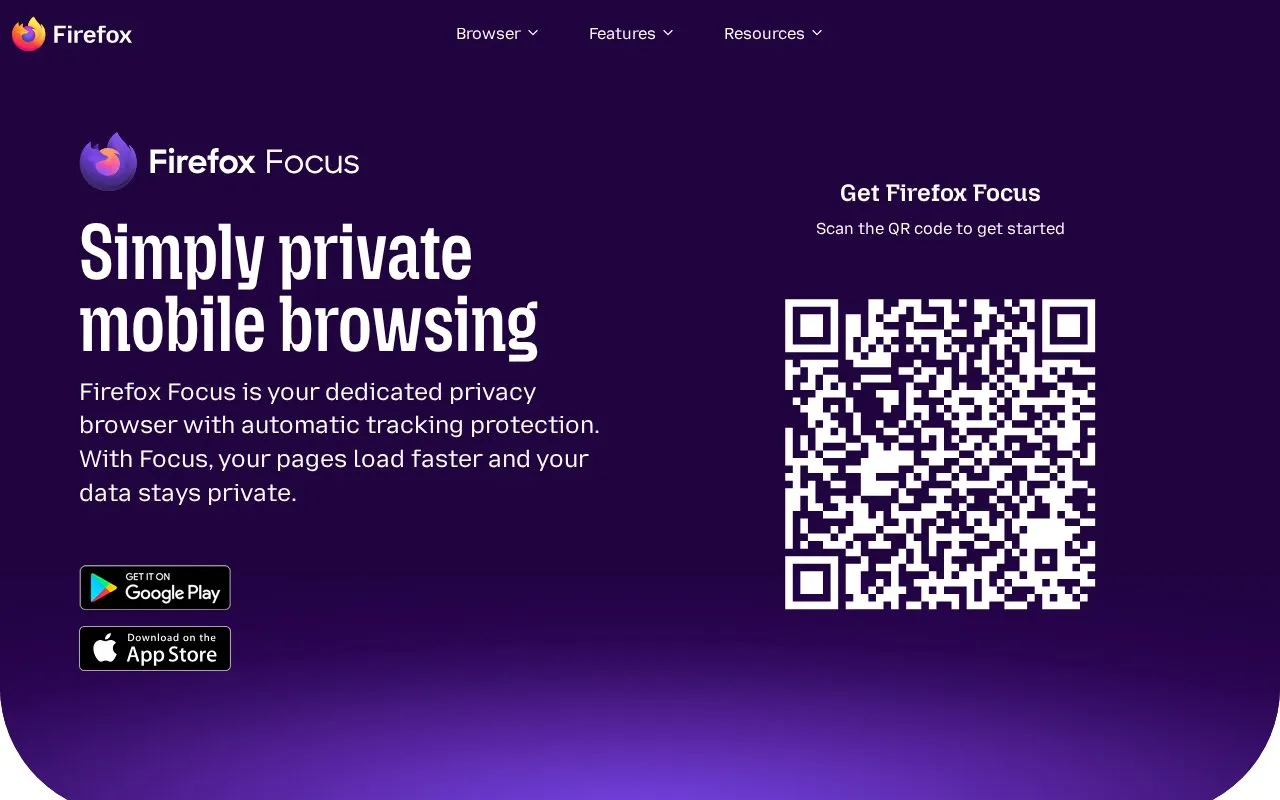
About Firefox Focus
Firefox Focus is a privacy browser for mobile devices, made by Mozilla. It blocks common trackers, including social trackers and ad trackers, by default. The homepage says this reduces the data pages need and makes them load faster. Users can erase their history, passwords and cookies with one tap on the erase button in the search field.
The homepage describes tracking protection as covering a wide range of common trackers, not all tracking. It does not explain in detail how data is handled. Pricing is not stated and is recorded as unknown.
Key features
- Automatic blocking of common trackers, including social and ad trackers, by default
- One-tap erase of history, passwords and cookies from the search field
- Up to four pinned shortcuts on the home screen for direct access to sites
- Removal of trackers so pages require less data and load faster, per the homepage
Best for: People who want a mobile browser with tracker blocking on by default and a quick way to erase browsing data.
Good for
- Tracking protection is automatic and applies by default
- Users can erase history, passwords and cookies quickly from the search field
- The homepage states that the browser is backed by Mozilla, which it describes as a non-profit
Watch out for
- The homepage says it blocks a wide range of common trackers, not all trackers
- Pricing is not stated in the source
Firefox Focus at a glance
- Category
- Privacy & Security › Private Browsers & Search
- Type
- Website
- Pricing
- Not confirmed. Check the site
- Platforms
- Android, iOS, Web
- Open source
- Not stated
- Language
- English
- Last checked
- Oct 6, 2026 · Online when checked
- Listed
- Oct 5, 2026
Firefox Focus alternatives
Tools and sites you could use instead, ranked by how closely they match.

An independent web search engine, Mojeek provides web, image, and news search and states that it does not track users.

Search the web with this privacy-focused metasearch engine, which says it avoids AI-generated results.

Search Engine Party compares popular search engines using security and privacy data points, with contributor research and update links.

Compare popular search engines by privacy-focused data points using this web page and its linked project.

Brave is a web browser for desktop and mobile that blocks tracking software; its site also lists Brave Search and a device-wide VPN.
Popular in Private Browsers & Search
Well-known listings from the same topic.
HTMLhtml.duckduckgo.comBraveapps.apple.com/app/id10528791754get4get.caOnion Browseronionbrowser.comSigma AI Browsersigmabrowser.com


Firefox Focus FAQ
How do I erase my browsing history in Firefox Focus?
Tap the erase button on the search field. The homepage says this removes your history, passwords and cookies.
Does Firefox Focus block trackers by default?
Yes. The homepage says it blocks a wide range of common trackers by default, including social trackers and trackers from things like Facebook ads.
Can I add shortcuts to my home screen?
Yes. The homepage says you can pin up to four shortcuts to your home screen to reach favorite sites without typing.
Is something wrong or out of date?
Tell us and an editor will check it.
Own this website?
Claim this listing
Claim the listing and suggest updates yourself. An editor checks every claim first.