

Customize Firefox with Phoenix, a set of configurations and modifications focused on privacy, security, and usability.
Phoenix
Apply Phoenix configurations and modifications to Mozilla Firefox for privacy, security, and usability.
About Phoenix
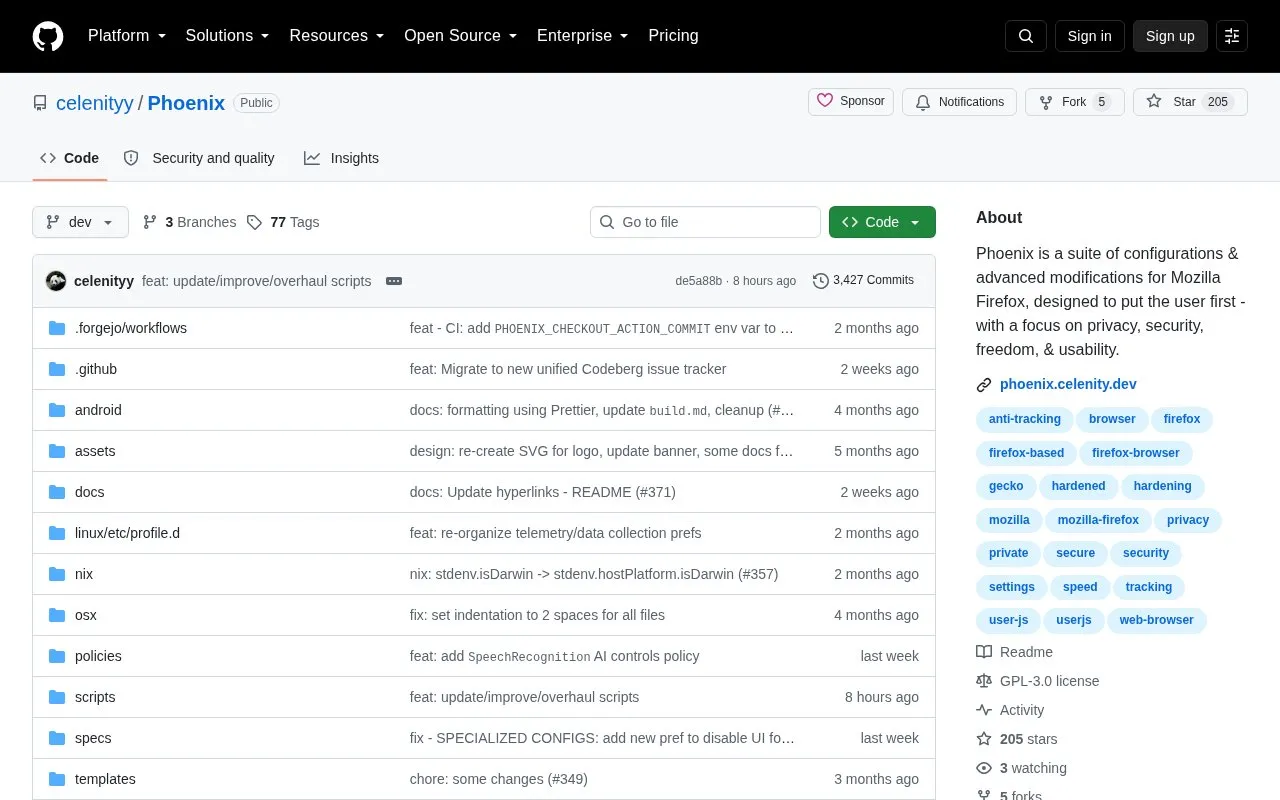
Phoenix is a suite of configurations and modifications for Mozilla Firefox, distributed as an open source GitHub repository. It is installed on top of a standard, official Firefox installation using Firefox's AutoConfig and Enterprise Policies features, rather than as a separate forked browser. The listed platforms are Android and Linux. The project states that its goals are privacy, security, freedom, functionality, and usability.
Phoenix includes a standard configuration and an optional Extended configuration that goes further in privacy and security changes. The project describes the Extended configuration as primarily recommended for advanced users, since it may cause website breakage. Specialized configurations and a manual installation method are also documented. All users are asked to read the project wiki before proceeding, with particular attention to its Limitations page. Thunderbird users are directed to Dove, a sister project. The project states that Phoenix improves privacy and security compared with vanilla Firefox, but this is the project's own description and is not a guarantee.
Key features
- Installs on top of official Firefox using AutoConfig and Enterprise Policies, without a fork
- Receives Mozilla Firefox updates directly rather than through a separate forked build
- Optional Extended configuration with further privacy and security changes that may cause breakage
- Specialized configurations and a manual installation option for users who prefer it
- Disables features the project describes as anti-features
- Quality-of-life and performance changes, where they do not compromise privacy or security
Best for: Firefox users on Linux or Android who want a pre-configured, privacy- and security-focused setup and are willing to read the documentation before installing.
Good for
- Applied on top of official Firefox, so the user continues to receive Mozilla's updates directly.
- Designed to maintain website compatibility and avoid breakage as much as possible.
- Disables features the project classifies as anti-features.
Watch out for
- The Extended configuration is optional and may cause website breakage, and is primarily recommended for advanced users.
- All users are asked to read the wiki before proceeding, with the Limitations page described as especially important.
Phoenix at a glance
- Website
- github.com/celenityy/Phoenix
- Category
- Privacy & Security › Private Browsers & Search
- Type
- Open-source project
- Pricing
- Not confirmed. Check the site
- Platforms
- Android, Linux
- Open source
- Yes · Source code
- Language
- English
- Last checked
- Oct 6, 2026 · Online when checked
- Listed
- Oct 5, 2026
Phoenix alternatives
Tools and sites you could use instead, ranked by how closely they match.

Harden Firefox privacy and anti-tracking settings with the arkenfox user.js configuration template.
Open source
7 alternatives
SlimBrave-Neo hardens and reduces Brave Browser features using Chromium enterprise policies, with a terminal interface on Linux and macOS.
Open source

Yang is a browser extension for using DuckDuckGo bang shortcuts from anywhere, with project details and source code on GitHub.
Open source
6 alternatives
Browse with Firefox Focus, a mobile privacy browser with automatic tracking protection and history deletion.

Search Engine Party compares popular search engines using security and privacy data points, with contributor research and update links.
Popular in Private Browsers & Search
Well-known listings from the same topic.
HTMLhtml.duckduckgo.comBraveapps.apple.com/app/id1052879175Brave Browserbrave.comMojeekmojeek.com4get4get.casearch!search.tiago.zip


Phoenix FAQ
Does Phoenix replace Firefox with a separate browser?
No. Phoenix is installed on top of a standard, official Firefox installation using AutoConfig and Enterprise Policies. The project states that this approach avoids the security risks of a fork.
Where should bugs and suggestions be reported?
The project asks that issues, bug reports, and suggestions be filed in its unified issue tracker.
Is Phoenix suitable for Thunderbird?
The project suggests that Thunderbird users look at Dove, Phoenix's sister project.
Is something wrong or out of date?
Tell us and an editor will check it.
Own this website?
Claim this listing
Claim the listing and suggest updates yourself. An editor checks every claim first.