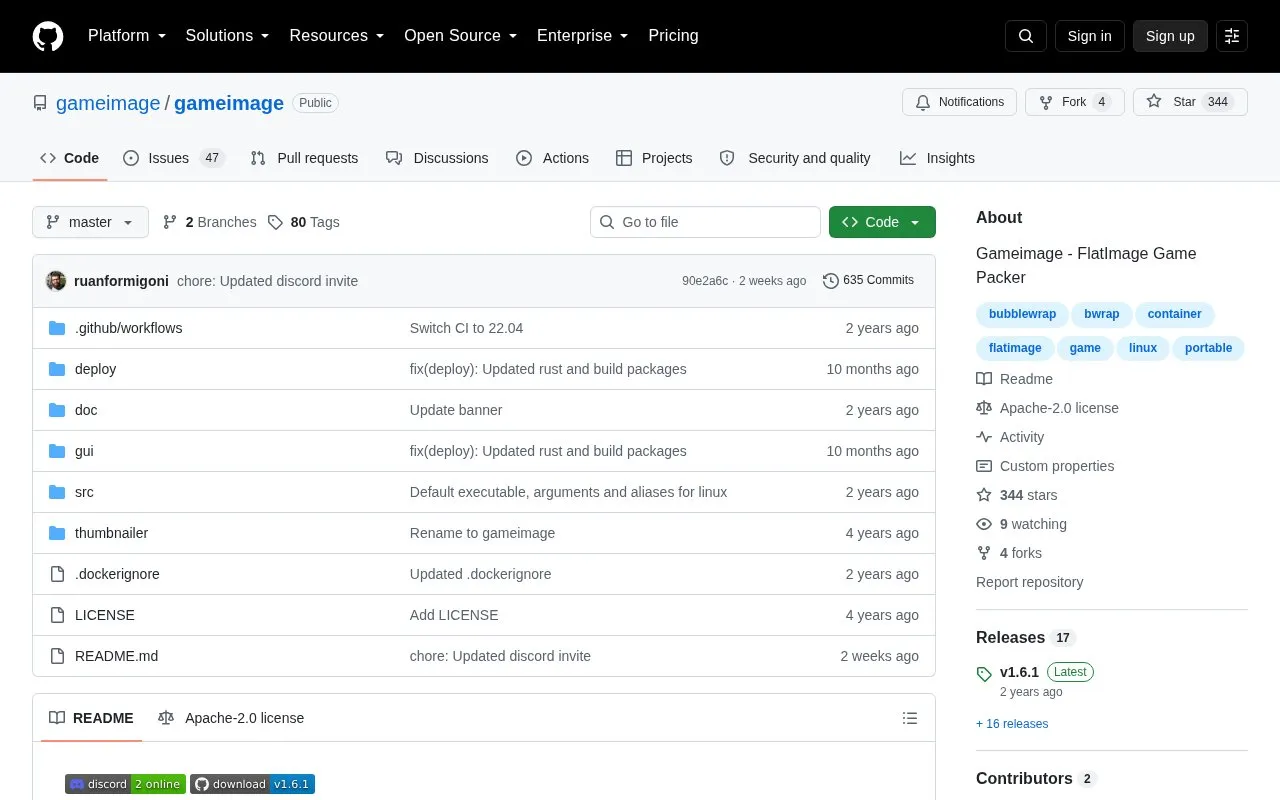
GameImage is an open-source tool for Linux that packs a runner, such as an emulator, a game, and its configuration files into a single FlatImage file. According to the project, this reduces the need to install an emulator or Wine separately and removes repeated setup when configuration files are lost. Game configs and saves are stored in the same folder as the image by default, which the project says simplifies backups.
The project lists a few limits. It advises against using NTFS-formatted hard drives, and it notes that the Wine umu option takes longer to start than other options. The project also states that it does not endorse piracy and asks users to buy their games and consoles.
Key features
Packs a runner, game, and configuration files into one FlatImage file
Runs games without a separately installed emulator or Wine, per the project
Keeps game configs and saves in the image's folder by default
Offers a command-line option to launch a game directly by index
Remembers RetroArch shader presets saved as global presets after image creation
Installation tutorials cover Wine single, Wine multiple, and Linux packages
Best for: Linux users who want to package emulated or Wine-based games into self-contained files that are easier to back up and move.
Good for
Games can run without a separately installed emulator or Wine, according to the project.
Saves and configs sit in the same folder as the image by default, which simplifies backups.
Compressed filesystem can result in smaller file sizes than loose game files.
Watch out for
A known issue advises against using NTFS-formatted hard drives.
The Wine umu option takes longer to start than other options.
The repository lists Linux as the only supported platform.
Download the latest gameimage.run file from the project's releases page.
Can GameImage skip its graphical launcher?
Yes. Running the image with the --select-index option launches a chosen game directly. A further option disables the launcher so that a game opens on double-click in the file manager.
What is the project's position on piracy?
The project states that it does not endorse piracy and asks users to buy their games and consoles to use the software.
Is something wrong or out of date?
Tell us and an editor will check it.
Own this website?
Claim the listing and suggest updates yourself. An editor checks every claim first.