
Alacritty runs as a cross-platform OpenGL terminal emulator, with installers listed for desktop systems.
Pick
11 alternativesGenymotion Desktop runs Android emulators on Windows and macOS, with builds for Intel and Apple Silicon computers.
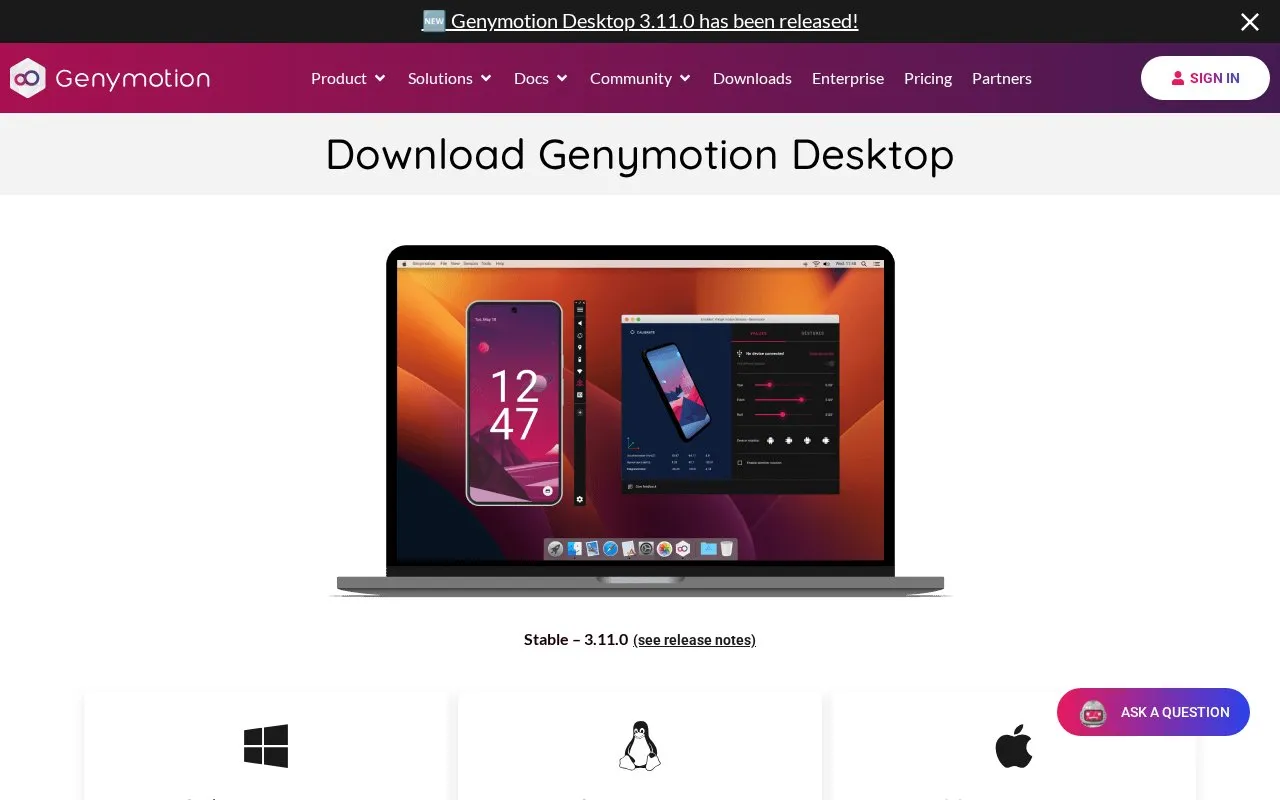
Genymotion Desktop is an Android emulator for personal computers. The download page lists installers for Windows 11 (x86_64), macOS (Intel and Apple Silicon, for Tahoe 26 and Sequoia 15), and Linux (x86_64, for Ubuntu 24.04 LTS or higher, Debian stable 13 or higher, and Fedora Workstation 40 or higher). The current stable release shown is 3.11.0, and each installer is listed with a SHA256 checksum. The Windows installer includes VirtualBox by default, and a version without VirtualBox is also offered.
The page lists emulated device features such as GPS and GPS routes, camera and media injection, network settings, motion sensors, biometrics, simulated phone calls and SMS, gamepad support, and screen capture. The page includes a comparison of Free and Pro features, but the text does not clearly show which features are included in each edition, so availability should be checked on the download page. Requirements are demanding: an Internet connection is mandatory at first run, 16 GB or more of memory is listed, VT-x or AMD-V virtualization must be enabled, and each virtual device needs at least 1 GB of storage. The free personal-use edition is described as unsuitable for trials or proofs of concept, and it does not include assistance and has some features disabled. Pricing is not stated on the page.
Tools and sites you could use instead, ranked by how closely they match.
Alacritty runs as a cross-platform OpenGL terminal emulator, with installers listed for desktop systems.
foot runs as a Wayland terminal emulator, described by its project as fast, lightweight, and minimalistic.
WezTerm provides terminal emulation and multiplexing across platforms, according to its project page.
UTM runs virtual machines on Mac, including operating systems on Apple Silicon and Intel hardware.
PeaZip is an open-source archive manager app for macOS and Darwin that creates, opens and extracts common archive formats, with builds for Apple Silicon and Intel.
Tart builds, runs, and manages macOS and Linux virtual machines on Apple Silicon for CI and other automation.
Well-known listings from the same topic.
Tell us and an editor will check it.
Claim the listing and suggest updates yourself. An editor checks every claim first.


