

Genymotion Desktop runs Android emulators on Windows and macOS, with builds for Intel and Apple Silicon computers.
UTM
UTM runs virtual machines on Mac, including operating systems on Apple Silicon and Intel hardware.
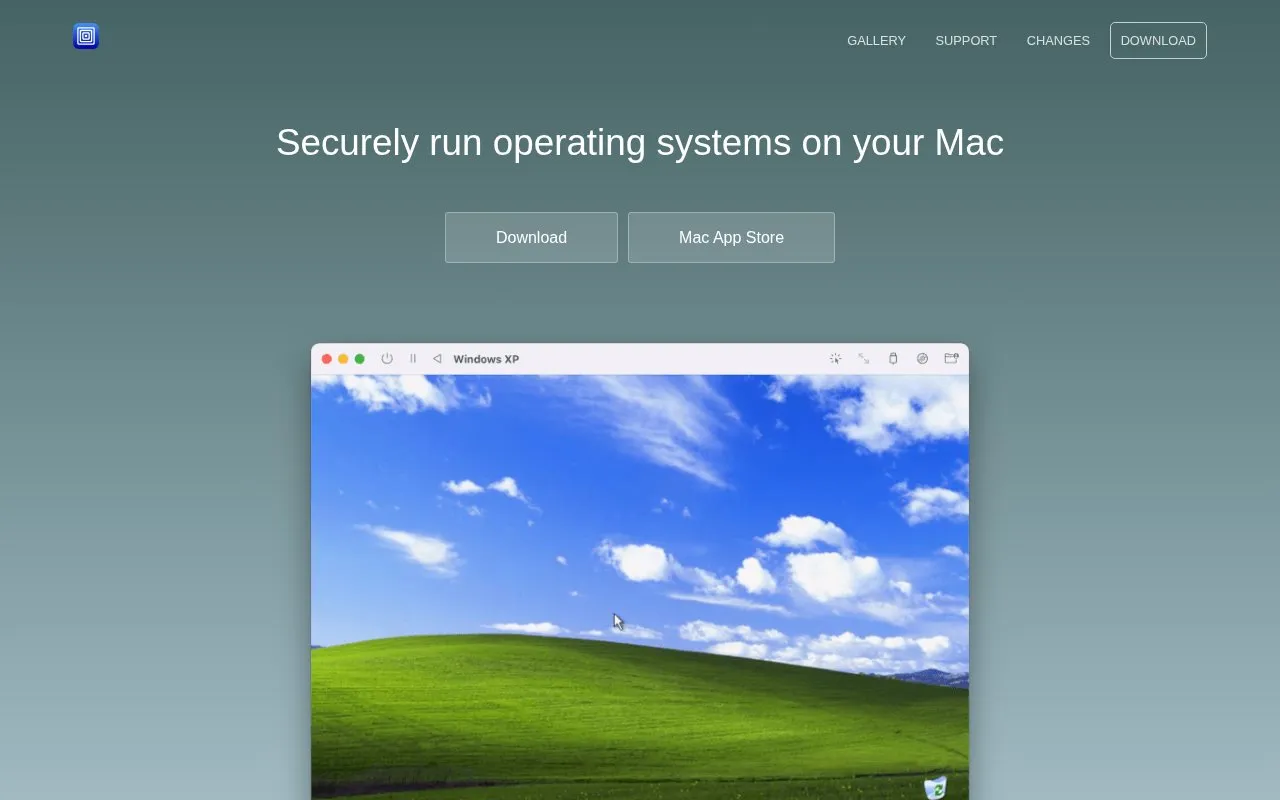
About UTM
UTM is a virtual machine application for Mac that runs operating systems on Apple Silicon and Intel hardware. On Apple Silicon Macs, it uses Apple's Hypervisor framework to run ARM64 operating systems at near native speeds. On Intel Macs, it can virtualize x86/x64 operating systems. Lower-performance emulation is also available for running x86/x64 on Apple Silicon and ARM64 on Intel, and the homepage lists dozens of other emulated processors, including ARM32, MIPS, PPC, and RISC-V. Older operating systems can be emulated on PowerPC, SPARC, or x86_64.
UTM is built on QEMU and can alternatively use Apple's Virtualization framework, which the homepage describes as a native framework for virtualizing macOS and Linux on Apple Silicon. Running macOS virtual machines is limited to ARM-based Macs running macOS Monterey or higher. UTM does not support GPU or hardware 3D acceleration on Windows, so most games are not expected to run, though older games may run with software rendering. Experimental hardware OpenGL acceleration on Linux is available through Virgl.
Key features
- Runs ARM64 operating systems on Apple Silicon using Apple's Hypervisor framework
- Virtualizes x86/x64 operating systems on Intel Macs
- Emulates x86/x64 on Apple Silicon and ARM64 on Intel at lower performance
- Emulates processors including ARM32, MIPS, PPC, and RISC-V
- Runs multiple macOS instances on ARM-based Macs running Monterey or higher
- Can be configured to use Apple Virtualization for macOS and Linux guests on Apple Silicon
Best for: Mac users, including developers and security-minded users, who need to run other operating systems or emulate older or non-Apple processor architectures.
Good for
- Built for macOS and designed to look and feel like a Mac app
- Provides QEMU's flexibility with a simpler setup than command-line QEMU
- The Mac App Store version has the same features as the free version
Watch out for
- No GPU or hardware 3D acceleration on Windows, so most games are not supported
- macOS virtual machines are limited to ARM-based Macs running Monterey or higher
- Emulated configurations run at lower performance than virtualized ones
UTM at a glance
- Website
- mac.getutm.app
- Category
- Software & Utilities › Linux Apps
- Type
- Website
- Pricing
- Not confirmed. Check the site
- Platforms
- iOS, Linux, macOS, Web, Windows
- Open source
- Not stated
- Language
- English
- Last checked
- Oct 6, 2026 · Online when checked
- Listed
- Oct 5, 2026
UTM alternatives
Tools and sites you could use instead, ranked by how closely they match.

Tart builds, runs, and manages macOS and Linux virtual machines on Apple Silicon for CI and other automation.
PeaZip is an open-source archive manager app for macOS and Darwin that creates, opens and extracts common archive formats, with builds for Apple Silicon and Intel.
FreeOpen source
14 alternatives
Tart builds, runs, and manages macOS and Linux virtual machines, with remote storage and integrations such as GitHub and GitLab.

OrbStack runs containers and Linux virtual machines on macOS, according to its product page.
Lima launches Linux virtual machines with automatic file sharing, according to its project page.
Popular in Linux Apps
Well-known listings from the same topic.
AltBoxaltbox.devThe Levelatorarchive.org/details/conversationsnetwork_org-l…Alacrittyalacritty.orgShellScriptshellscript.shghostwriterghostwriter.kde.orgLibrebootlibreboot.org


UTM FAQ
Can I run games in UTM?
The homepage says probably not. UTM does not currently support GPU emulation or virtualization on Windows and lacks 3D acceleration such as OpenGL and DirectX. Older games may run with software rendering, but nothing with hardware acceleration is expected to work. Experimental hardware OpenGL acceleration on Linux is available through Virgl.
What is the difference in the Mac App Store version?
According to the homepage, the Mac App Store version is identical to the free version and no features are left out of the free version. Its only stated advantage is automatic updates.
How can I contribute to UTM?
The homepage says UTM is on GitHub, and contributors can also contribute to the QEMU project.
Is something wrong or out of date?
Tell us and an editor will check it.
Own this website?
Claim this listing
Claim the listing and suggest updates yourself. An editor checks every claim first.