

A lightweight notification daemon for Wayland. Works on Sway.
Open source
24 alternativesGromit-MPX is an on-screen annotation tool that works with any Unix desktop environment under X11 as well as XWayland.
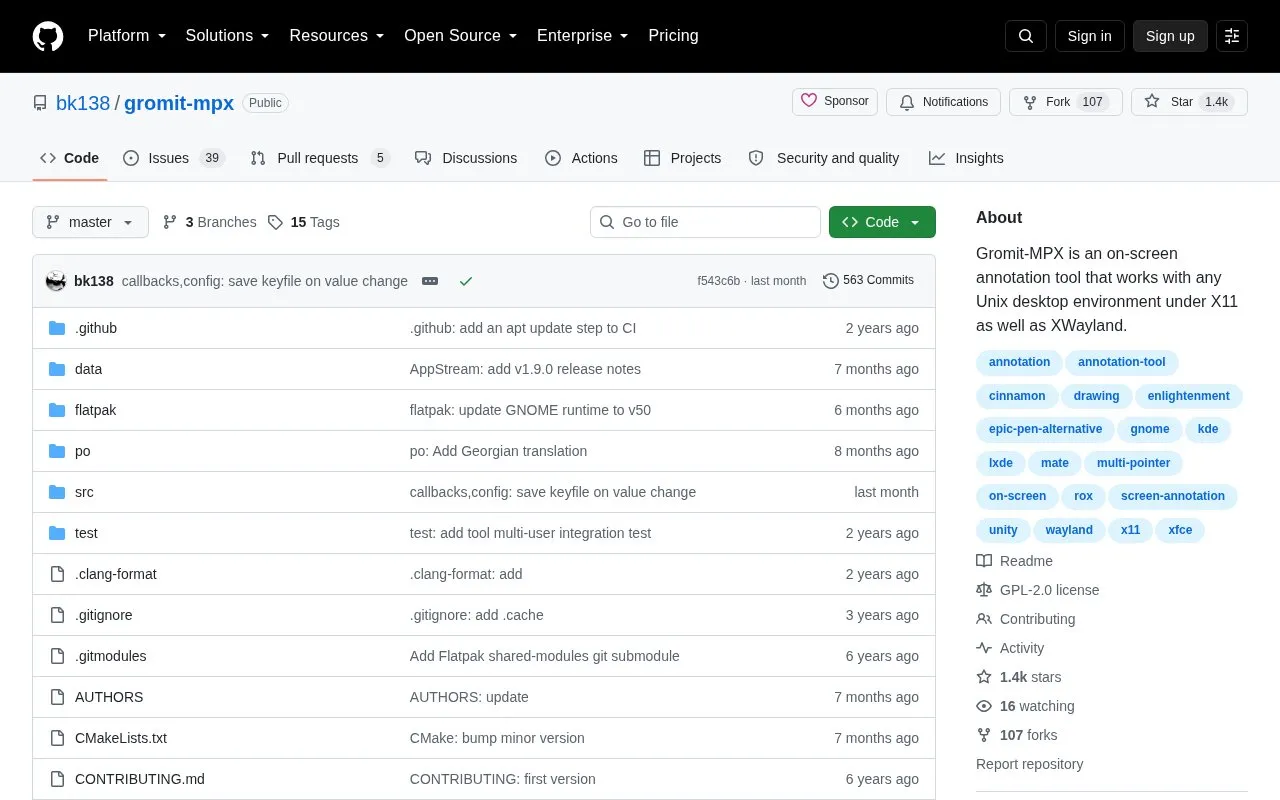
Gromit-MPX is an on-screen annotation tool for Unix desktops. It lets you draw over running applications to highlight buttons or areas, and its stated main use is presentations. It runs under X11 and, through XWayland, in Wayland sessions. It is controlled mainly by hotkeys rather than an on-screen panel, so it does not clutter the desktop.
Pricing is not clearly stated.
Tools and sites you could use instead, ranked by how closely they match.
A lightweight notification daemon for Wayland. Works on Sway.
Trackma manages lists across multiple sites on Unix-like systems, with tools to fetch and update user data.
Winetricks helps work around problems in Wine, according to its project description.
zoxide improves directory navigation with a smarter cd command that works across major shells.
Bash-it collects community-maintained Bash commands and scripts for Bash environments.
This repository collects useful Unix shell one-liners and command-line tools.
Well-known listings from the same topic.
Tell us and an editor will check it.
Claim the listing and suggest updates yourself. An editor checks every claim first.


