

Buzz transcribes and translates audio offline on a personal computer, using Whisper models according to its project description.
Open source
24 alternativesHandy is a free, open-source desktop app that transcribes speech on your computer and inserts it into the text field you are using.
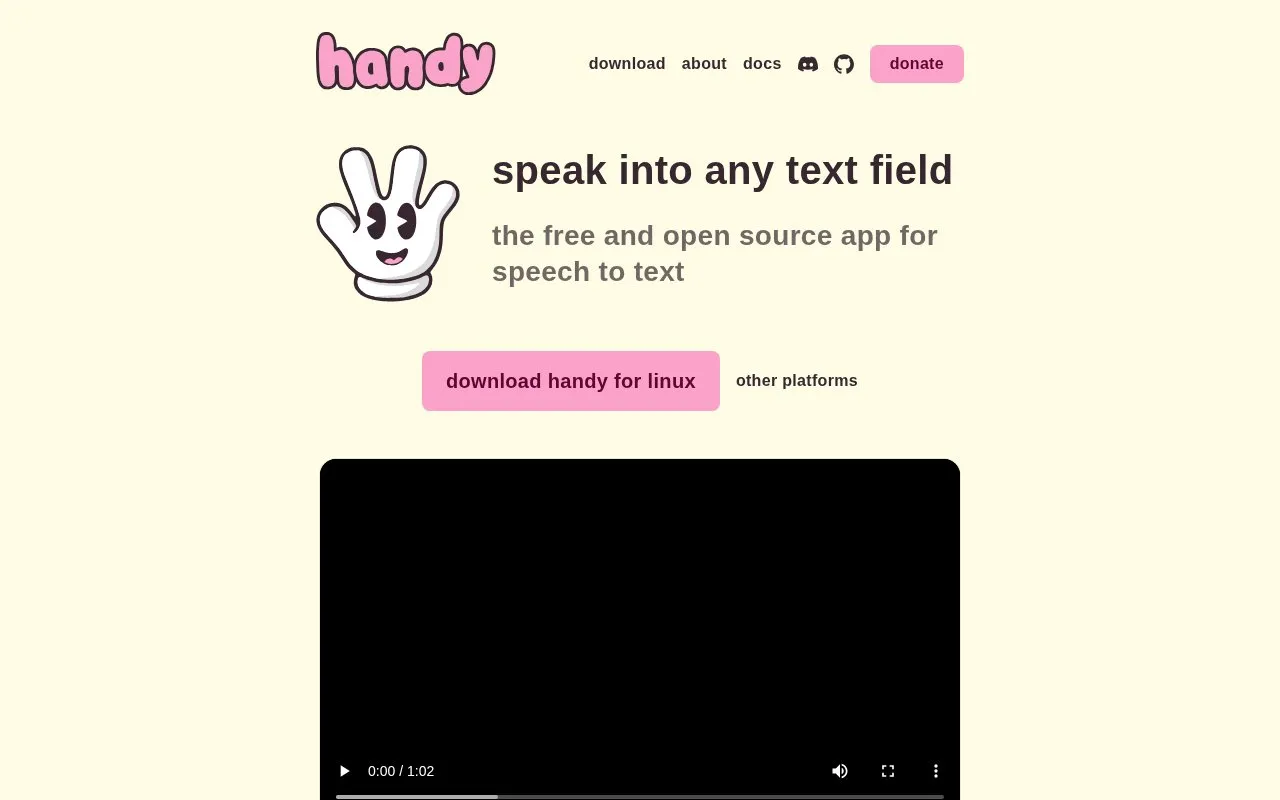
Handy is a speech-to-text application for a computer that pastes dictated words into the active text field. It is operated with a keyboard shortcut, with a hold-to-talk mode enabled by default, a press-to-start and press-to-stop option, and a changeable key binding. Its page states that transcription happens on the computer without sending audio to the cloud.
Tools and sites you could use instead, ranked by how closely they match.
Buzz transcribes and translates audio offline on a personal computer, using Whisper models according to its project description.
Text To Handwriting converts computer text into handwriting-style output through an online tool.
TalkTyper provides browser-based speech-to-text dictation, with language options including English, French, German, and Spanish.
Voice Notepad converts speech to text in a browser and lets users copy, save, publish, or email dictated content.
SpeechTexter provides real-time online voice typing and speech-to-text dictation, with support listed for more than 70 languages.
SpeechNotes supports voice dictation and automatic transcription of audio and video recordings into text.
Well-known listings from the same topic.
Tell us and an editor will check it.
Claim the listing and suggest updates yourself. An editor checks every claim first.


