

Image Eye
Image Eye displays images on Windows, with downloads and translation options listed on its product site.
About Image Eye
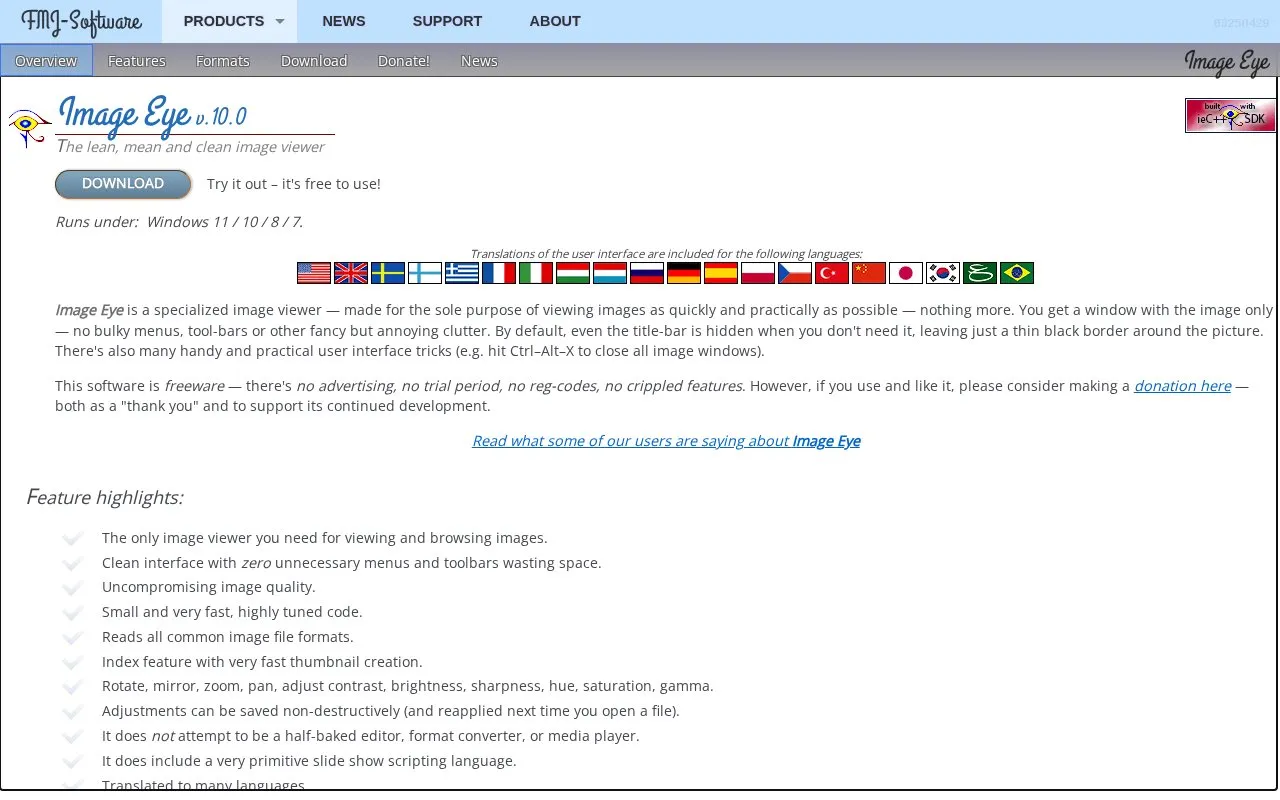
Image Eye is a freeware Windows image viewer for viewing and browsing images quickly. It runs on Windows 11, 10, 8, and 7 and supports a broad list of formats, including AVIF, BMP, GIF, JPEG, PNG, PSD, TIFF, and WEBP, with animated images and multi-page TIFFs. The interface is designed to show the image with minimal menus and toolbars. It includes an index view with thumbnail creation, viewing adjustments such as rotate, zoom, contrast, brightness, sharpness, hue, saturation and gamma, and non-destructive saving of adjustments. It can run as a portable application. The source says it is not intended as an editor, format converter, or media player, and its slide show scripting language is very primitive. User interface translations are included.
Key features
- Views and browses many common image formats, including animated GIF, PNG, WEBP and AVIF
- Index mode creates fast thumbnails for images in a directory
- Includes rotate, mirror, zoom, pan, contrast, brightness, sharpness, hue, saturation and gamma adjustments
- Saves adjustments non-destructively and can reapply them when reopening files
- Can run as a portable application from a USB stick
- Reads text metadata from formats such as EXIF, IPTC, XMP and JPEG comments
Best for: Windows users who want a fast, minimal image viewer for browsing and reading common formats rather than editing.
Good for
- Freeware with no advertising, trial period, registration codes, or crippled features.
- Small and fast code with asynchronous I/O, speculative decoding, image caching, and SIMD/multi-core parallelism.
- Supports a broad list of image formats, animated images, and multi-page TIFFs.
Watch out for
- Runs only on Windows; listed versions are Windows 11, 10, 8, and 7.
- Not intended as an editor, format converter, or media player.
- Slide show scripting language is described as very primitive.
Image Eye at a glance
- Website
- fmjsoft.com/imageeye.html
- Category
- Online Tools › Image Tools
- Type
- Online tool
- Pricing
- Not confirmed. Check the site
- Platforms
- Web, Windows
- Open source
- Not stated
- Language
- English
- Last checked
- Oct 5, 2026 · Online when checked
- Listed
- Oct 5, 2026
Guides for Image Tools

Popular in Image Tools
Well-known listings from the same topic.
CamScannerapps.apple.com/us/app/camscanner-pdf-scanner-a…BeeRefbeeref.orgGreenshotgetgreenshot.orgLightshotapp.prntscr.comnomacsnomacs.orgConverseenconverseen.fasterland.net


Image Eye FAQ
Is Image Eye free to use?
Yes. The source describes it as freeware with no advertising, trial period, registration codes, or crippled features; donations are optional.
Can Image Eye edit or convert images?
The source says it is not intended as an editor, format converter, or media player, though it includes viewing adjustments that can be saved non-destructively.
Can recent folder history be disabled?
Yes. The source says the list of most recent folders can be turned off for privacy.
Is something wrong or out of date?
Tell us and an editor will check it.
Own this website?
Claim this listing
Claim the listing and suggest updates yourself. An editor checks every claim first.