

This browser extension batch-downloads Pixiv illustrations and novels, with filtering, renaming, and animated-image conversion features.
Open source
13 alternativesThe Image Picka extension helps users select and download images in Firefox or Chrome, with repository topics for batch downloads and URL transforms.
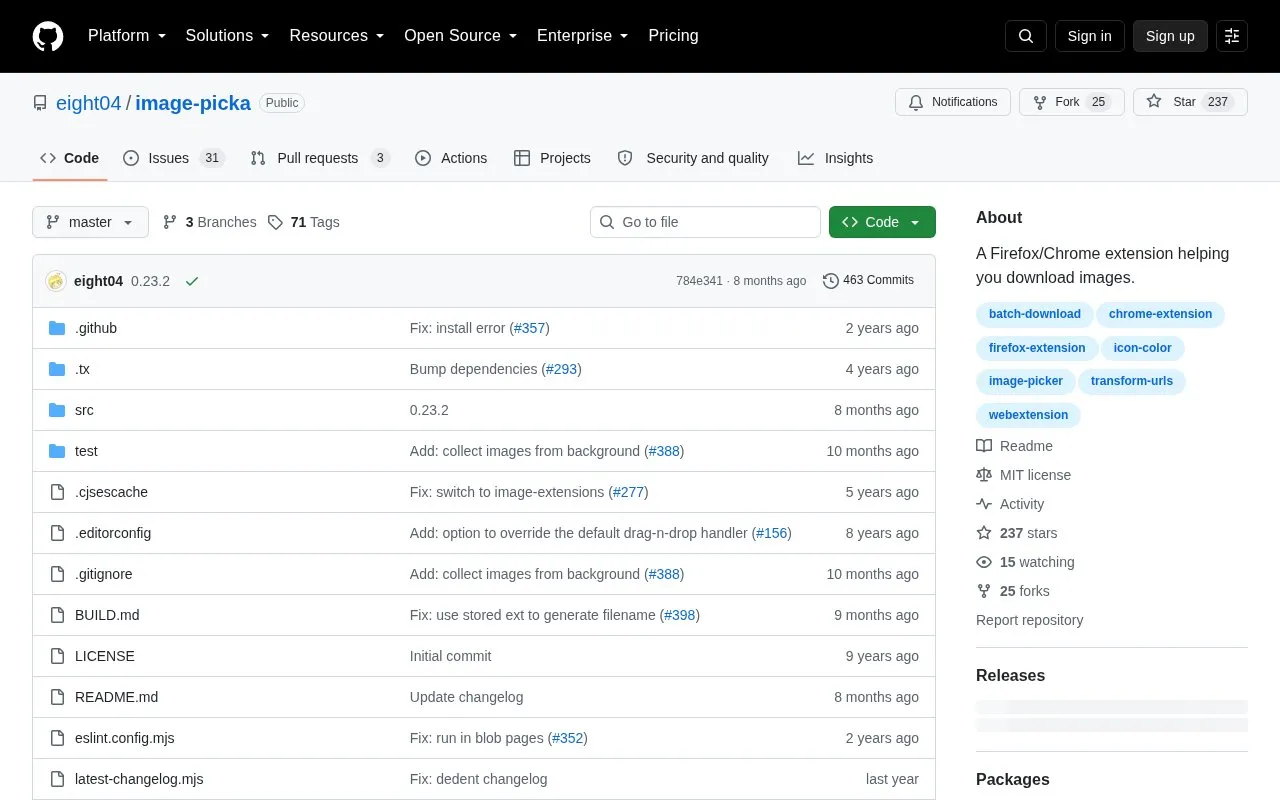
Image Picka is a browser extension for Firefox and Chrome that helps select and download images from web pages. It supports single-image download by drag-and-drop, Ctrl/Shift/Alt + click, or a hover button, plus batch download from the current tab or tabs to the right, with filters for dimensions, file size and URL, URL copying, customized filenames, download from browser cache, and URL find-and-replace.
The Firefox version installs from addons.mozilla.org. The Chrome version is not hosted on the Chrome Web Store and must be installed manually from a release ZIP as an unpacked extension.
Tools and sites you could use instead, ranked by how closely they match.
This browser extension batch-downloads Pixiv illustrations and novels, with filtering, renaming, and animated-image conversion features.
An open-source browser extension, SVG Gobbler finds, edits, exports, optimizes, and manages SVG graphics from webpages.
SVG Export is a browser extension for extracting icons, logos, and illustrations from websites, with bulk export to SVG, PNG, or JPG.
Download free vectors, fonts, images, clip art and background graphics from CGIspread.
Woopicx offers AI generated stock photos, 3D icons, and mockups that visitors can browse and download.
The iTunes Artwork Finder searches for high-resolution artwork across albums, apps, books, podcasts, audiobooks, films, and TV shows.
Well-known listings from the same topic.
Tell us and an editor will check it.
Claim the listing and suggest updates yourself. An editor checks every claim first.


