

The Image Picka extension helps users select and download images in Firefox or Chrome, with repository topics for batch downloads and URL transforms.
Open source
21 alternativesSVG Export is a browser extension for extracting icons, logos, and illustrations from websites, with bulk export to SVG, PNG, or JPG.
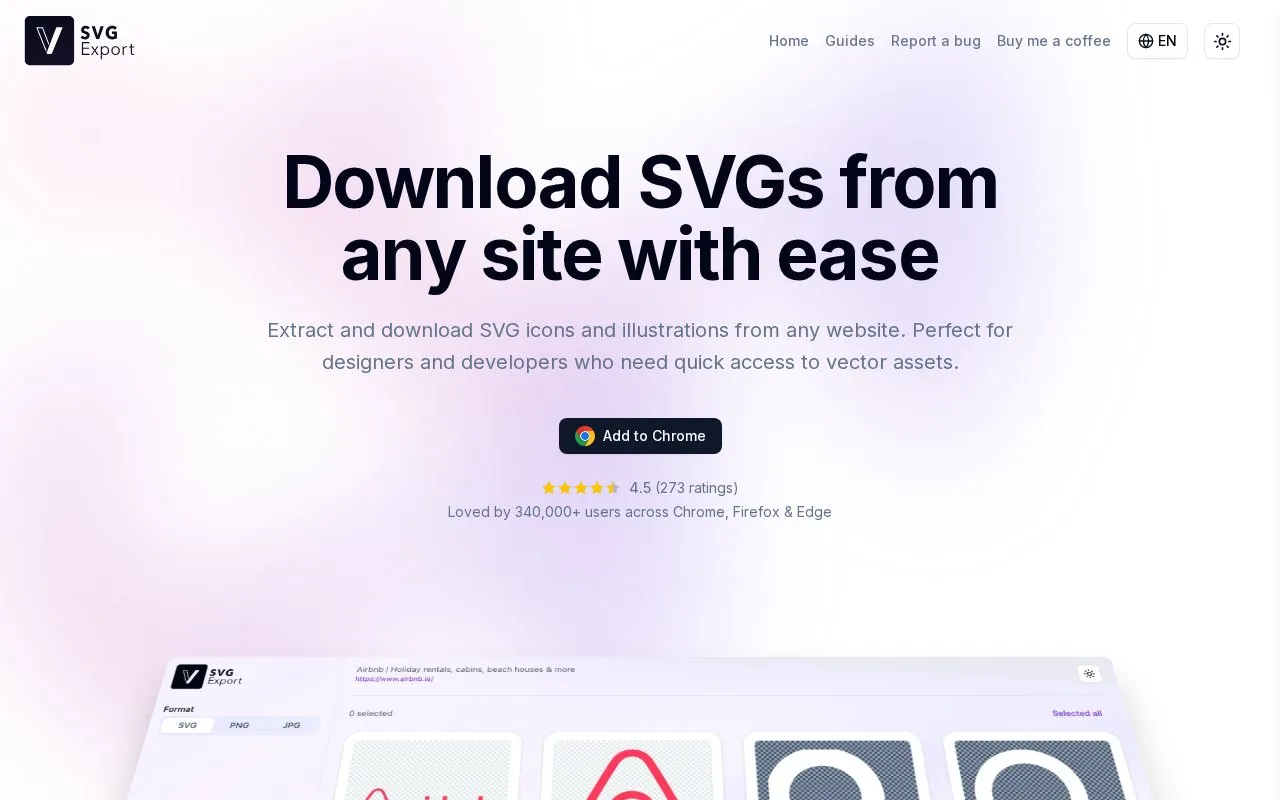
SVG Export is a browser extension that finds vector graphics on the current webpage for download, such as icons, logos, and illustrations. Users can select individual items or select multiple items for bulk download as a zip file.
It supports export to SVG, PNG, or JPG, with options to rename, resize, and preview before saving. It can inline styles from external CSS and copy SVG code for use in design tools or code.
Tools and sites you could use instead, ranked by how closely they match.
The Image Picka extension helps users select and download images in Firefox or Chrome, with repository topics for batch downloads and URL transforms.
VectorJunky provides thousands of free vector files, icons, backgrounds, logos, and clipart in EPS and JPG formats.
FreeVector.com provides vector art, icons, wallpapers, brand logos, design news, and graphic resources.
Browse free and paid SVG illustrations and icons for use in design projects.
Woopicx offers AI generated stock photos, 3D icons, and mockups that visitors can browse and download.
An open-source browser extension, SVG Gobbler finds, edits, exports, optimizes, and manages SVG graphics from webpages.
Well-known listings from the same topic.
Tell us and an editor will check it.
Claim the listing and suggest updates yourself. An editor checks every claim first.


