

ImageFoo
ImageFoo optimizes and compresses images, with desktop downloads for Windows and Android.
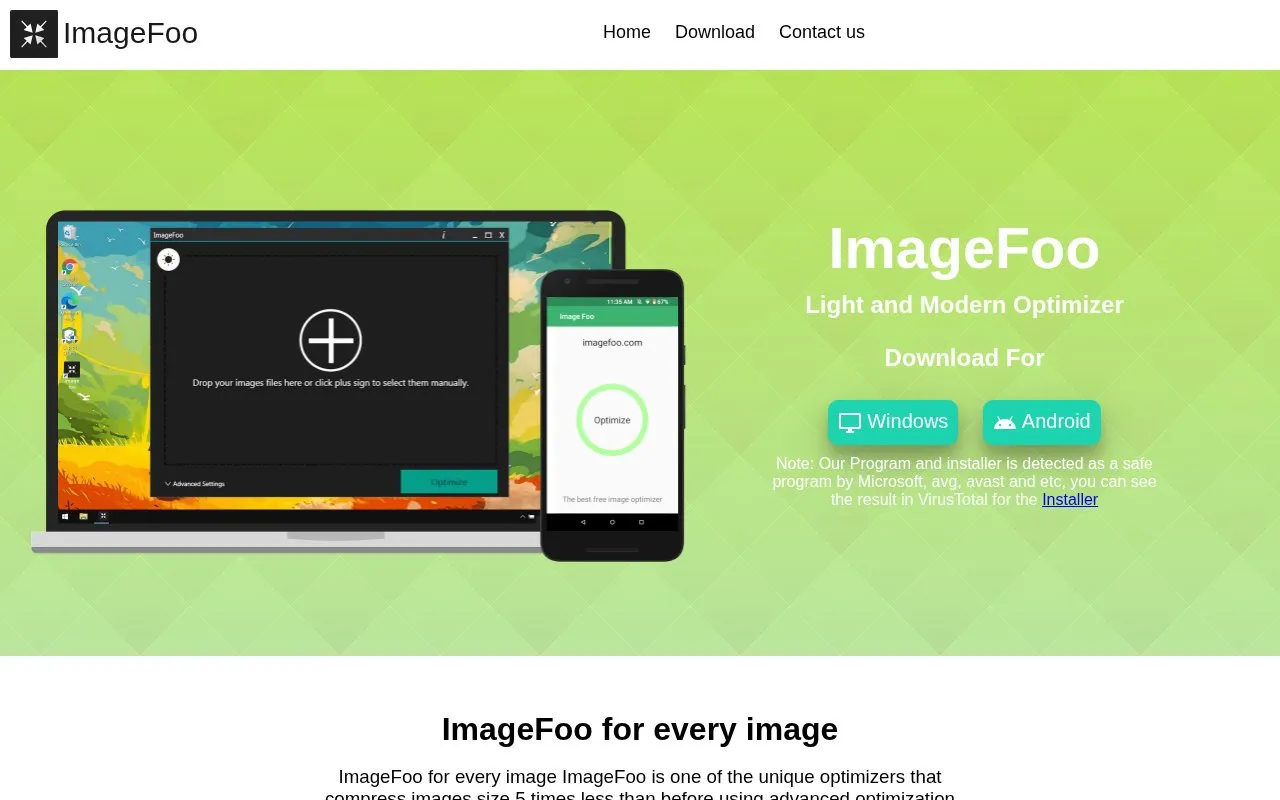
About ImageFoo
ImageFoo optimizes and compresses images to reduce file size. Users add files by dragging them in or using a plus sign, choose a quality level, and run optimization.
It offers versions for Windows and Android. The site states support for different Windows versions and 98% of Android versions, with multiple image types handled on both platforms.
Key features
- Compress images at a quality level chosen by the user
- Add images by dragging files or selecting a plus sign
- Downloadable version for Windows devices
- Downloadable version for Android devices
- Processes multiple image types on both platforms
Best for: People using Windows or Android devices who need smaller image files.
Good for
- Available for both Windows and Android
- Lets users choose compression quality
- Simple add-and-optimize workflow with drag support
ImageFoo at a glance
- Website
- imagefoo.com
- Category
- Online Tools › Image Tools
- Type
- Website
- Pricing
- Not confirmed. Check the site
- Platforms
- Android, Web, Windows
- Open source
- Not stated
- Last checked
- Oct 5, 2026 · Online when checked
- Listed
- Oct 5, 2026
Guides for Image Tools

ImageFoo alternatives
Tools and sites you could use instead, ranked by how closely they match.

SVGOMG provides a visual interface for compressing and optimizing SVG images.
SEOPIX compresses, resizes, and optimizes JPEG and PNG images through an online editor.
Free
12 alternativesPopular in Image Tools
Well-known listings from the same topic.
CamScannerapps.apple.com/us/app/camscanner-pdf-scanner-a…BeeRefbeeref.orgGreenshotgetgreenshot.orgLightshotapp.prntscr.comnomacsnomacs.orgConverseenconverseen.fasterland.net


Is something wrong or out of date?
Tell us and an editor will check it.
Own this website?
Claim this listing
Claim the listing and suggest updates yourself. An editor checks every claim first.