

ImageResizer
Resize, crop, compress, and convert image files with this online image tool.
About ImageResizer
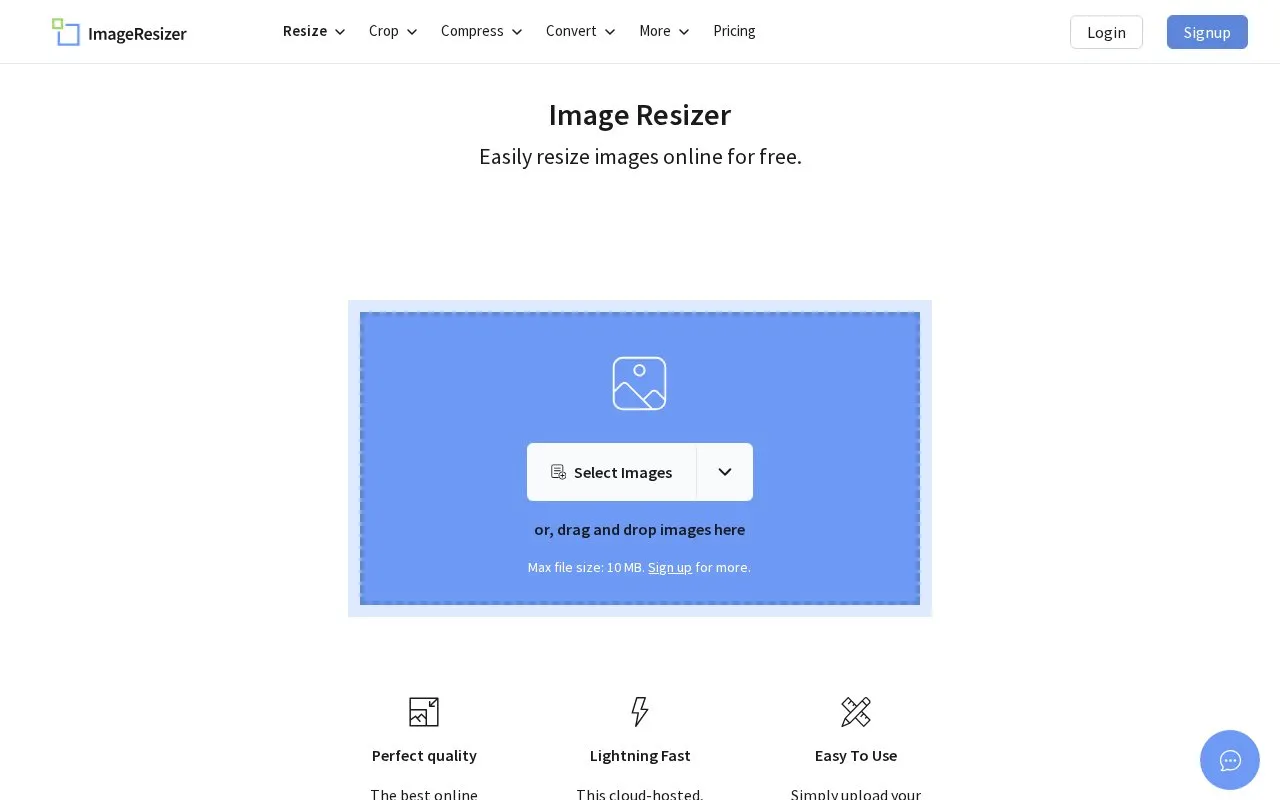
ImageResizer is an online tool for resizing, cropping, compressing, and converting image files. Users select images or drag and drop them, enter a target size, and run the resize function.
It is browser-based and lists Windows, Linux, and Mac as supported platforms. Uploaded images are sent to its cloud service via what the site describes as a 256-bit encrypted SSL connection and are deleted automatically within 6 hours.
Key features
- Resize images by entering a target size
- Crop images online
- Compress image files
- Convert image files
- Upload by selecting files or dragging and dropping
Best for: People who need to resize, crop, compress, or convert images without installing software.
Good for
- Browser-based with stated support for Windows, Linux, and Mac
- Site states no software install, registration, or watermarks
- Site states uploads use 256-bit SSL and deletion within 6 hours
Watch out for
- Processing requires uploading images to its cloud service
ImageResizer at a glance
- Website
- imageresizer.com
- Category
- Online Tools › Image Tools
- Type
- Online tool
- Pricing
- Not confirmed. Check the site
- Platforms
- Android, iOS, Linux, Web, Windows
- Open source
- Not stated
- Language
- English
- Last checked
- Oct 5, 2026 · Online when checked
- Listed
- Oct 5, 2026
Guides for Image Tools

ImageResizer alternatives
Tools and sites you could use instead, ranked by how closely they match.

HiCompress provides browser utilities to convert, compress, edit, and resize pictures.

nomacs views common image formats such as RAW and PSD across platforms, and includes crop and resize tools.
FreeOpen source
24 alternativesPopular in Image Tools
Well-known listings from the same topic.
CamScannerapps.apple.com/us/app/camscanner-pdf-scanner-a…BeeRefbeeref.orgGreenshotgetgreenshot.orgLightshotapp.prntscr.comConverseenconverseen.fasterland.netStorage Serverpixelunion.eu


ImageResizer FAQ
How do I resize an image with ImageResizer?
Select an image, enter a new target size, then click the Resize Image button.
What happens to images I upload?
The site states uploads use a 256-bit encrypted SSL connection and are deleted automatically within 6 hours.
Is something wrong or out of date?
Tell us and an editor will check it.
Own this website?
Claim this listing
Claim the listing and suggest updates yourself. An editor checks every claim first.