
A browser extension, Control Panel for YouTube adds settings for adjusting playback and site behavior.
ImprovedTube
ImprovedTube adds controls and settings for YouTube, with documentation and channels for bug reports and feature requests.
About ImprovedTube
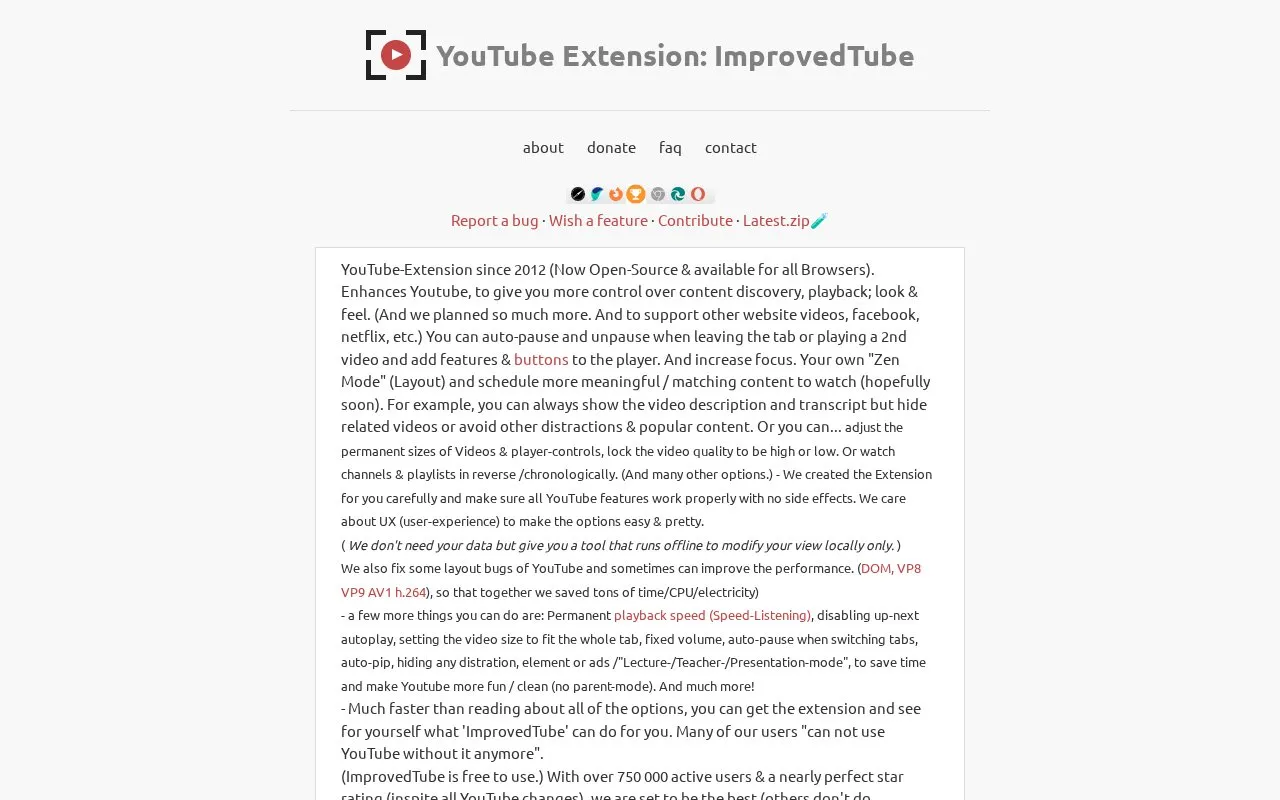
ImprovedTube is a browser extension that adds controls to YouTube for playback, layout and content discovery. Its site says it has been developed since 2012 and is now open source. The extension works locally in the browser to change how YouTube looks and behaves for you, and the site says it does not need your data. A FAQ page and channels for bug reports and feature requests are also listed.
Pricing is not clearly stated.
Key features
- Auto-pause when you leave a tab or start a second video
- Permanent playback speed and turned-off up-next autoplay
- Lock video quality to high or low
- Hide related videos and other distractions
- Custom layout called Zen Mode
- Reverse or chronological order for channels and playlists
- Fit the video to the tab and keep a fixed volume
- Auto picture-in-picture mode
Best for: People who want more control over how YouTube plays and looks in their browser.
Watch out for
- Support for video sites other than YouTube is described as planned
- The FAQ says the extension asks for access to all YouTube sites
- The FAQ says ImprovedTube.com verifies product keys for purchasers, and basic details are sent when you contact support
ImprovedTube at a glance
- Website
- improvedtube.com
- Category
- Social & Communities › YouTube Tools
- Type
- App
- Pricing
- Not confirmed. Check the site
- Platforms
- Browser extension
- Details verified
- Oct 22, 2026 · Official source
- Open source
- Yes · Source code
- Language
- English
- Last checked
- Oct 5, 2026 · Online when checked
- Listed
- Oct 5, 2026
ImprovedTube alternatives
Tools and sites you could use instead, ranked by how closely they match.

Tweaks for YT adds mouse and keyboard controls for seeking, volume, playback speed, and other YouTube functions.

This browser extension adds interface options and controls for YouTube on desktop and mobile browsers.

Scan YouTube comments for spam, then filter, search, delete, or report matching comments on channels.
Open source
24 alternatives
Enhancer for YT adds features and controls to customize YouTube playback and the viewing experience.

YTCH organizes YouTube videos into channel-style pages, with settings for displaying captions, titles, and channel names.
Popular in YouTube Tools
Well-known listings from the same topic.
Youtube Multiplieryoutubemultiplier.comFilmotfilmot.comRecoverMy.Videorecovermy.videoYT Comment Viewercommentviewer.complaylist.toolsplaylist.toolsInvidiousinvidious.io


ImprovedTube FAQ
Where do I find the extension settings?
Visit YouTube and click the ImprovedTube icon in the address bar to open the options popup. If the icon is hidden, open the settings from the Chrome Extensions page.
How do I uninstall it?
Open the Chrome Extensions page, click the trash icon next to ImprovedTube, then click Remove in the popup.
Which browsers does it support?
The site says it is available for all browsers.
Is something wrong or out of date?
Tell us and an editor will check it.
Own this website?
Claim this listing
Claim the listing and suggest updates yourself. An editor checks every claim first.