
Jibble
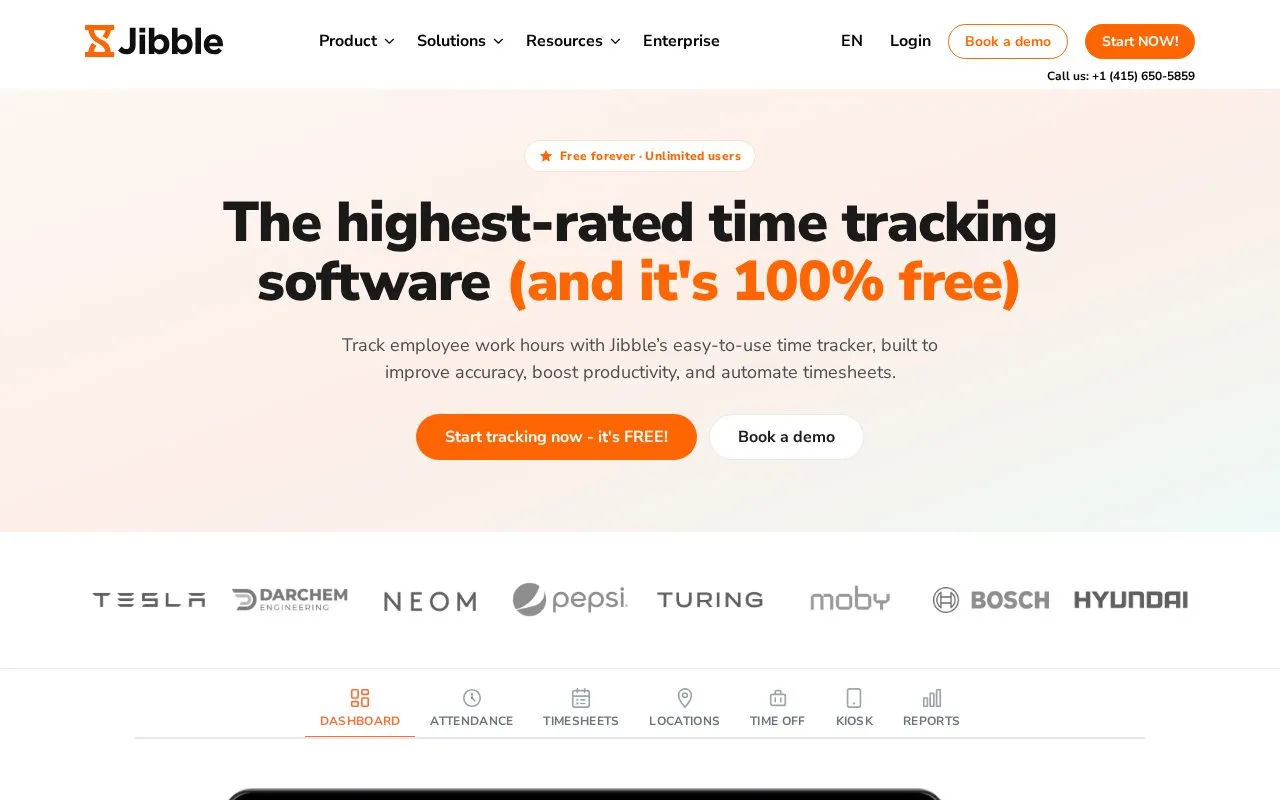
Employee time clock and attendance tracker with web, mobile and kiosk apps. The free plan covers unlimited users.
About Jibble
Jibble is an employee time clock and attendance tracker. It offers web, mobile, and kiosk apps for recording work hours, reviewing and approving timesheets, managing time off, and exporting reports. Clock-ins can come from a timer on any device, a shared on-site kiosk, or an offline mode that syncs entries once the device is back online.
The free plan is listed as covering unlimited users, and the pricing type is freemium. The homepage lists identity and location features, including face recognition, selfie capture, geofencing, GPS stamping, and NFC or PIN verification. The homepage does not say which features are included in each plan. Location and identity verification involve sensitive data, and the homepage does not describe how that data is stored. Statements about compliance and fraud prevention on the homepage are general descriptions, not guarantees.
Key features
- Clock in and out from web, mobile, or a shared on-site kiosk
- Offline mode lets staff clock in without internet, syncing later
- Face recognition, selfie capture, and NFC or PIN identity verification
- Geofencing restricts clock-ins to approved locations; GPS stamps location data
- Timesheet review and approval, with conversion of tracked time into client invoices
- Time off management with leave policies, accruals, and requests
Best for: Employers with hourly, on-site, or field-based staff who need time tracking, attendance records, and timesheet approval.
Good for
- Offline mode lets staff clock in without internet, with entries syncing once online.
- Time can be tracked from Slack and Teams, according to the homepage.
- Reports can be downloaded as XLS or CSV files.
Watch out for
- Savings figures in the impact calculator depend on user-entered assumptions such as hourly rate and payroll leakage, so they are estimates.
- The homepage does not specify which features are included on the free plan.
- Face recognition, selfie capture, and GPS features involve sensitive data, and the homepage does not describe how that data is stored or retained.
Jibble at a glance
- Website
- jibble.io
- Category
- Productivity › Productivity Suites
- Type
- Online tool
- Pricing
- Freemium
- Platforms
- Android, iOS, Web
- Open source
- Not stated
- Last checked
- Oct 7, 2026 · Online when checked
- Listed
- Oct 7, 2026
Guides for Productivity Suites
Jibble alternatives
Tools and sites you could use instead, ranked by how closely they match.

Time tracker with timers, tasks, boards, calendar integrations and personal reports. The free plan covers a limited number of users.
Freemium
12 alternatives
Project and task management with lists, boards, docs and goals. The free Forever plan covers unlimited members with limited storage.
Freemium
6 alternatives
Time tracking with expenses and invoicing for freelancers and small teams. The free plan covers one seat and two active projects.
Freemium
7 alternatives
Team time tracking with tasks, projects, manual entries, and timesheets. A free plan is available with paid upgrades.
Freemium
12 alternatives
A screen-time application with usage reports, website and app blocking, and desktop, mobile and browser options.
Free
5 alternativesFeatured in
 8 sites

Best of
8 Best Free Time Tracking Tools for Freelancers and Teams
I'd start with Clockify for one person or a small team that needs straightforward project timers. These free time…
Popular in Productivity Suites
Well-known listings from the same topic.
RescueTimerescuetime.comFocus To-Dofocustodo.cnTryScribetryscribe.inRamboxrambox.appNumerous.ainumerous.aiTTSReaderttsreader.com


Jibble FAQ
Can employees clock in without an internet connection?
Yes. Offline mode lets employees clock in without internet, and entries sync once the device is back online.
Does the free plan limit the number of users?
The directory lists the free plan as covering unlimited users, and the homepage states 'Free forever' and 'Unlimited users.'
Can staff clock in from a shared device at a work site?
Yes. The kiosk feature lets employees clock in from a shared on-site device.
Is something wrong or out of date?
Tell us and an editor will check it.
Own this website?
Claim this listing
Claim the listing and suggest updates yourself. An editor checks every claim first.