

Jupyter Notebooks
Jupyter Notebook provides an interactive notebook interface for working with code and documents.
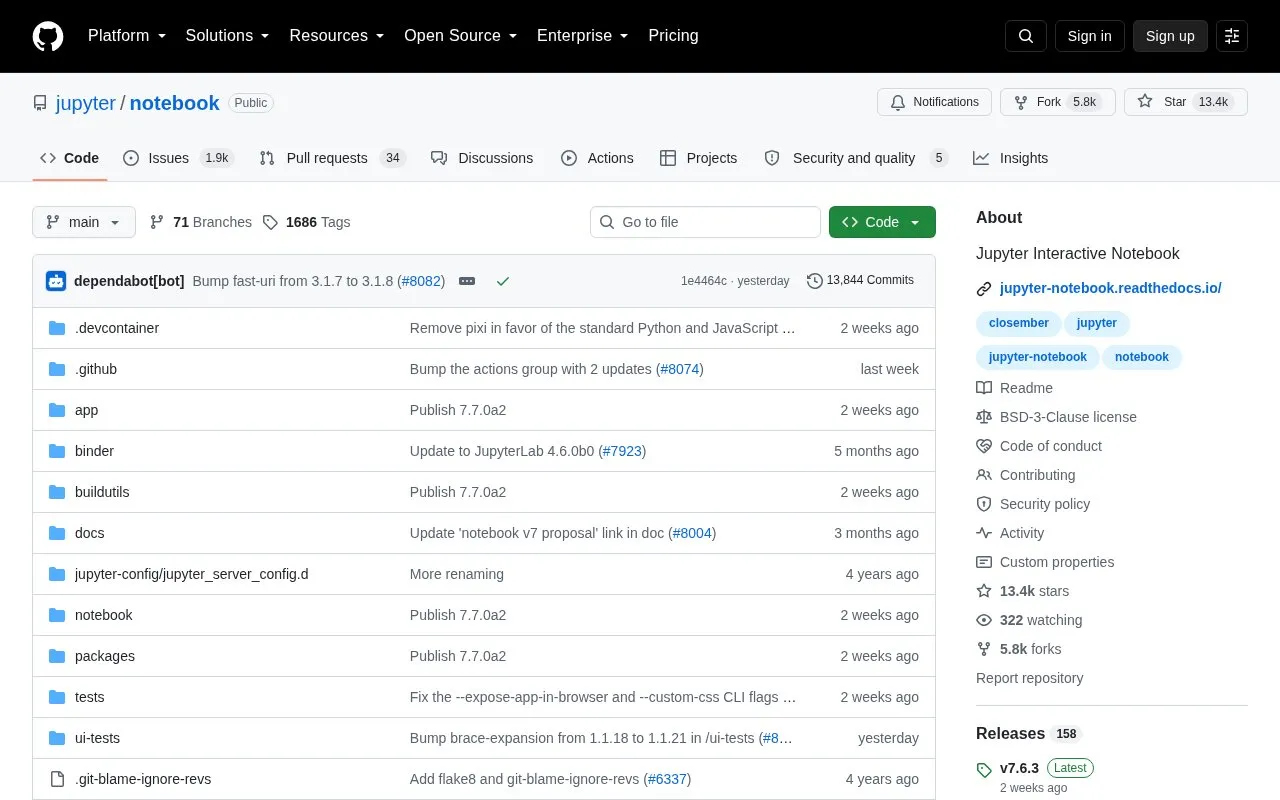
About Jupyter Notebooks
Jupyter Notebook is an open-source, web-based notebook environment for interactive computing and a language-agnostic HTML notebook application for Project Jupyter. It can be installed locally with pip and launched with the jupyter notebook command; remote use requires configuration before starting a notebook server.
The project maintains two recent major versions: Classic Notebook v6 and Notebook v7. Notebook v7 uses JupyterLab frontend components and Jupyter Server. Classic Notebook v6 is limited to maintenance and security-related issues in the 6.5.x branch and depends on nbclassic for its assets. Notebook v5 is no longer maintained, and extensions written for Notebook v5 or Classic Notebook v6 are not compatible with Notebook v7.
Key features
- Web-based notebook environment for interactive computing
- Language-agnostic HTML notebook application for Project Jupyter
- Local installation via pip install notebook
- Launch locally with the jupyter notebook command
- Remote use requires configuration before starting a notebook server
- Notebook v7 uses JupyterLab frontend components and Jupyter Server
Best for: Users who need a language-agnostic, web-based notebook environment for interactive computing and can manage local installation or remote configuration.
Good for
- Open source repository under the Jupyter project.
- Language-agnostic notebook environment.
- Local installation via pip and launch with jupyter notebook.
Watch out for
- Notebook v5 is no longer maintained.
- Extensions for Notebook v5 or Classic Notebook v6 are not compatible with Notebook v7.
- Classic Notebook v6 addresses only maintenance and security-related issues in the 6.5.x branch; new features focus on Notebook v7.
Jupyter Notebooks at a glance
- Website
- github.com/jupyter/notebook
- Category
- Development › Developer Tools
- Type
- Open-source project
- Pricing
- Not confirmed. Check the site
- Open source
- Yes · Source code
- Language
- English
- Last checked
- Oct 6, 2026 · Online when checked
- Listed
- Oct 5, 2026
Guides for Developer Tools


Jupyter Notebooks alternatives
Tools and sites you could use instead, ranked by how closely they match.

PandasGUI provides a graphical interface for viewing and working with Pandas DataFrames.
Open source
24 alternatives
This guide explains how to use GitHub Actions to create a snake-eating contribution graph in a profile README.

Images of source code and terminal output can be generated with Freeze.
Open source
24 alternatives
Search code locally by meaning with SeaGOAT, a local-first semantic code search engine.
Open source
24 alternatives
SVGO optimizes SVG files through a Node.js library and command-line tool.
Open source
24 alternatives
Badges provides designed badges for services, with hundreds of options across nine categories and multiple styles.
Open source
24 alternativesPopular in Developer Tools
Well-known listings from the same topic.
AppDevToolsappdevtools.comCommand Not Foundcommand-not-found.comTestFlighttestflight.apple.com/join/A8GwCnq8Sourcegraphabout.sourcegraph.comProject Wallaceprojectwallace.comCarbon Calculatorwebsitecarbon.com


Jupyter Notebooks FAQ
How do I install and launch Jupyter Notebook locally?
Ensure pip is installed, run `pip install notebook`, then launch with `jupyter notebook`.
What versions of Jupyter Notebook are maintained?
The two most recently released major versions are maintained: Classic Notebook v6 and Notebook v7. Notebook v5 is no longer maintained.
Are extensions compatible with Notebook v7?
Extensions written for Notebook v5 or Classic Notebook v6 are not compatible with Notebook v7.
Is something wrong or out of date?
Tell us and an editor will check it.
Own this website?
Claim this listing
Claim the listing and suggest updates yourself. An editor checks every claim first.