

Pandas GUI
PandasGUI provides a graphical interface for viewing and working with Pandas DataFrames.
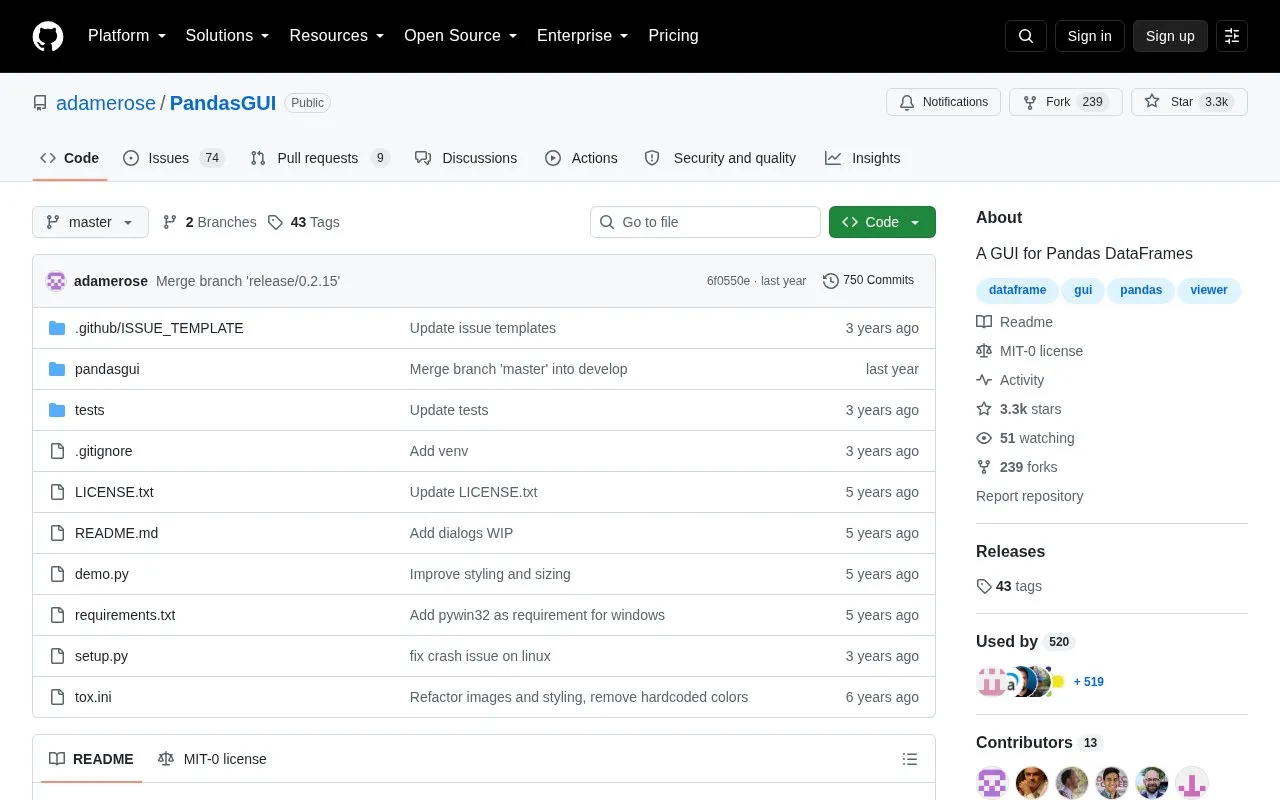
About Pandas GUI
PandasGUI is an open-source Python package that provides a graphical interface for viewing, plotting and analyzing Pandas DataFrames. After installation, a user can open a DataFrame with a single call to show() in Python code.
The project is still at version 0.x.y and is subject to breaking changes, according to its README. Its bundled sample datasets download on first use. The source does not list supported operating systems.
Key features
- Views DataFrames and Series, including MultiIndex support
- Interactive plotting
- Filtering of DataFrame data
- Statistics summary
- Data editing with copy and paste
- CSV import using drag and drop
Best for: Python users who work with Pandas DataFrames and want a graphical interface for inspecting, plotting and editing them.
Good for
- Open source under the MIT-0 license
- Supports DataFrames with MultiIndex
- Can be installed from PyPI with pip
Watch out for
- Still at version 0.x.y and subject to breaking changes
- Sample datasets download on first use
Pandas GUI at a glance
- Website
- github.com/adrotog/PandasGUI
- Category
- Development › Developer Tools
- Type
- Open-source project
- Pricing
- Not confirmed. Check the site
- Open source
- Yes · Source code
- Language
- English
- Last checked
- Oct 6, 2026 · Online when checked
- Listed
- Oct 5, 2026
Guides for Developer Tools


Pandas GUI alternatives
Tools and sites you could use instead, ranked by how closely they match.

Jupyter Notebook provides an interactive notebook interface for working with code and documents.
Open source
24 alternatives
bamboolib provides a graphical interface for working with Pandas DataFrames.

MOCluGen implements multidimensional cluster generation for MATLAB and Octave.
Open source
24 alternatives
Search code locally by meaning with SeaGOAT, a local-first semantic code search engine.
Open source
24 alternatives
Commit messages can be checked against formatting rules with Commitlint.
Open source
24 alternatives
The fastai deep learning library includes documentation and setup guidance, including instructions for use with Google Colab.
Open source
24 alternativesPopular in Developer Tools
Well-known listings from the same topic.
AppDevToolsappdevtools.comCommand Not Foundcommand-not-found.comTestFlighttestflight.apple.com/join/A8GwCnq8Sourcegraphabout.sourcegraph.comProject Wallaceprojectwallace.comCarbon Calculatorwebsitecarbon.com


Pandas GUI FAQ
How do I install PandasGUI?
The latest release can be installed from PyPI with `pip install pandasgui`. The README also gives a command to install the latest unreleased changes directly from GitHub.
How do I open a DataFrame in PandasGUI?
Import `show` from pandasgui and pass a DataFrame to it, for example `show(df)`.
Is something wrong or out of date?
Tell us and an editor will check it.
Own this website?
Claim this listing
Claim the listing and suggest updates yourself. An editor checks every claim first.