

NetClicker turns a phone into a remote for services such as Netflix and YouTube, with controls for skipping intros and recaps.
KeyPad
KeyPad turns a phone or tablet into a Bluetooth keyboard that can control a Mac.
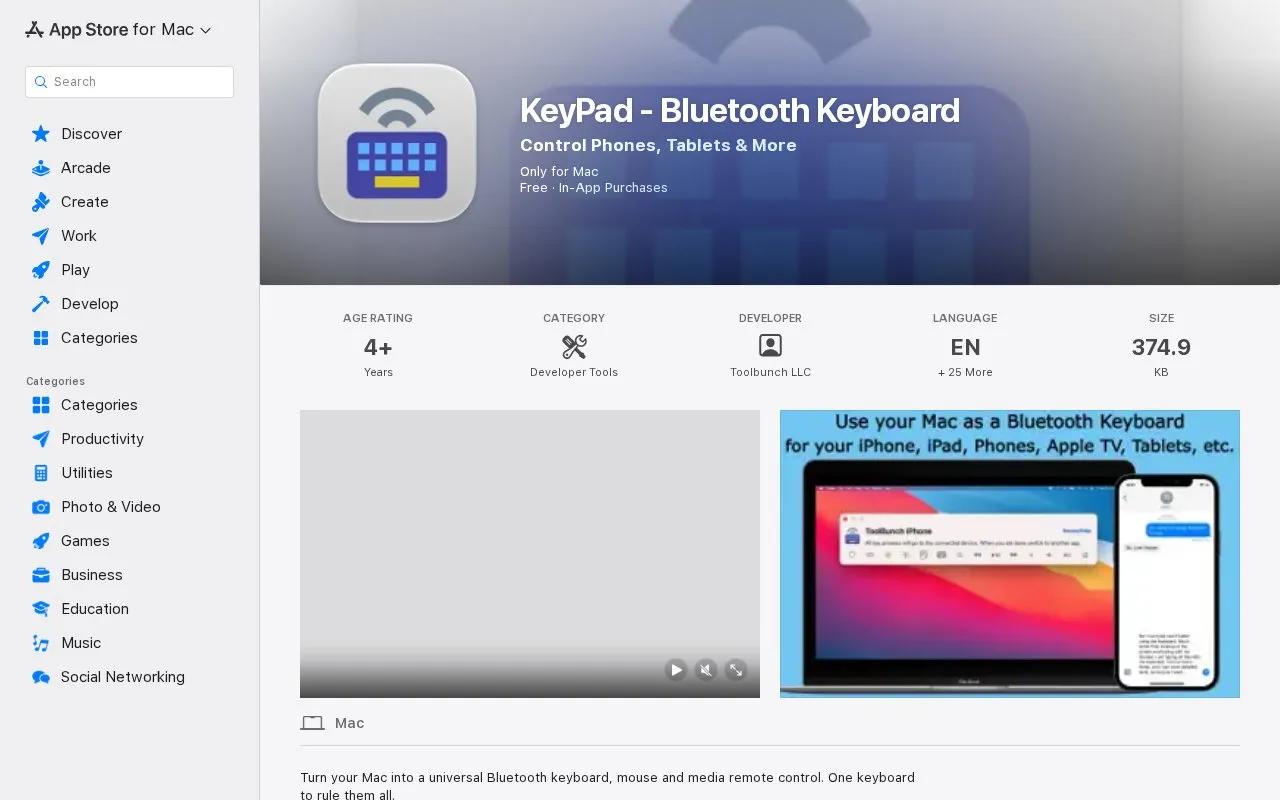
About KeyPad
KeyPad is a Mac app that turns a Mac into a Bluetooth keyboard, mouse and media remote for other devices. Devices named by the developer include iPhones, iPads, Android phones and tablets, Apple TVs, Samsung and Sony smart TVs, Raspberry Pis, and other PCs and Macs. It maintains connections with multiple devices and supports multiple keyboard layouts so characters are entered correctly for different languages and layouts.
Setup uses an in-app Bluetooth dialog: the user pairs a device, adds it to the KeyPad device list, then types or navigates. Keyboard and mouse emulation are included, with cursor control for iPads and basic mouse functions on iPhones via Assistive Touch; Control plus Option is used for mouse control, and hotkeys such as Command plus Option plus P toggle the KeyPad interface. The App Store listing describes the app as free with in-app purchases and notes it has not received enough ratings to display an overview.
Key features
- Uses a Mac's keyboard as a Bluetooth keyboard for other devices
- Keyboard and mouse emulation, with cursor control on iPads
- Maintains connections with multiple devices at once
- Supports multiple keyboard layouts for different languages
- Reconfigurable hotkeys; Control plus Option controls the mouse
- In-app Bluetooth pairing dialog with a managed device list
Best for: Mac users who want to type on and control phones, tablets, TVs, Raspberry Pis or other computers using their Mac's keyboard and mouse.
Good for
- Controls a wide range of devices, including phones, tablets, TVs, Raspberry Pis and other computers
- Keeps multiple device connections open at once
- Keyboard and mouse emulation covers cursor control on iPads and basic mouse functions on iPhones
Watch out for
- The app itself runs only on Mac, so a Mac is required
- iPhone mouse functions are limited to basic control via Assistive Touch
- The listing shows the app has not received enough ratings or reviews to display an overview
KeyPad at a glance
- Category
- Mobile Apps › iPhone & iPad Apps
- Type
- Website
- Pricing
- Not confirmed. Check the site
- Platforms
- Android, iOS, macOS, Web
- Open source
- Not stated
- Language
- English
- Last checked
- Oct 5, 2026 · Online when checked
- Listed
- Oct 5, 2026
KeyPad alternatives
Tools and sites you could use instead, ranked by how closely they match.
Popular in iPhone & iPad Apps
Well-known listings from the same topic.
(Not Boring) Habitsapps.apple.com/app/id1593891243RoutineHubroutinehub.coShiroxshiroxapp.github.ioUTMgetutm.appCAPlaygroundcaplayground.vercel.appShareableshareable.vercel.app


KeyPad FAQ
Which devices can KeyPad control?
The developer lists iPhones, iPads, Android devices, Apple TVs, Samsung and Sony smart TVs, Raspberry Pis, and other PCs and Macs.
How do I set up KeyPad?
Pair devices through the in-app Bluetooth connection dialog, select the Bluetooth device and add it to the KeyPad device list, then launch KeyPad and start typing or navigating.
Does KeyPad cost anything?
The App Store listing describes it as free with in-app purchases. No specific prices are stated.
Is something wrong or out of date?
Tell us and an editor will check it.
Own this website?
Claim this listing
Claim the listing and suggest updates yourself. An editor checks every claim first.