

Plinky saves links from apps and browsers, then organizes them with folders, tags, search, and reminders.
NetClicker
NetClicker turns a phone into a remote for services such as Netflix and YouTube, with controls for skipping intros and recaps.
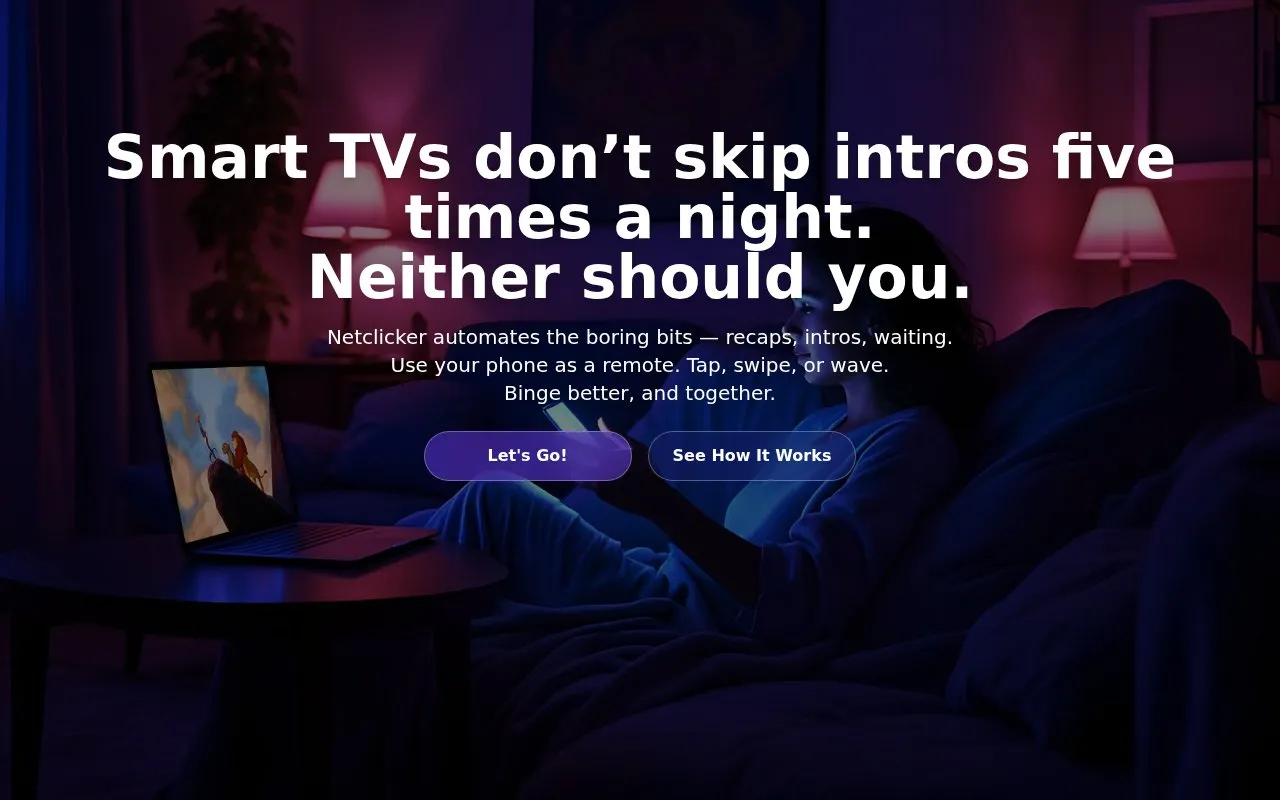
About NetClicker
NetClicker lets a phone act as a remote control for streaming services. The homepage names Netflix, Prime Video, Disney+, and YouTube, and says it works with many more. Setup uses three parts: a desktop app for Windows or Mac, a browser extension for Chrome, Edge, Safari, or Firefox, and a phone app for iOS or Android. The desktop app and extension work together to pass the phone's commands to the browser.
The homepage says the app automatically skips recaps, intros, and time gaps, and some ads. It also says streams are not routed through the company's servers, though this is the company's own statement. Pricing is listed as unknown in this directory. The homepage describes a free version supported by ads and mentions ad-free options, but does not give details.
Key features
- Use a phone as a remote for Netflix, Prime Video, Disney+, and YouTube
- Auto-skip recaps, intros, and time gaps on supported services
- Central watchlist for titles from several streaming services
- Point-and-tap navigation for browsing catalogues from a phone
- Adjust brightness, contrast, and colour from the phone
- Viewing distance settings for larger subtitles and text
Best for: People who want to control streaming sites from a phone, including those whose smart TV or streaming device no longer receives app updates and who have a computer connected to the TV.
Good for
- Lets users control supported streaming sites from a phone without using the TV's own remote
- The homepage states that streams are not routed through the company's servers
- Phone-based point-and-tap navigation and search typing are offered
Watch out for
- Requires installing a desktop app and browser extension in addition to the phone app
- Auto-skip is described as covering some ads, not all of them
- A user review says arrow-key control would be an improvement, so it is not listed as a feature
NetClicker at a glance
- Website
- netclicker.tv
- Category
- Mobile Apps › iPhone & iPad Apps
- Type
- App
- Pricing
- Not confirmed. Check the site
- Platforms
- Android, Browser extension, iOS, Web
- Open source
- Not stated
- Language
- English
- Last checked
- Oct 6, 2026 · Online when checked
- Listed
- Oct 5, 2026
NetClicker alternatives
Tools and sites you could use instead, ranked by how closely they match.

Manatan supports language learning through anime, manga, novels, and EPUBs, with OCR and subtitle lookup.
Open source
24 alternatives
KeyPad turns a phone or tablet into a Bluetooth keyboard that can control a Mac.
Popular in iPhone & iPad Apps
Well-known listings from the same topic.
(Not Boring) Habitsapps.apple.com/app/id1593891243RoutineHubroutinehub.coShiroxshiroxapp.github.ioUTMgetutm.appCAPlaygroundcaplayground.vercel.appShareableshareable.vercel.app


NetClicker FAQ
Which streaming services does NetClicker work with?
The homepage names Netflix, Prime Video, Disney+, and YouTube, and says it works with many more.
What do I need to install?
The homepage lists three parts: the desktop app for Windows or Mac, a browser extension for Chrome, Edge, Safari, or Firefox, and the phone app for iOS or Android.
Does NetClicker send streams through its servers?
The homepage says streams are never routed through the company's servers. This is the company's statement and the page does not describe other data handling in detail.
Is something wrong or out of date?
Tell us and an editor will check it.
Own this website?
Claim this listing
Claim the listing and suggest updates yourself. An editor checks every claim first.