

Fllow.ai generates videos using models including Sora, Veo, Hailuo, Wan, Kling, and Seedance through one video platform.
Kling 2.6 Studio
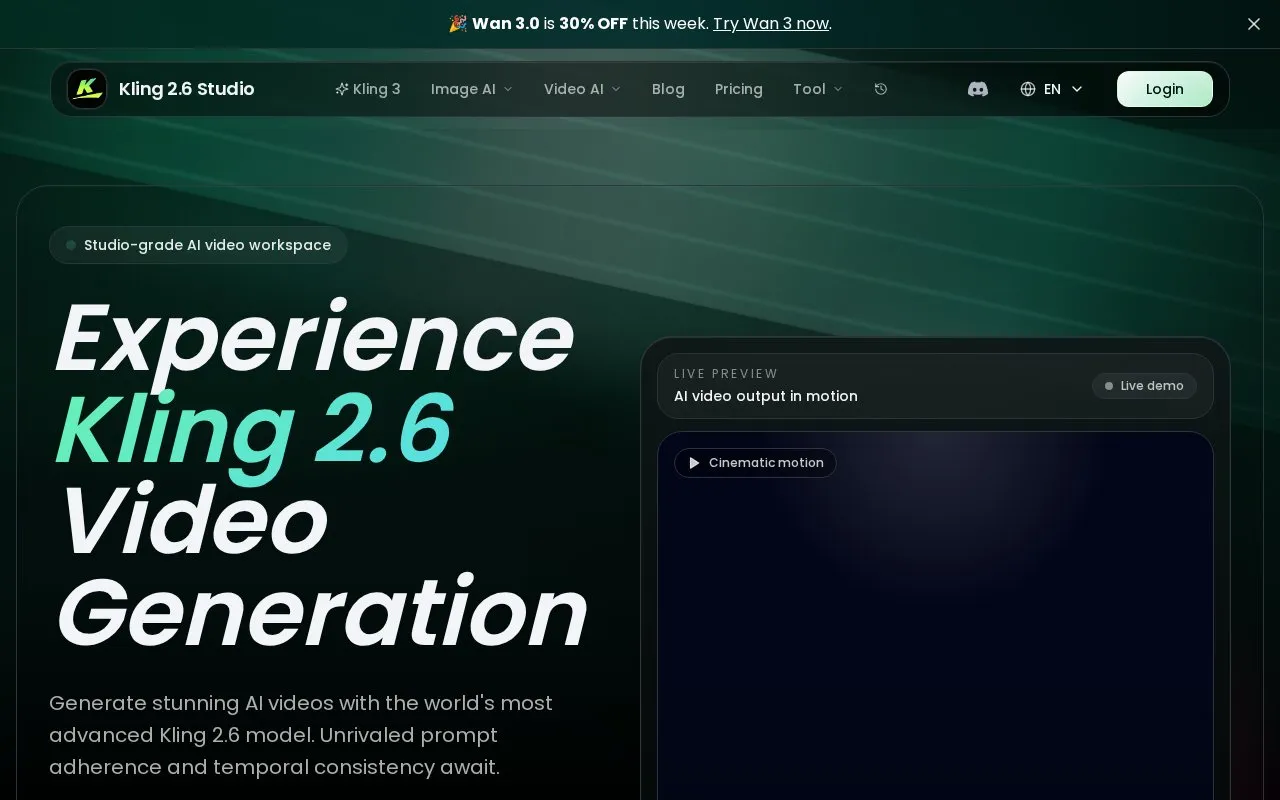
Kling 2.6 Studio generates AI videos with prompt controls for camera movement, scene dynamics, audio, and temporal consistency.
About Kling 2.6 Studio
Kling 2.6 Studio is a web-based AI video generation tool built around the Kling 2.6 video model. It creates short-form AI videos from text or image prompts, with built-in controls for camera movement, scene dynamics, and native audio including sound effects, dialogue and music. The platform prioritizes temporal consistency to keep scene elements and object details coherent across generated clips.
Users can adjust key output settings like duration, resolution, aspect ratio, and toggle audio directly in a single clean workspace. The interface includes a live preview of generated motion, a history of recent outputs, and access to an inspiration gallery with pre-made prompts for effects like cinematic showcases or stylized animations. It also offers access to other models including Kling 3, Kling Fast, Wan 2.7, SeeDance 2 and Veo 3.1 for different generation needs.
Key features
- Text and image prompt support for AI video generation
- Native audio integration for sound effects, dialogue and music
- Adjustable output settings for duration, resolution and aspect ratio
- Temporal consistency controls for coherent scene and object persistence
- Access to multiple AI video models including Kling 3 and Kling Fast
- Live preview of generated video motion before finalizing output
Best for: It is best suited for content creators, video producers and small teams working on short-form cinematic or stylized AI video projects.
Good for
- Strong prompt adherence for camera movement and scene dynamics
- Native audio support without external editing tools
- Temporal consistency for stable, coherent generated clips
- Access to multiple specialized AI video models in one workspace
Watch out for
- 7-day initial access window before upgrade is required
- Credit costs apply for video and image generation outputs
- Free access limited to daily check-in credit rewards
Kling 2.6 Studio at a glance
- Website
- kling2-6.com
- Category
- AI & Machine Learning › AI Video Generators
- Type
- Online tool
- Pricing
- Not confirmed. Check the site
- Platforms
- Web
- Open source
- Not stated
- Language
- English
- Last checked
- Oct 5, 2026 · Online when checked
- Listed
- Oct 5, 2026
Kling 2.6 Studio alternatives
Tools and sites you could use instead, ranked by how closely they match.
Shortodella provides an AI studio for generating image and video content and editing visual assets.
Paid
24 alternatives
Seedance AI generates videos from text prompts or images as an independent community project.

This Wan2.2 demo generates short videos from a prompt, with options for image input, size, length, style, and LoRA modules.

This Wan2.2 demo creates short videos from a scene description, with an optional image to guide generation.

AIFreeVideo generates videos from text or images and advertises free, watermark-free HD downloads.
FreePick
24 alternativesPopular in AI Video Generators
Well-known listings from the same topic.
Gstory.aigstory.aiDubprodubpro.aiVibesvibes.aiPlask Motionplask.aiPika AIpikaai.orgFaceless Reelsfacelessreels.app


Kling 2.6 Studio FAQ
What prompt types does Kling 2.6 Studio support for video generation?
It supports both text prompts and image reference prompts, with adjustable controls for camera movement, scene dynamics, duration, resolution and aspect ratio.
Is native audio available for generated Kling 2.6 videos?
Yes, generated videos can include native audio such as sound effects, dialogue and music synced to the video content.
What are the costs for using Kling 2.6 Studio?
Generation uses a credit system, with 5-second 720p videos costing 40 credits per output, and daily check-in credits available for free users.
Is something wrong or out of date?
Tell us and an editor will check it.
Own this website?
Claim this listing
Claim the listing and suggest updates yourself. An editor checks every claim first.