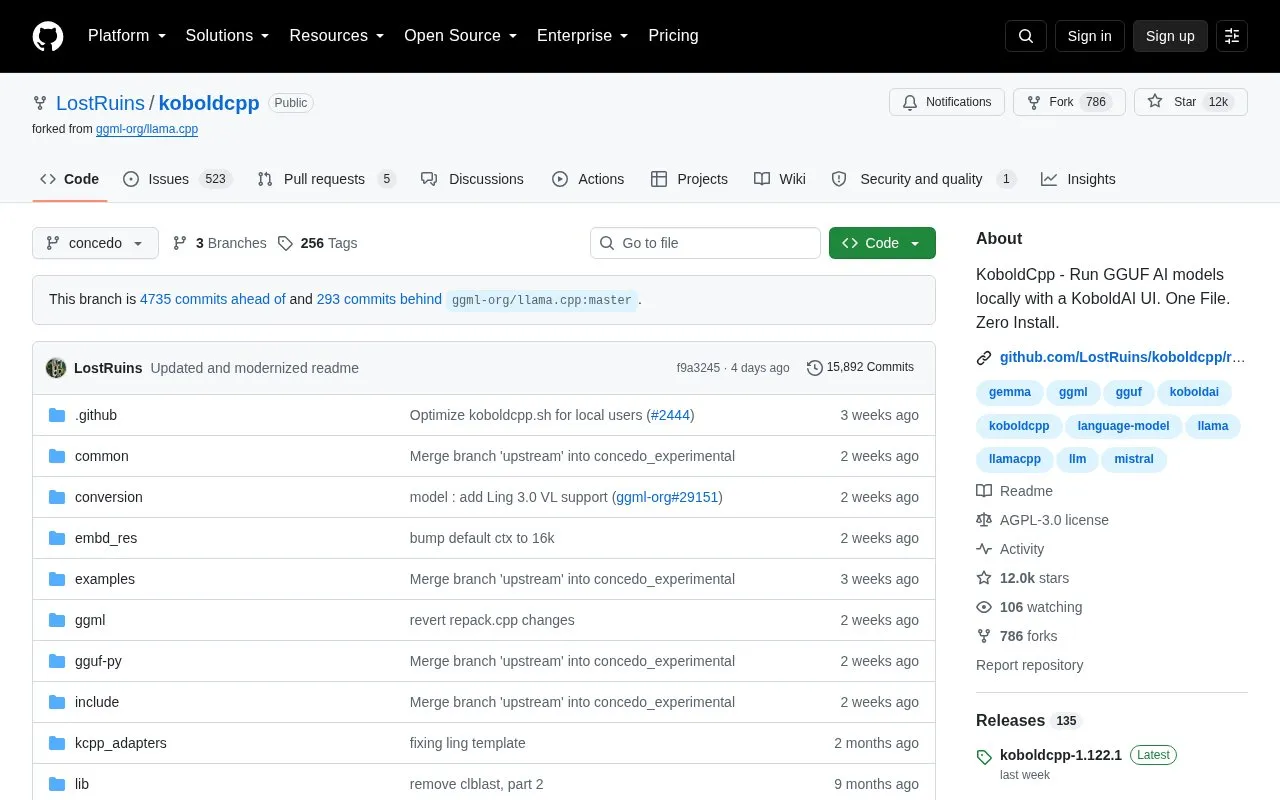
KoboldCpp is free, open-source software for running GGUF large language models on your own computer. Users can chat with an AI assistant, write stories, do roleplay, or connect other apps to a local API. It runs on CPU or GPU and is distributed as a single executable that requires no installation. Ready-to-run downloads are listed for Windows, Linux, and macOS.
The software also includes text, image, video, speech, and music generation with compatible models, an integrated agent, and a bundled KoboldAI Lite WebUI. Which generation types are available depends on the models used, and the integrated agent must be started manually through the launcher or a command-line flag.
Key features
Runs GGUF language models for chat, adventure, instruct, and story writing modes
Image generation and editing with Stable Diffusion, SDXL, Flux, and other models
Speech-to-text with Whisper and text-to-speech with models such as Kokoro and Dia
Tool calling, MCP server support, web search, and retrieval-augmented generation through TextDB
Integrated KoboldCpp Agent for writing and editing code, running programs, and scheduling tasks
Compatible API endpoints for KoboldAI, OpenAI, Ollama, A1111/Forge, and ComfyUI
Best for: People who want to run GGUF language models and related generation tools locally, for writing, roleplay, or connecting local apps to an API.
Good for
Free and open-source software
Distributed as a single executable that requires no installation
Runs on CPU or GPU
Watch out for
Video, speech, music, and image generation depend on compatible models
The integrated agent must be started manually from the launcher's Admin tab or with the --agent flag