

Drawpile lets multiple people draw, sketch, paint, and animate together on the same canvas.
KRESKA.art
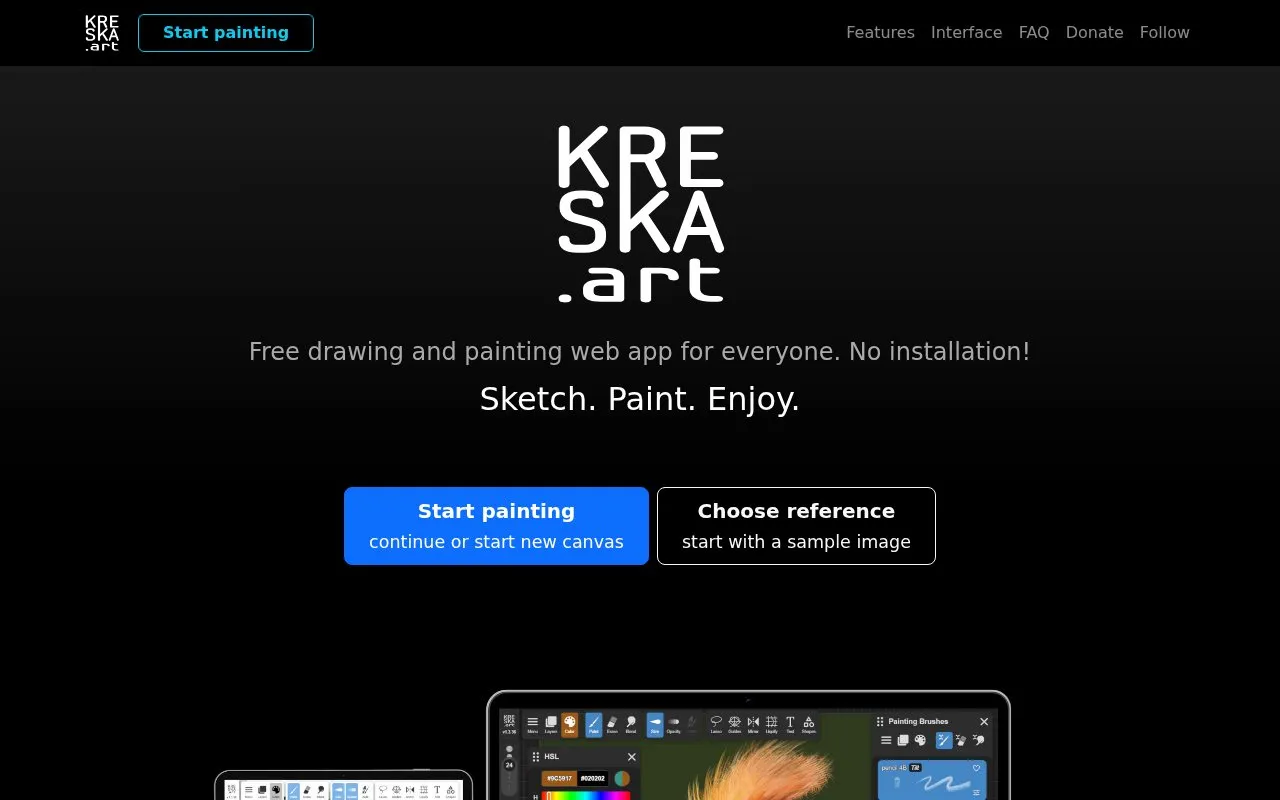
Draw and paint online with KRESKA.art, a free web app that does not require installation.
About KRESKA.art
KRESKA.art is a free drawing and painting app that runs in a web browser without installation. It is intended for digital drawing and painting, with a focus on working from a reference image. The homepage describes a clean interface and a large library of brushes.
The app has a reference tracing workflow. A peek button shows the reference image on top of the drawing, and an opacity slider and optional preview panel control how the reference is displayed. The auto-color setting picks colors from the reference while the user draws. The homepage states that the app works on PC, Mac, Linux, Chrome OS, Android, and iOS, and it describes classroom use on shared or low-powered devices. Pricing is not stated beyond the homepage's description of the app as free.
Key features
- Reference image preview with a peek button that shows the reference at full opacity
- Adjustable reference opacity slider and an optional persistent reference preview panel
- Auto-color feature that picks colors from the reference image while drawing
- Library of more than 180 handmade brushes organized into 12 categories
- Pressure sensitivity and tilt support, with configurable pressure emulation for devices without pressure
- Liquify brush for pushing, stretching, and warping parts of a drawing
Best for: Students, teachers, and artists who want to paint over a reference image in a browser, especially on Chromebooks or shared devices without software installation.
Good for
- Runs in a web browser with no installation required
- Large brush library organized into 12 categories
- Homepage lists support for PC, Mac, Linux, Chrome OS, Android, and iOS
KRESKA.art at a glance
- Website
- kreska.art
- Category
- Design & Creative › Image Creation & Editing
- Type
- Online tool
- Pricing
- Not confirmed. Check the site
- Platforms
- Web
- Open source
- Not stated
- Language
- English
- Last checked
- Oct 6, 2026 · Online when checked
- Listed
- Oct 5, 2026
KRESKA.art alternatives
Tools and sites you could use instead, ranked by how closely they match.

Paint on an infinite canvas with Milton, a free and open-source drawing program.

Draw vector artwork with shapes, gradients and layers in Vector Paint's browser-based editor.

A rotoscoping pixel-art tool, Paint of Persia lets users draw over a window or wallpaper and offers Windows and macOS downloads.
SmoothDraw is Windows drawing software with brushes, retouching tools, and layers for painting and editing pictures.

Sketch, paint and create illustrations with Sketchbook's drawing software.
Popular in Image Creation & Editing
Well-known listings from the same topic.
Canvacanva.comGIMPgimp.orgGreenScreenMemesgreenscreenmemes.comMeme Townmeme.townPixelartVillagepixelartvillage.comVHS-Enginevhs-engine.netlify.app


KRESKA.art FAQ
How does the reference image feature work?
A peek button displays the reference image on top of the drawing at full opacity while it is pressed. An opacity slider can adjust the reference at any time, and an optional traditional preview panel can keep the reference visible on screen.
Can the app pick colors from a reference image?
Yes. When the auto-color feature is enabled on a brush, it picks colors from the reference image while the user draws. Pressing and moving toward the reference with the peek button also activates a color picker.
Is something wrong or out of date?
Tell us and an editor will check it.
Own this website?
Claim this listing
Claim the listing and suggest updates yourself. An editor checks every claim first.