

Sivi turns text into editable graphic designs with layer control and flexible sizing.
Canva
Canva is an online design tool for creating presentations, social posts, documents and videos. A free plan includes basic design tools, with paid plans for more assets and features.
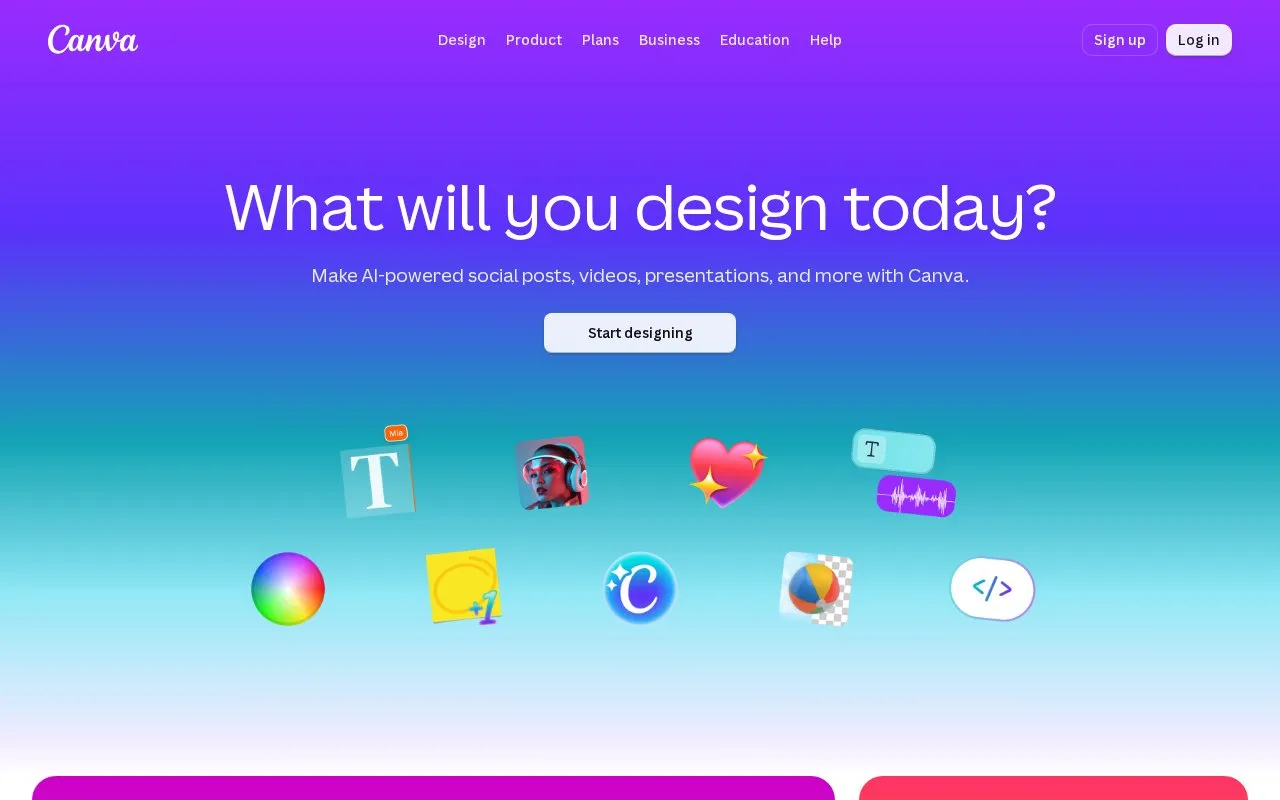
About Canva
Canva is an online design tool for social posts, presentations, documents, videos and printed materials. Its drag-and-drop editor lets you arrange text and media, starting with a template or a design at your own dimensions. For slide decks, you can work with other people through comments and real-time editing, add transitions, and export to formats such as PowerPoint or PDF. It suits recurring visual work where a template gives you a useful starting structure.
Canva Free includes design tools, templates and a library of media. Paid plans add premium content and tools such as background removal, resizing and social scheduling. Pro is an individual plan; Business adds team administration, approvals and more brand management. That distinction matters if several people need their own access. AI tools also have plan-dependent allowances, so a paid subscription does not mean every AI task is unlimited. Check the templates and tools you use regularly against the plan comparison before choosing a subscription.
Key features
- Drag-and-drop layouts for social posts, documents, video and print designs.
- Editable templates and built-in photos, graphics, video and audio.
- Presentation comments, real-time editing, transitions and animations.
- Exports including PDF, JPG and PNG, with PowerPoint export for presentations.
- Pro tools including resizing, background removal and social scheduling.
- Business tools for approvals, team administration and brand management.
Best for: People making regular social posts, slide decks and business materials who want templates and shared editing in one online tool.
Good for
- The free plan includes an editor, templates and media to start with.
- Several visual formats use the same design workspace.
- Slide decks support shared editing and common export formats.
Watch out for
- Premium assets and some editing tools need a paid plan.
- Pro is for one person; teams should compare the Business access and billing terms.
- AI allowances depend on the tool and plan, with some extra usage sold separately.
Canva at a glance
- Website
- canva.com
- Category
- Design & Creative › Image Creation & Editing
- Type
- Online tool
- Pricing
- Freemium
- Platforms
- Web
- Details verified
- Oct 20, 2026 · Official source
- Open source
- Not stated
- Language
- English
- Last checked
- Oct 6, 2026 · Automated check blocked
- Listed
- Oct 5, 2026
Canva alternatives
Tools and sites you could use instead, ranked by how closely they match.

GradientArt provides a visual canvas for creating CSS and HTML designs, with a gradient editor and design exploration tools.

Design social posts, videos and print materials in Polotno Studio's free online editor.

Concepts provides an infinite canvas for notes, mind maps, mood boards, sketches, plans, and illustrations.

Figma’s collaborative whiteboard for diagrams, sticky notes and workshops, with free and paid workspace plans.
Freemium

A browser whiteboard for drawing and teaching, with a free Starter plan and paid import and collaboration features.
Freemium
5 alternativesPopular in Image Creation & Editing
Well-known listings from the same topic.
GIMPgimp.orgGreenScreenMemesgreenscreenmemes.comMeme Townmeme.townKRESKA.artkreska.artPixelartVillagepixelartvillage.comVHS-Enginevhs-engine.netlify.app


Canva FAQ
Can I export a Canva presentation as PowerPoint?
Yes. Canva lists PowerPoint, PDF and video slideshow among its presentation export options.
Can several people share one Canva Pro subscription?
Canva describes Pro as a one-person plan. Business provides a shared workspace and team management tools.
Is something wrong or out of date?
Tell us and an editor will check it.
Own this website?
Claim this listing
Claim the listing and suggest updates yourself. An editor checks every claim first.