

Sketch, paint and create illustrations with Sketchbook's drawing software.
Concepts
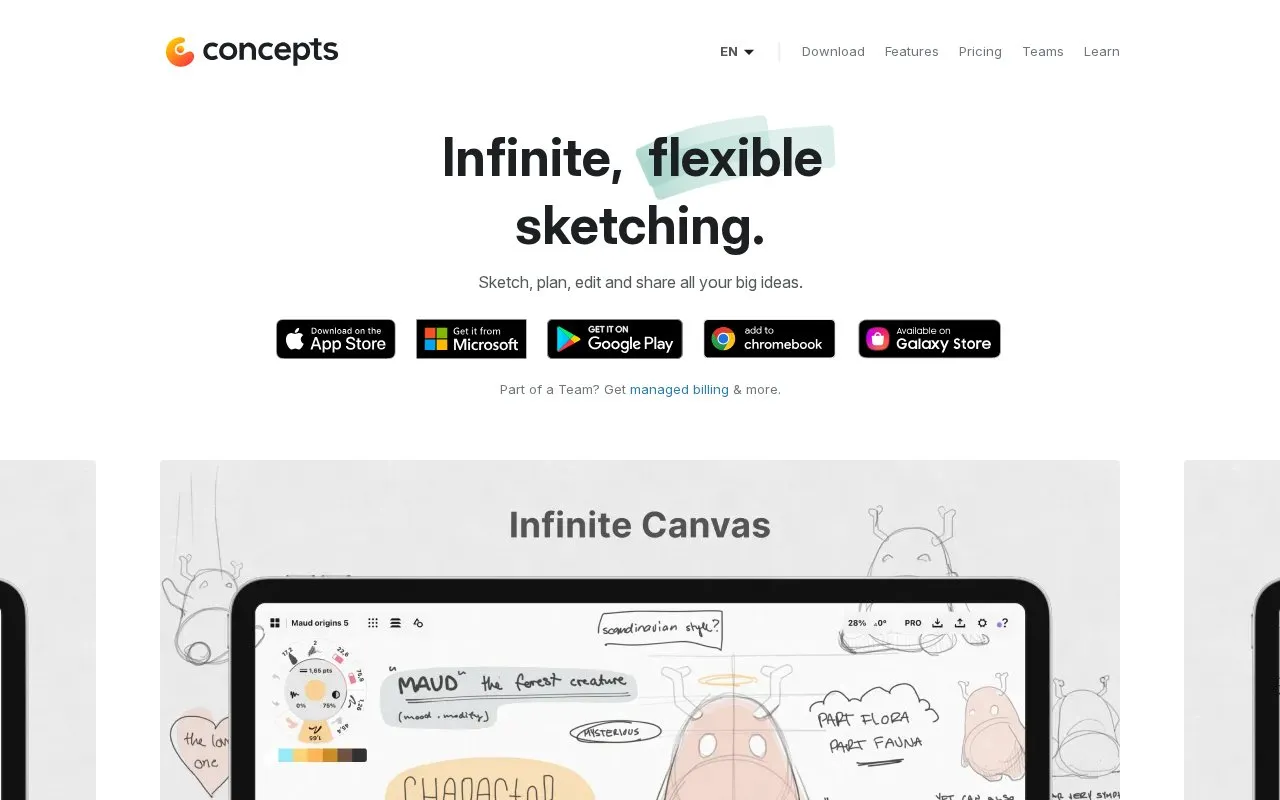
Concepts provides an infinite canvas for notes, mind maps, mood boards, sketches, plans, and illustrations.
About Concepts
Concepts is a sketching and note-taking app built around an infinite canvas. It is used for notes, mind maps, mood boards, plans, designs, and illustrations. Strokes are editable vectors, so elements can be adjusted, copied, or reshaped without redrawing. Files can be imported and marked up, then exported to several formats.
The homepage says pricing varies by region and that current prices are listed through the app stores. A free Basic tier is described, along with a Pro subscription, one-time purchases, team licensing, and free licenses for qualifying educational institutions. Some features are iOS only, and cross-platform parity across iOS, Windows, Android, and ChromeOS is described as still in progress.
Key features
- Infinite canvas with zoom, moveable artboards, and selective sharing
- Editable vector strokes that can be adjusted without redrawing
- Infinite layers for creating and comparing design alternatives
- Import and mark up images and PDFs, then return them to clients
- Grids, line smoothing, live snap, and shape guides for precise drawing
- Export to PDF, PNG, PSD, SVG, and DXF formats
Best for: Designers, architects, illustrators, and teams who want a freeform digital sketchbook for visual thinking and client work on a tablet or phone.
Good for
- A free Basic tier is listed in the Apple App Store, Google Play Store, and Microsoft Store
- Team licensing includes direct download, BYOD, or managed distribution through app stores
- Free licenses are offered for qualifying educational institutions
Watch out for
- Presentation Mode, some brushes, and some objects are iOS only
- Cross-platform experience for iOS, Windows, Android, and ChromeOS is listed as coming soon
- The free Basic tier is limited to five layers and basic JPG exports
Concepts at a glance
- Website
- concepts.app
- Category
- Design & Creative › Image Creation & Editing
- Type
- Online tool
- Pricing
- Not confirmed. Check the site
- Platforms
- Android, iOS, Web
- Open source
- Not stated
- Language
- English
- Last checked
- Oct 6, 2026 · Online when checked
- Listed
- Oct 5, 2026
Concepts alternatives
Tools and sites you could use instead, ranked by how closely they match.

A browser whiteboard for drawing shapes, connecting ideas, arranging notes and exporting board images.
Free
7 alternatives
Canva is an online design tool for creating presentations, social posts, documents and videos. A free plan includes basic design tools, with paid plans for more assets and features.
FreemiumPick
6 alternatives
Paint on an infinite canvas with Milton, a free and open-source drawing program.

Figma’s collaborative whiteboard for diagrams, sticky notes and workshops, with free and paid workspace plans.
Freemium

Drawpile lets multiple people draw, sketch, paint, and animate together on the same canvas.
Popular in Image Creation & Editing
Well-known listings from the same topic.
GIMPgimp.orgGreenScreenMemesgreenscreenmemes.comMeme Townmeme.townKRESKA.artkreska.artPixelartVillagepixelartvillage.comVHS-Enginevhs-engine.netlify.app


Concepts FAQ
Is there a free version?
Yes. The Basic tier is free in the App Store, Play Store, and Microsoft Store. It includes the infinite canvas, unlimited drawings, five layers, and basic JPG exports.
Do all features work the same on every platform?
No. Several features are marked as iOS only, and the homepage says platform parity across iOS, Windows, Android, and ChromeOS is still in progress.
Can a team or school get licenses?
Teams can license Concepts Pro for all members, with options for direct download, BYOD, or managed distribution. Schools can request free licenses if they qualify, through the Education option on the homepage.
Is something wrong or out of date?
Tell us and an editor will check it.
Own this website?
Claim this listing
Claim the listing and suggest updates yourself. An editor checks every claim first.