
MyLanguages lists 94 free language courses with vocabulary, grammar, audio, and practical study guides.
LanguageGuide
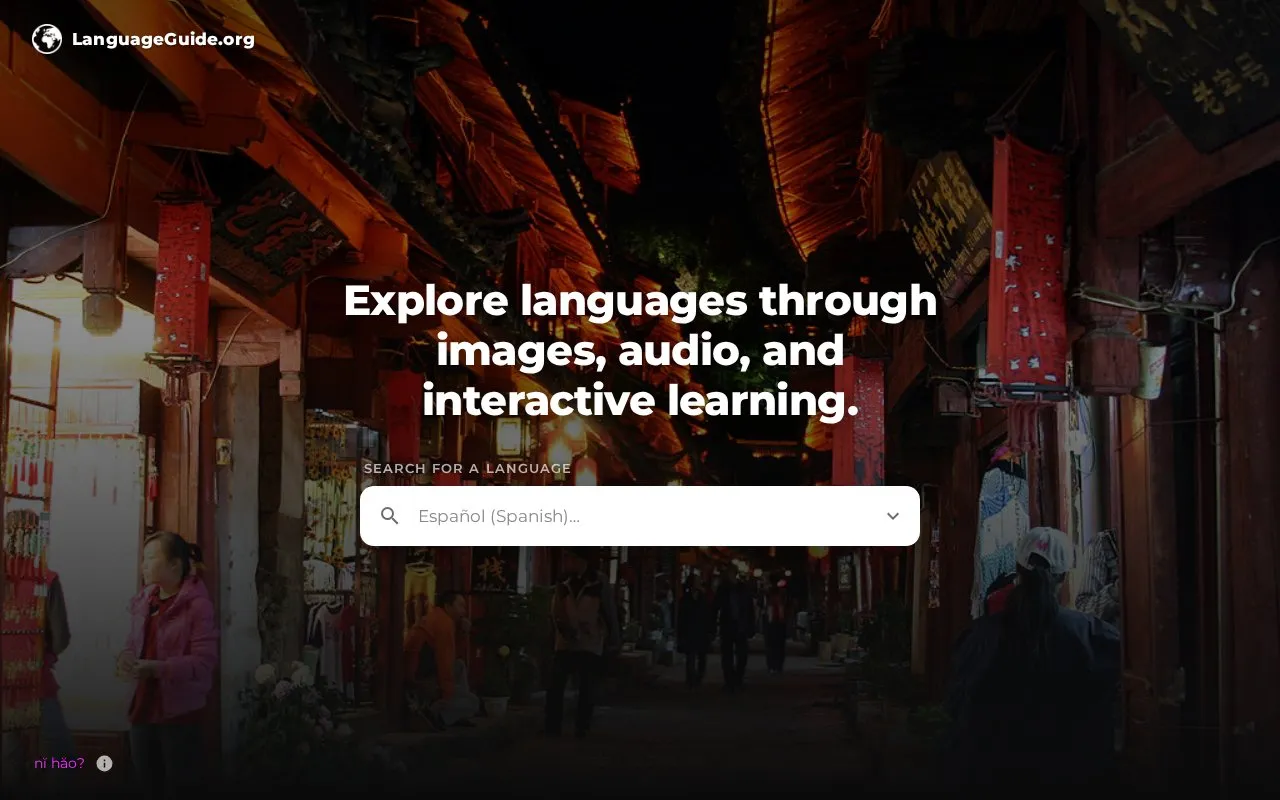
LanguageGuide.org teaches languages through images, audio, and interactive vocabulary and grammar guides.
About LanguageGuide
LanguageGuide.org offers vocabulary and grammar guides that pair images with audio in languages including English, French, German, Spanish, Mandarin, Japanese, Arabic, and others. Users can touch objects to hear pronunciation and spelling, match spoken words to images in listening activities, and practice saying highlighted objects aloud.
Vocabulary detail can be set to beginner, intermediate, or advanced, with guides opening at advanced by default. The speaking activity is labeled Beta, and the project is described as a nonprofit built with volunteer contributions.
Key features
- Touch illustrated objects to hear pronunciation and spelling
- Hear a word and tap the object it names
- Say highlighted objects aloud and receive feedback (Beta)
- Switch between beginner, intermediate, and advanced vocabulary detail
- Image-based vocabulary and grammar guides with audio
- Support for languages including Spanish, French, Mandarin, and Arabic
Best for: Learners who prefer image-based vocabulary study with pronunciation audio and listening and speaking practice.
Good for
- Includes explore, listen, and speak activities for vocabulary practice
- Allows switching between beginner, intermediate, and advanced detail
- Presents pronunciation and spelling alongside images
Watch out for
- Speaking activity is marked as Beta
- Guides open at advanced level until changed in Preferences
LanguageGuide at a glance
- Website
- languageguide.org
- Category
- Education & Learning › Language Learning
- Type
- Website
- Pricing
- Not confirmed. Check the site
- Platforms
- Web
- Open source
- Not stated
- Language
- English
- Last checked
- Oct 5, 2026 · Online when checked
- Listed
- Oct 5, 2026
LanguageGuide alternatives
Tools and sites you could use instead, ranked by how closely they match.

Drops teaches vocabulary in more than 55 languages through short games and mnemonic images.
This free web tutorial teaches French through step-by-step lessons on basics, pronunciation, grammar, and vocabulary, with audio and video.

Conjuguemos provides activities for practicing verb conjugations, vocabulary, and grammar in several languages.
Omniglot guides readers through writing systems and languages, with script indexes, useful phrases, multilingual texts, and learning tips.

LangMagic teaches languages through adaptive reading, listening, and grammar practice across about 30 languages.
Popular in Language Learning
Well-known listings from the same topic.
iOSapps.apple.com/hk/app/cantonese-pronunciation-…JapaneseWithAnimejapanesewithanime.comEpisodenepisoden.comSignSchoolsignschool.comHelloChinesehellochinese.ccFluentWithStoriesfluentwithstories.com


LanguageGuide FAQ
How do the three learning modes work?
Explore shows objects to touch for pronunciation and spelling, Listen asks you to tap the object named by a spoken word, and Speak Beta asks you to say the highlighted object aloud.
How do I see simpler vocabulary?
Guides open at advanced by default; select beginner or intermediate in Preferences to focus on more essential vocabulary.
Is something wrong or out of date?
Tell us and an editor will check it.
Own this website?
Claim this listing
Claim the listing and suggest updates yourself. An editor checks every claim first.