

Cambridge English provides free online English activities for listening, grammar, vocabulary, and reading practice.
LangMagic
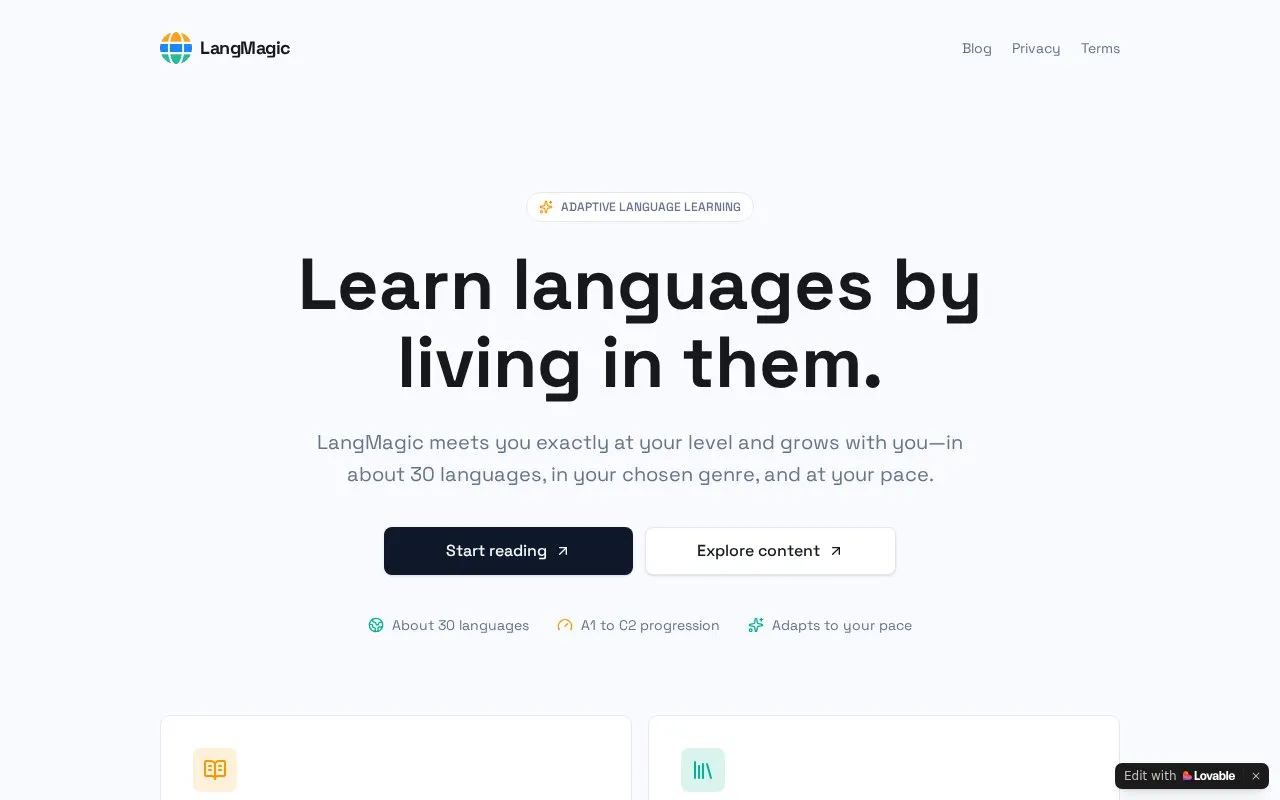
LangMagic teaches languages through adaptive reading, listening, and grammar practice across about 30 languages.
About LangMagic
LangMagic is a web-based language learning tool that teaches through adaptive reading, listening, and grammar practice in about 30 languages. Its main tool, The Endless Book, is an adaptive reader that writes the next page for the learner, with difficulty rising from A1 to C2. Learners can tap any word to see its meaning, hear it spoken, and save it.
A separate Content Portal offers a growing library of adaptive reading, listening, and grammar material for learners and educators. Content can be browsed and searched by level. Pricing is not stated in the source, and the homepage gives the language count only as "about 30" without listing the languages.
Key features
- Endless adaptive reader that writes the next page for the learner
- Tap any word to see its meaning, hear it spoken, and save it
- Difficulty progression from A1 to C2 levels
- Content Portal library of reading, listening, and grammar material
- Browse and search content by learning level
Best for: Learners who want to build language skills through graded reading, with word lookup and audio, in one of about 30 supported languages.
Good for
- Content is designed to match the learner's level, interests, and pace
- Word lookup includes meaning, spoken audio, and saving for later review
- Covers about 30 languages across reading, listening, and grammar
LangMagic at a glance
- Website
- easytolearn.io
- Category
- Education & Learning › Language Learning
- Type
- Online tool
- Pricing
- Not confirmed. Check the site
- Platforms
- Web
- Open source
- Not stated
- Language
- English
- Good for
- Educators
- Last checked
- Oct 6, 2026 · Online when checked
- Listed
- Oct 5, 2026
LangMagic alternatives
Tools and sites you could use instead, ranked by how closely they match.

Oxford Online English offers free English lessons in video, listening, and reading formats.

Readlang lets users translate words while reading and build vocabulary with flashcards across articles, books, and web pages in over 100 languages.

Manabi Reader supports Japanese immersion through reading native-language texts on Apple devices.
Free
24 alternatives
The Chairman’s Bao provides Mandarin news-based, HSK-graded reading lessons for students and teachers across web and mobile apps.

LUTE means Learning Using Texts and provides source code for a language learning tool focused on reading.
Open source
24 alternativesPopular in Language Learning
Well-known listings from the same topic.
iOSapps.apple.com/hk/app/cantonese-pronunciation-…JapaneseWithAnimejapanesewithanime.comEpisodenepisoden.comSignSchoolsignschool.comHelloChinesehellochinese.ccFluentWithStoriesfluentwithstories.com


LangMagic FAQ
How does difficulty change as I read?
According to the homepage, difficulty quietly climbs from A1 to C2 as the reader progresses.
What can I do with a word in The Endless Book?
You can tap any word to see its meaning, hear it spoken, and save it.
Who can use the Content Portal?
The homepage describes the Content Portal as a library for both learners and educators, where content can be browsed, searched, and studied at a chosen level.
Is something wrong or out of date?
Tell us and an editor will check it.
Own this website?
Claim this listing
Claim the listing and suggest updates yourself. An editor checks every claim first.