
LeechBlock NG
A free browser extension for blocking selected websites during schedules or after time allowances.
About LeechBlock NG
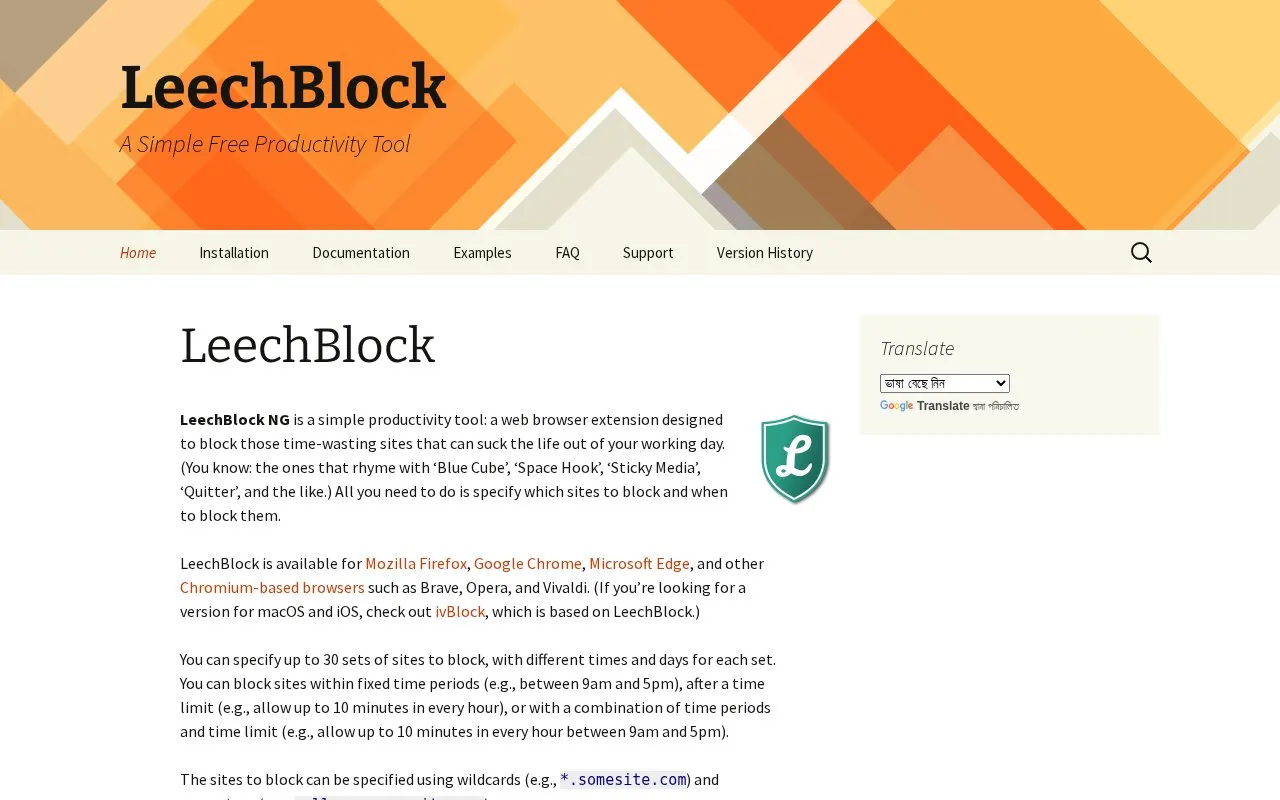
LeechBlock NG is a free, open-source browser extension that blocks selected websites during set times, after a time allowance, or both. Users list the sites to block and choose when to block them. Up to 30 sets of sites can be configured, each with its own times and days. Rules can use wildcards and exceptions, and a lockdown option blocks sites immediately for a chosen duration. The options page can be protected with a password or random access code. It is available for Mozilla Firefox, Google Chrome, Microsoft Edge, and Chromium-based browsers such as Brave, Opera, and Vivaldi.
The source states that LeechBlock NG is not designed for parental control or for blocking offensive content, and advises against using it for those purposes. It also notes that blocking does not fully prevent connections: the browser may still briefly connect to a blocked site, so the site may log the user's IP address. For a stricter block, the source suggests a lower-level method such as a HOSTS file manager.
Key features
- Block selected sites within fixed time periods, such as 9am to 5pm
- Allow a set amount of time per hour, such as 10 minutes
- Combine time periods with time limits within a single blocking rule
- Configure up to 30 sets of sites, each with its own times and days
- Use wildcard site patterns and exceptions for specific addresses
- Lockdown option that blocks sites immediately for a specified duration
Best for: People who want to limit time spent on distracting websites during set working hours or within daily time allowances, using a desktop browser.
Good for
- Free and open source
- Works in Firefox, Chrome, Edge, and several Chromium-based browsers
- Flexible scheduling with up to 30 sets of sites, times, and days
Watch out for
- Not designed for parental control or blocking offensive content
- Browser may still briefly connect to blocked sites, so the site may log the IP address
- No macOS or iOS version is described; the source points to ivBlock for those platforms
LeechBlock NG at a glance
- Website
- proginosko.com/leechblock
- Category
- Productivity › Productivity Suites
- Type
- Online tool
- Pricing
- Free
- Open source
- Yes
- Last checked
- Oct 9, 2026 · Online when checked
- Listed
- Oct 9, 2026
Guides for Productivity Suites


LeechBlock NG alternatives
Tools and sites you could use instead, ranked by how closely they match.

Freedom’s free standalone browser extension sets daily time allowances for selected websites.
Free

A browser extension for limiting time on selected websites and adding restrictions around changing limits.
Free

A screen-time application with usage reports, website and app blocking, and desktop, mobile and browser options.
Free
5 alternativesPopular in Productivity Suites
Well-known listings from the same topic.
RescueTimerescuetime.comFocus To-Dofocustodo.cnTryScribetryscribe.inRamboxrambox.appNumerous.ainumerous.aiTTSReaderttsreader.com


LeechBlock NG FAQ
Can LeechBlock NG be used for parental control?
No. The source states that LeechBlock NG is not designed for parental control or for blocking offensive content, and advises against using it for these purposes.
Does blocking a site stop the browser from connecting to it completely?
Not necessarily. The source says the browser may still briefly connect to blocked sites, so the site may log the user's IP address. A lower-level method, such as a HOSTS file manager, is suggested to prevent any such connection.
Is there a version for macOS or iOS?
The source does not describe one for LeechBlock NG. It points users looking for macOS and iOS versions to ivBlock, which is based on LeechBlock.
Is something wrong or out of date?
Tell us and an editor will check it.
Own this website?
Claim this listing
Claim the listing and suggest updates yourself. An editor checks every claim first.