
Limit Website Blocker
Freedom’s free standalone browser extension sets daily time allowances for selected websites.
About Limit Website Blocker
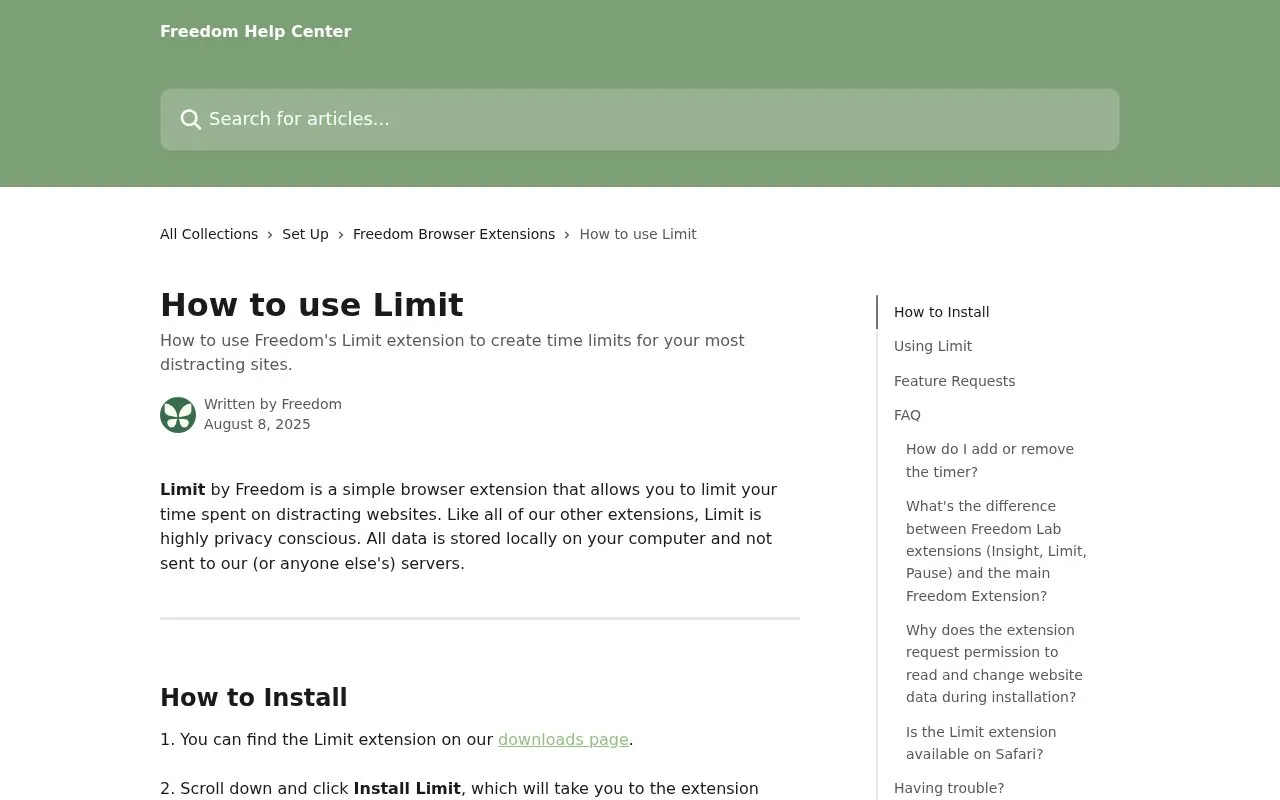
Limit by Freedom is a free standalone browser extension for setting daily time limits on websites a user finds distracting. In settings, the user adds a site (without the 'www') and chooses a daily time limit. The extension gives a gentle notice as the limit approaches. When the limit is reached, visits to that site are redirected to Freedom's green screen. A timer can be shown at the top right of the browser window or hidden from the extension settings.
The extension is installed from the Chrome, Firefox, Edge, or Opera extension store and does not require the Freedom desktop app for Mac or Windows. According to the help article, data is stored locally on the user's computer and is not sent to Freedom's servers or any other servers. It is not available for Safari. Installation requests permission to read and change website data, which is needed to display the timer and redirect to the limit screen. Users can change site access settings in the extension settings if they do not need the timer.
Key features
- Daily time limits set for selected websites
- Gentle notice when a site's time limit is almost up
- Redirect to Freedom's green screen after the limit is reached
- Optional on-screen timer, toggled on or off in settings
- Runs without the Freedom Mac or Windows desktop app
- Installs on Chrome, Firefox, Edge, and Opera
Best for: People who want to reduce time spent on a small number of distracting websites using a free browser extension that does not require the Freedom desktop app.
Good for
- Free to use
- Data is stored locally on the user's computer, according to the help article
- Works without the Freedom desktop app
Watch out for
- Not available for Safari
- The timer cannot be shown on specific websites only
- Installation requests permission to read and change website data
Limit Website Blocker at a glance
- Category
- Productivity › Productivity Suites
- Type
- Online tool
- Pricing
- Free
- Open source
- Not stated
- Last checked
- Oct 9, 2026 · Online when checked
- Listed
- Oct 9, 2026
Guides for Productivity Suites


Limit Website Blocker alternatives
Tools and sites you could use instead, ranked by how closely they match.

A free browser extension for blocking selected websites during schedules or after time allowances.
FreeOpen source

A browser extension for limiting time on selected websites and adding restrictions around changing limits.
Free
Popular in Productivity Suites
Well-known listings from the same topic.
RescueTimerescuetime.comFocus To-Dofocustodo.cnTryScribetryscribe.inRamboxrambox.appNumerous.ainumerous.aiTTSReaderttsreader.com


Limit Website Blocker FAQ
How do I add or remove the timer?
Open the Limit extension settings and toggle Show timer on or off. The timer appears at the top right of the browser. It cannot currently be shown only on specific websites.
Does Limit need the Freedom desktop app?
No. Limit is a standalone extension and does not require the Mac or Windows Freedom desktop app to function.
Why does the extension ask for permission to read and change website data?
The permission is needed to display the timer and to redirect to the Limit screen. If the timer is not needed, users can change the site access settings in the extension settings.
Is something wrong or out of date?
Tell us and an editor will check it.
Own this website?
Claim this listing
Claim the listing and suggest updates yourself. An editor checks every claim first.