

CGDream generates images from text, photos, or 3D models and offers inpainting, upscaling, and style controls.
LetsEnhance
Let's Enhance upscales, sharpens, and improves images online, with free access to start and an API for other workflows.
About LetsEnhance
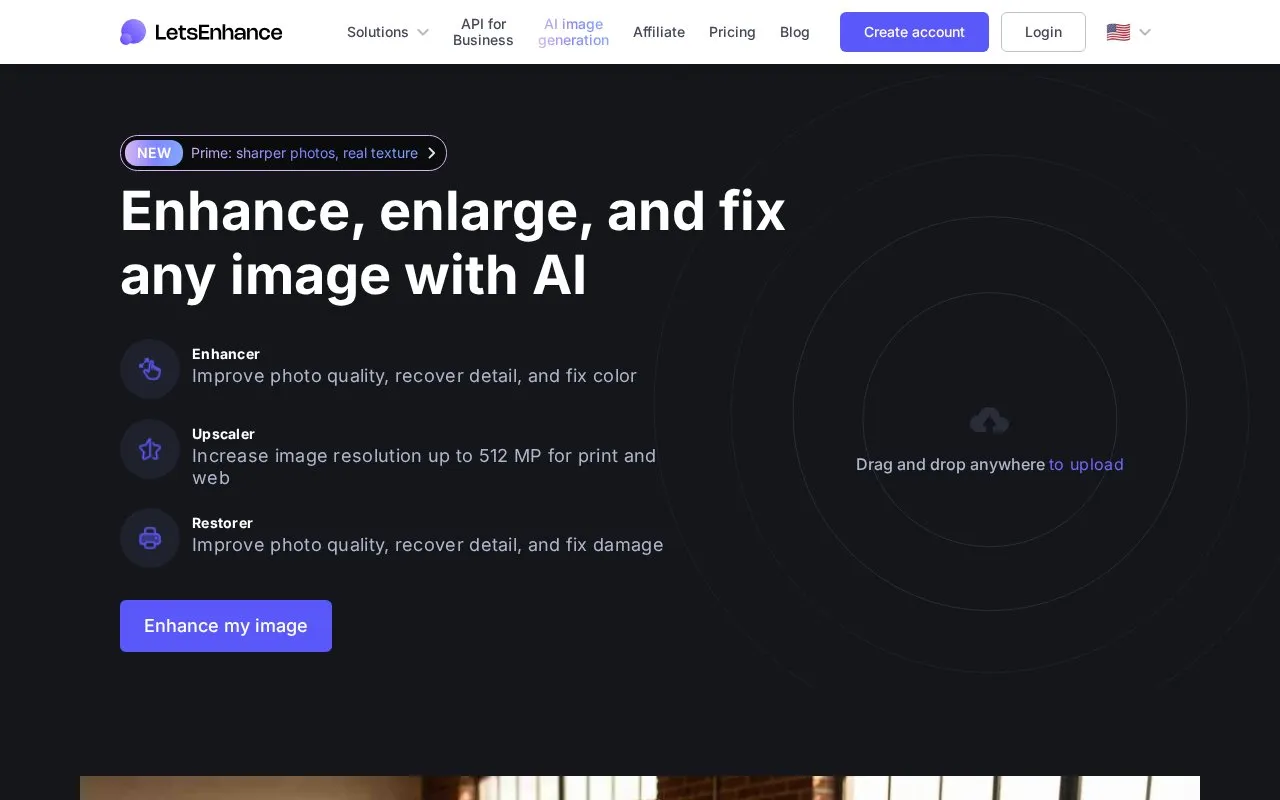
LetsEnhance is a web tool that upscales, sharpens, enhances and restores images, with image generation, editing and image-to-video options available online and through an API. Users upload a JPG, PNG or WebP file, select a goal such as upscaling, enhancing or sharpening, then download the result in full resolution. It can process up to 20 images at once, upscale up to 512 megapixels or 16x, and states that downloads have no watermark on paid plans.
Key features
- Upscale resolution up to 512 megapixels or 16x
- Improve quality, recover detail and fix color and exposure
- Restore old photos and repair damage
- Generate images in 2K
- Process up to 20 images at once
- Animate still images with Image to Video tool
Best for: People who need larger, sharper or restored versions of photos, scans, product images or AI art for print and web use.
Good for
- Accepts JPG, PNG and WebP uploads by drag and drop
- Provides Prime, Gentle and Old Photo modes for different image types
- Full-resolution downloads with no watermark on paid plans
Watch out for
- No-watermark downloads are stated only for paid plans
- Listed upload support is limited to JPG, PNG and WebP
LetsEnhance at a glance
- Website
- letsenhance.io
- Category
- AI & Machine Learning › AI Image Generators
- Type
- Online tool
- Pricing
- Not confirmed. Check the site
- Platforms
- Web
- Open source
- Not stated
- Language
- English
- Last checked
- Oct 5, 2026 · Online when checked
- Listed
- Oct 5, 2026
LetsEnhance alternatives
Tools and sites you could use instead, ranked by how closely they match.

AIShowX provides online tools to generate and edit video, image, and audio content, including image-to-video and text-to-image workflows.

Midlibrary catalogs Midjourney styles and SREF codes with guides and workflow tools.

Unprompted is a templating language for Stable Diffusion workflows, available as an AUTOMATIC1111 extension.

This AUTOMATIC1111 extension provides tiled diffusion and VAE optimization for Stable Diffusion workflows.
Free
24 alternatives
Stable Diffusion generates images from text prompts and is available through Replicate’s text-to-image API.
Popular in AI Image Generators
Well-known listings from the same topic.
FigureLabsfigurelabs.aiImagePromptGuruimagepromptguru.netAI SVGaisvg.artFlux.1 AIflux1.aiHairstyle AIhairstyleai.comCandyIconscandyicons.com


LetsEnhance FAQ
How do I enhance an image?
Upload a JPG, PNG or WebP file, choose upscale, enhance or sharpen, then download the full-resolution result.
How large can an upscaled image get?
Up to 512 megapixels, with upscaling up to 16x for print and web sizes.
Which enhancement mode should I use?
Prime is the default for most images; use Gentle for small text or fine details, and Old Photo mode first for old photos.
Is something wrong or out of date?
Tell us and an editor will check it.
Own this website?
Claim this listing
Claim the listing and suggest updates yourself. An editor checks every claim first.