

LonelyScreen
Mirror an iPhone or iPad screen to a Windows or macOS computer with LonelyScreen's AirPlay receiver.
About LonelyScreen
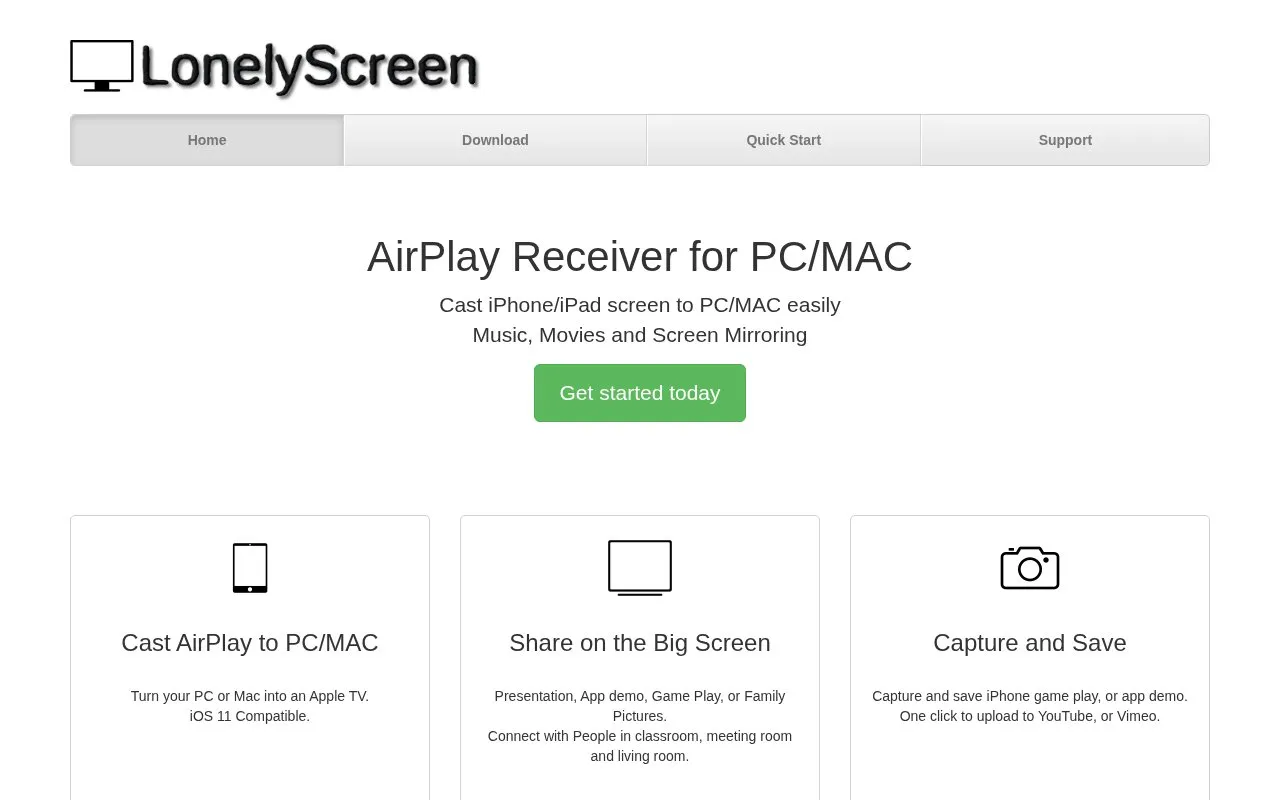
LonelyScreen is an AirPlay receiver for Windows and macOS. It lets an iPhone or iPad cast its screen to a computer and can mirror music, movies, and screen content. It can also capture and save iPhone gameplay or app demos, with one-click upload to YouTube or Vimeo. The homepage states iOS 11 compatibility; pricing is not provided in the available source.
Key features
- Acts as an AirPlay receiver, turning a PC or Mac into an Apple TV
- Casts iPhone or iPad screen to a Windows or macOS computer
- Mirrors music, movies, and screen content
- Captures and saves iPhone gameplay or app demos
- Offers one-click upload to YouTube or Vimeo
- Compatible with iOS 11
Best for: People who want to mirror an iPhone or iPad screen to a Windows or macOS computer.
Good for
- Turns a PC or Mac into an AirPlay receiver
- Supports screen mirroring plus music and movies
- Includes capture and one-click upload to YouTube or Vimeo
Watch out for
- Pricing is not provided in the available source
- Uploads to YouTube or Vimeo use external services
- Only iOS 11 compatibility is stated; newer iOS support is not mentioned
LonelyScreen at a glance
- Website
- lonelyscreen.com
- Category
- Design & Creative › Video Editing & Animation
- Type
- Online tool
- Pricing
- Not confirmed. Check the site
- Platforms
- iOS, Web, Windows
- Open source
- Not stated
- Language
- English
- Last checked
- Oct 6, 2026 · Online when checked
- Listed
- Oct 5, 2026
Guides for Video Editing & Animation

LonelyScreen alternatives
Tools and sites you could use instead, ranked by how closely they match.

iMovie is Apple's free video editor for Mac, iPhone and iPad, with titles, transitions and guided mobile features and no separate paid iMovie plan.
Free
Popular in Video Editing & Animation
Well-known listings from the same topic.
Animakeranimaker.com8mb.video8mb.videoCuttrcuttr.inASM Lessonsgithub.com/FFmpeg/asm-lessonsVideo Cuttervideo-cutter-js.comMotionPlacesmotionplaces.com


LonelyScreen FAQ
What can I cast from an iPhone or iPad?
Music, movies, and screen mirroring are supported.
Can I record and save content?
Yes, the app can capture and save iPhone gameplay or app demos.
Can I upload recordings directly from the app?
One-click upload to YouTube or Vimeo is offered.
Is something wrong or out of date?
Tell us and an editor will check it.
Own this website?
Claim this listing
Claim the listing and suggest updates yourself. An editor checks every claim first.