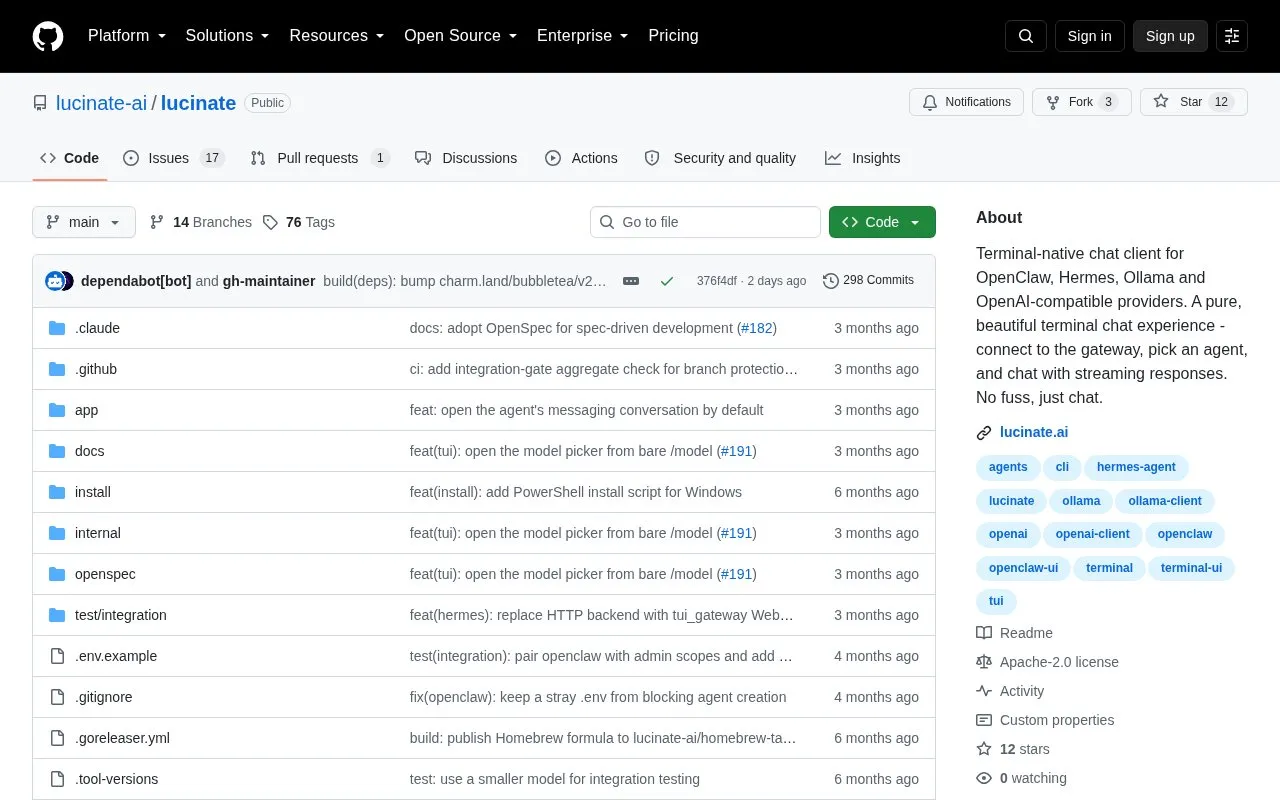
lucinate is an open-source, terminal-native chat client for talking to OpenClaw agents, Hermes (Nous Research) profiles, and any OpenAI-compatible model endpoint such as Ollama, vLLM, LM Studio, llamafile, or OpenAI itself. It supports streaming replies, markdown rendering, conversation history, multi-agent chat, message queueing, and saved connections you can switch between with /connections.
Several capabilities apply specifically to OpenClaw connections, including inline tool call cards, live token and cost statistics, thinking-level control, and a cron browser. Shell commands can be run locally with ! or on the gateway with !!. Install options include Homebrew, shell or PowerShell install scripts, go install with Go 1.25 or later, or building from source. Pricing is not stated in the source.
Key features
Connects to OpenClaw gateways, Hermes profiles, and OpenAI-compatible endpoints including Ollama
Streams responses with markdown rendering and keeps conversation history
Inline tool call cards show arguments and success or failure for OpenClaw agents
Runs shell commands locally with ! or on the gateway with !!
Author multi-step routines and invoke local agent skills as slash commands
Best for: Developers and terminal users who want to chat with OpenClaw agents, Hermes profiles, or OpenAI-compatible models without leaving the command line.
Good for
Supports multiple backend types and lets you save and switch between connections
Streaming replies, markdown rendering, message queueing and history support ongoing work in the terminal
Open source, with install paths for Homebrew, install scripts, Go, or a source build
Watch out for
Tool call cards, token and cost stats, thinking level control, and the cron browser are listed for OpenClaw connections
Hermes profiles are configured server-side via hermes profile create rather than in the client
Three connection types are supported: an OpenClaw gateway over WebSocket with Ed25519 device pairing, an OpenAI-compatible /v1/chat/completions endpoint (Ollama, vLLM, LM Studio, llamafile, OpenAI), and a Hermes Agent profile's /v1/responses API server. One lucinate connection maps to one Hermes profile.
How is lucinate installed?
Via Homebrew on macOS or Linux, an install script for macOS or Linux, a PowerShell script on Windows, go install with Go 1.25 or later, or by cloning the repository and building from source.
How do I manage and switch between connections?
On first launch lucinate opens a Connections picker. From the chat view, /connections switches between saved connections, with n to add, e to edit, and d to delete after confirmation.
Is something wrong or out of date?
Tell us and an editor will check it.
Own this website?
Claim the listing and suggest updates yourself. An editor checks every claim first.