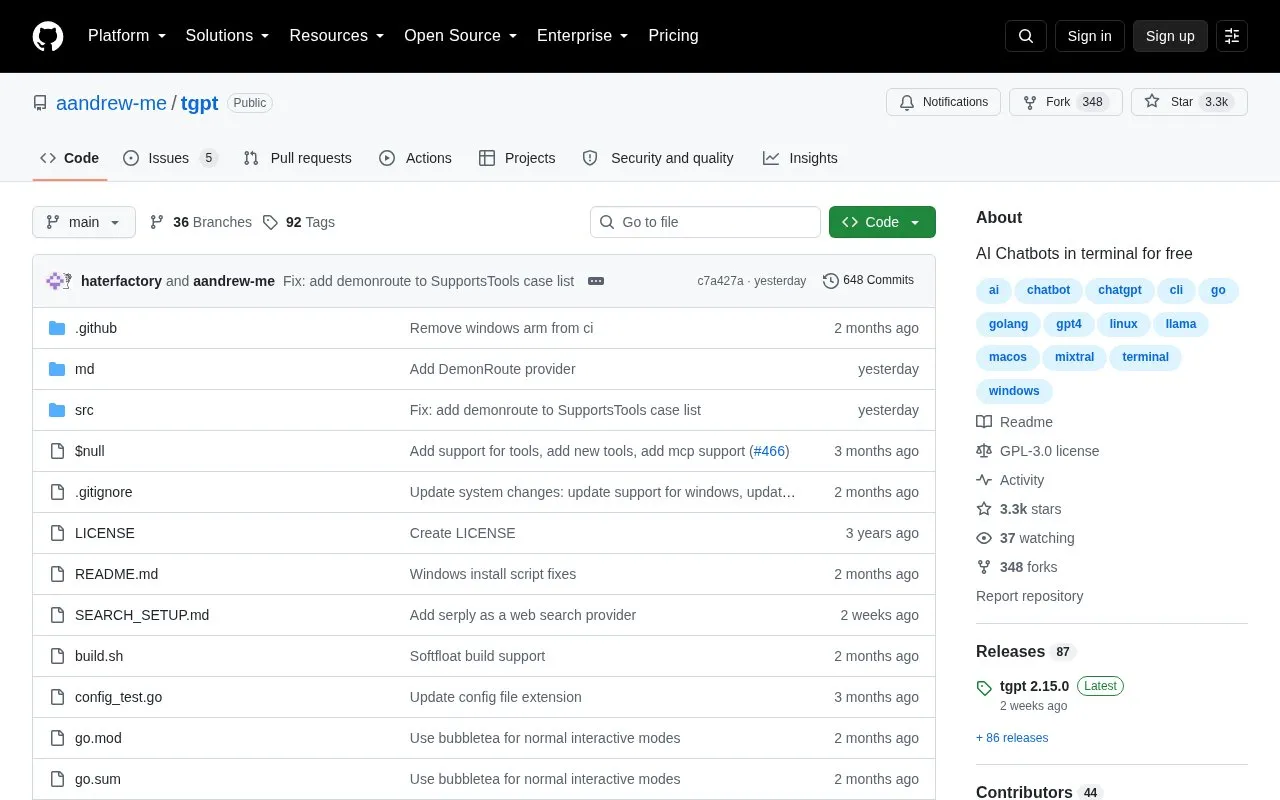
tgpt is a cross-platform command-line tool for using AI chatbots in a terminal through multiple providers. It runs on Linux, macOS, Windows, and FreeBSD and is distributed via install scripts, package managers, Go, or a downloadable executable. It supports HTTP and SOCKS5 proxies through environment variables or a proxy.txt file, and requires the install location to be in the system PATH.
Key features
Works in terminal on Linux, macOS, Windows, and FreeBSD
Installs via script, Homebrew, Pacman, Scoop, Chocolatey, or Go
Updates with tgpt -u when installed via install script
Supports HTTP and SOCKS5 proxies via environment variables
Supports proxy configuration via proxy.txt file
Runs as renamed executable from directory or system PATH
Best for: People who work in the terminal and want command-line access to AI chatbots.
Good for
Cross-platform availability across Linux, macOS, Windows, and FreeBSD
Several install methods, including package managers and install scripts
Open source under GPL-3.0 license
Watch out for
Install location must be added to PATH for easy access
Updates with tgpt -u may need admin privileges on Linux and macOS
Go installs require adding Go directory to shell path
If installed with the install script, the project lists tgpt -u; if installed with Homebrew, Pacman, Scoop, Chocolatey, or Go, use that manager's update command.
How do I use a proxy with tgpt?
Set http_proxy or HTTP_PROXY for HTTP and SOCKS5 proxies, or place the proxy URL in ./proxy.txt or ~/.config/tgpt/proxy.txt.
How do I uninstall tgpt installed with the install script?
The project lists removing the executable with sudo rm $(which tgpt); config files are usually in ~/.config/tgpt on Linux and Library/Application Support/tgpt on macOS.
Is something wrong or out of date?
Tell us and an editor will check it.
Own this website?
Claim the listing and suggest updates yourself. An editor checks every claim first.