

Use Clips AI, an open-source Python library, to convert long-form videos into shorter clips in developer editing workflows.
MakeShorts
MakeShorts turns YouTube videos into short clips for YouTube Shorts, TikTok, and Reels with automatic clipping and reframing.
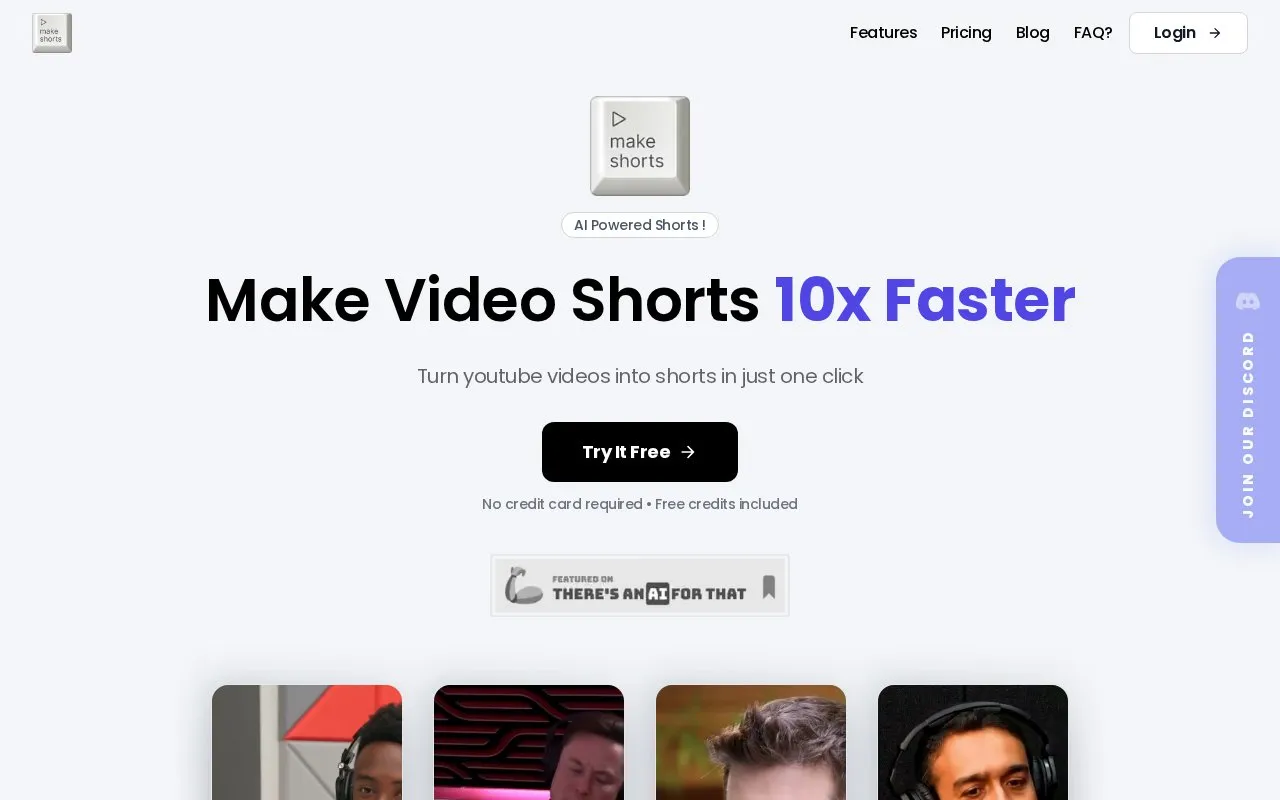
About MakeShorts
MakeShorts is a web tool that creates short vertical clips from YouTube videos for YouTube Shorts, TikTok, and Reels. Users import a video by YouTube link. The AI then selects segments it judges engaging, and it can crop landscape footage to vertical while keeping the main speaker in frame.
The tool also offers automatic subtitles from AI transcription and AI-generated social captions and hashtags. Its homepage states that the AI models work best on speech-focused content such as video podcasts, lectures, interviews, and webinars. Direct file uploads are not available at this time, and the FAQ says only YouTube links are supported. Limits on upload minutes, video length, file size, simultaneous videos, and how long clips are stored vary by plan. The free plan adds a watermark, a 15-minute limit per video, and clips that expire after three days.
Key features
- Automatic selection of engaging segments from a YouTube video
- Vertical cropping that keeps the main speaker in frame
- Automatic subtitles generated through AI transcription
- AI-generated social captions and hashtags for clips
- Support for a listed range of transcription languages
- Clip generation from speech-focused videos such as podcasts and lectures
Best for: Content creators who want to repurpose long, speech-focused YouTube videos into short vertical clips for YouTube Shorts, TikTok, or Reels.
Good for
- Generates clip candidates automatically from a YouTube link without manual editing
- Offers a free plan with 30 credits per month, auto captions, and auto reframing
- Paid plans list exports without a watermark
Watch out for
- Supports only YouTube links; direct video uploads are not available at this time
- Free plan exports have a watermark, low quality output, and clips that expire in 3 days
- Upload minutes, video length, file size, and clip storage duration vary by plan
MakeShorts at a glance
- Website
- makeshorts.ai
- Category
- AI & Machine Learning › AI Voice & Audio
- Type
- Online tool
- Pricing
- Paid
- Platforms
- Web
- Open source
- Not stated
- Language
- English
- Last checked
- Oct 6, 2026 · Online when checked
- Listed
- Oct 5, 2026
MakeShorts alternatives
Tools and sites you could use instead, ranked by how closely they match.

Podsqueeze creates podcast transcripts, summaries, show notes, newsletters, clips, social posts, and audio enhancements.

Vocol AI turns speech into text and shares AI-generated summaries, topic highlights and action items for voice collaboration.
Free trial
24 alternatives
UniScribe transcribes audio and video in more than 60 languages and exports text from uploaded recordings.

Interview VIP provides real-time AI answers during technical interviews on major meeting and coding platforms, with an undetectable mode described on its page.
Free trial
24 alternatives
EchoFox transcribes and summarizes WhatsApp audio messages so users can read them without playing the recording.
Popular in AI Voice & Audio
Well-known listings from the same topic.
Google Illuminateilluminate.google.comAlteredaltered.aiELSA Speakelsaspeak.comKreadoAIkreadoai.comPodwisepodwise.aiAddsubtitleaddsubtitle.ai


MakeShorts FAQ
Can I upload my own video files to MakeShorts?
Not at this time. According to the FAQ, MakeShorts currently supports importing videos only through YouTube links.
How long does it take to generate shorts?
The FAQ says the process typically takes a few minutes for shorter videos and can take up to an hour for longer content.
What type of content works best with MakeShorts?
The FAQ states that video podcasts fit the tool best, and that its models also work with other speech-focused videos such as lectures, interviews, and webinars.
Is something wrong or out of date?
Tell us and an editor will check it.
Own this website?
Claim this listing
Claim the listing and suggest updates yourself. An editor checks every claim first.