

StockmusicGPT generates royalty-free stock music, sound effects, and song covers with an AI composition tool.
Audacity Effects
Audacity AI Plugins adds effects such as noise reduction and music separation to Audacity editing.
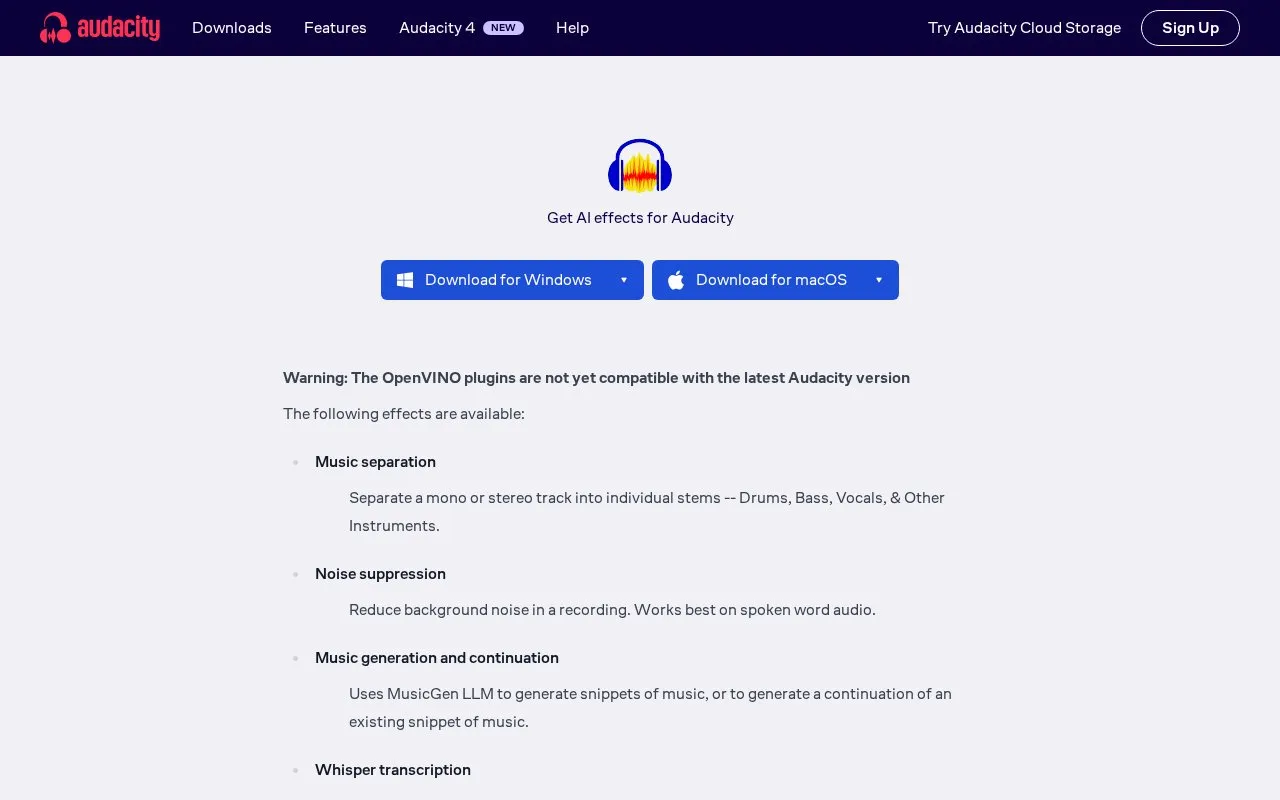
About Audacity Effects
Audacity AI Plugins add OpenVINO-based effects to Audacity for Windows and macOS. They separate music into drums, bass, vocals and other stems, reduce background noise, transcribe audio with Whisper, generate short music continuations with MusicGen, and upsample low-rate recordings. The download page warns the plugins are not yet compatible with the latest Audacity version.
Pricing is not clearly stated.
Key features
- Separate mono or stereo tracks into drums, bass, vocals and other stems.
- Reduce background noise, best for spoken word audio.
- Transcribe audio to text with Whisper.
- Generate music snippets or continuations with MusicGen.
- Upsample audio to improve fidelity for older 8kHz recordings.
Best for: Audacity users editing spoken-word recordings, music stems, or older low-sample recordings.
Audacity Effects at a glance
- Category
- AI & Machine Learning › AI Voice & Audio
- Type
- App
- Pricing
- Not confirmed. Check the site
- Platforms
- Windows, macOS
- Details verified
- Oct 22, 2026 · Official source
- Open source
- Not stated
- Language
- English
- Last checked
- Oct 5, 2026 · Online when checked
- Listed
- Oct 5, 2026
Audacity Effects alternatives
Tools and sites you could use instead, ranked by how closely they match.

Use Clips AI, an open-source Python library, to convert long-form videos into shorter clips in developer editing workflows.

EchoFox transcribes and summarizes WhatsApp audio messages so users can read them without playing the recording.

UniScribe transcribes audio and video in more than 60 languages and exports text from uploaded recordings.

AudioShake separates recordings into audio stems, making individual sound elements editable and available for other uses.

Interview VIP provides real-time AI answers during technical interviews on major meeting and coding platforms, with an undetectable mode described on its page.
Free trial
24 alternativesPopular in AI Voice & Audio
Well-known listings from the same topic.
Google Illuminateilluminate.google.comAlteredaltered.aiELSA Speakelsaspeak.comKreadoAIkreadoai.comPodwisepodwise.aiAddsubtitleaddsubtitle.ai


Audacity Effects FAQ
Can transcription output be used for subtitles?
Yes, you can export the resulting label track as a subtitle file via File → Export other → Export labels.
Is something wrong or out of date?
Tell us and an editor will check it.
Own this website?
Claim this listing
Claim the listing and suggest updates yourself. An editor checks every claim first.