
Markor
Markor lets users create notes and manage to-do lists with Markdown and todo.txt formatting on Android.
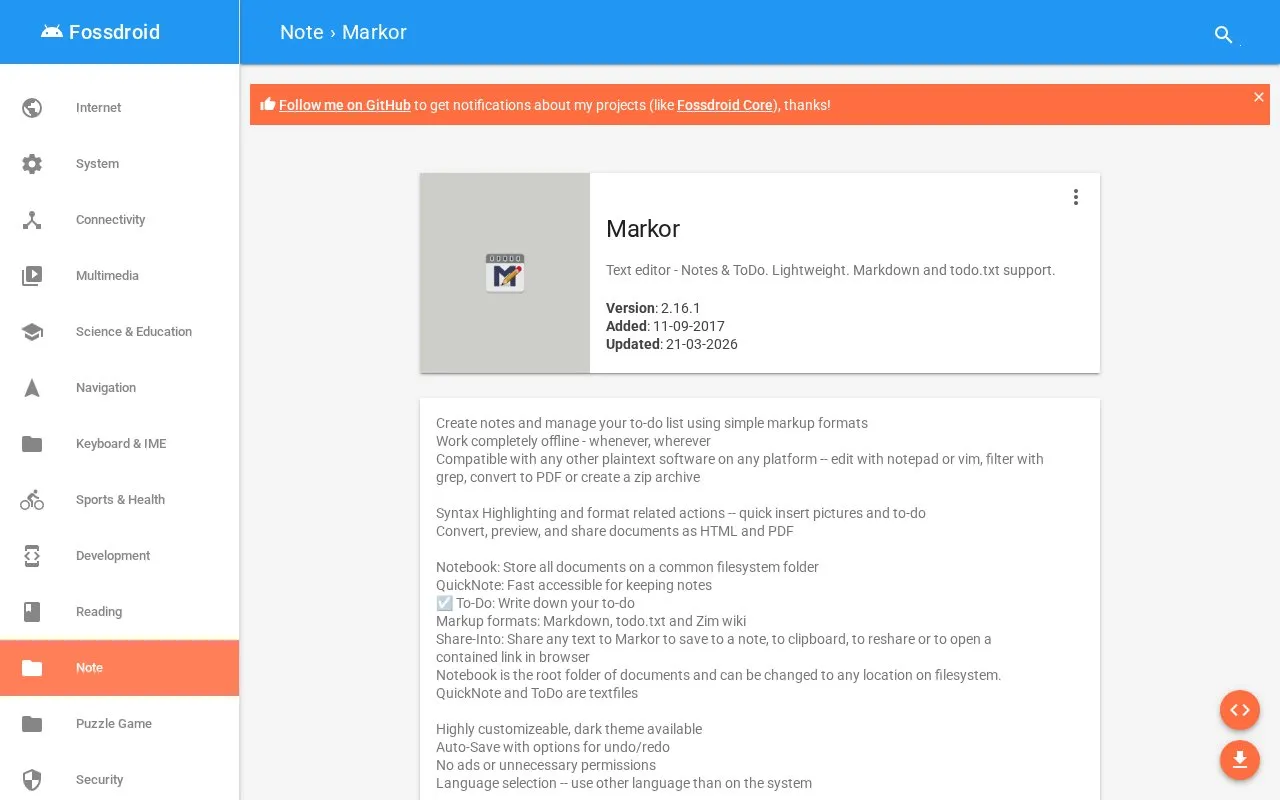
About Markor
Markor is a text editor for Android for creating notes and managing to-do lists using Markdown, todo.txt, and Zim wiki formats. Documents are stored as plain text files in a Notebook folder that can be changed to another location on the filesystem, with QuickNote and To-Do kept as text files, and can be opened with other plaintext software.
It works offline and includes syntax highlighting, auto-save with undo and redo options, and conversion, preview, and sharing of documents as HTML and PDF. File syncing requires a separate sync app.
Key features
- Create notes using Markdown, todo.txt, and Zim wiki formats
- Store documents as plain text in selectable filesystem folder
- Convert, preview, and share documents as HTML and PDF
- Save shared text from other apps into notes or clipboard
- Auto-save editing with undo and redo options
- Insert pictures and to-do items with syntax highlighting
- Works completely offline
- Contains no ads or unnecessary permissions
- Files remain compatible with other plaintext software
- Requires a separate app to sync files
Markor at a glance
- Website
- fossdroid.com/a/markor.html
- Category
- Mobile Apps › Android Productivity Apps
- Type
- Website
- Pricing
- Not confirmed. Check the site
- Platforms
- Android, Web
- Open source
- Not stated
- Language
- English
- Last checked
- Oct 6, 2026 · Online when checked
- Listed
- Oct 5, 2026
Popular in Android Productivity Apps
Well-known listings from the same topic.


Markor FAQ
What formats does Markor support?
Where does Markor store documents?
How does file syncing work?
Tell us and an editor will check it.
Claim the listing and suggest updates yourself. An editor checks every claim first.