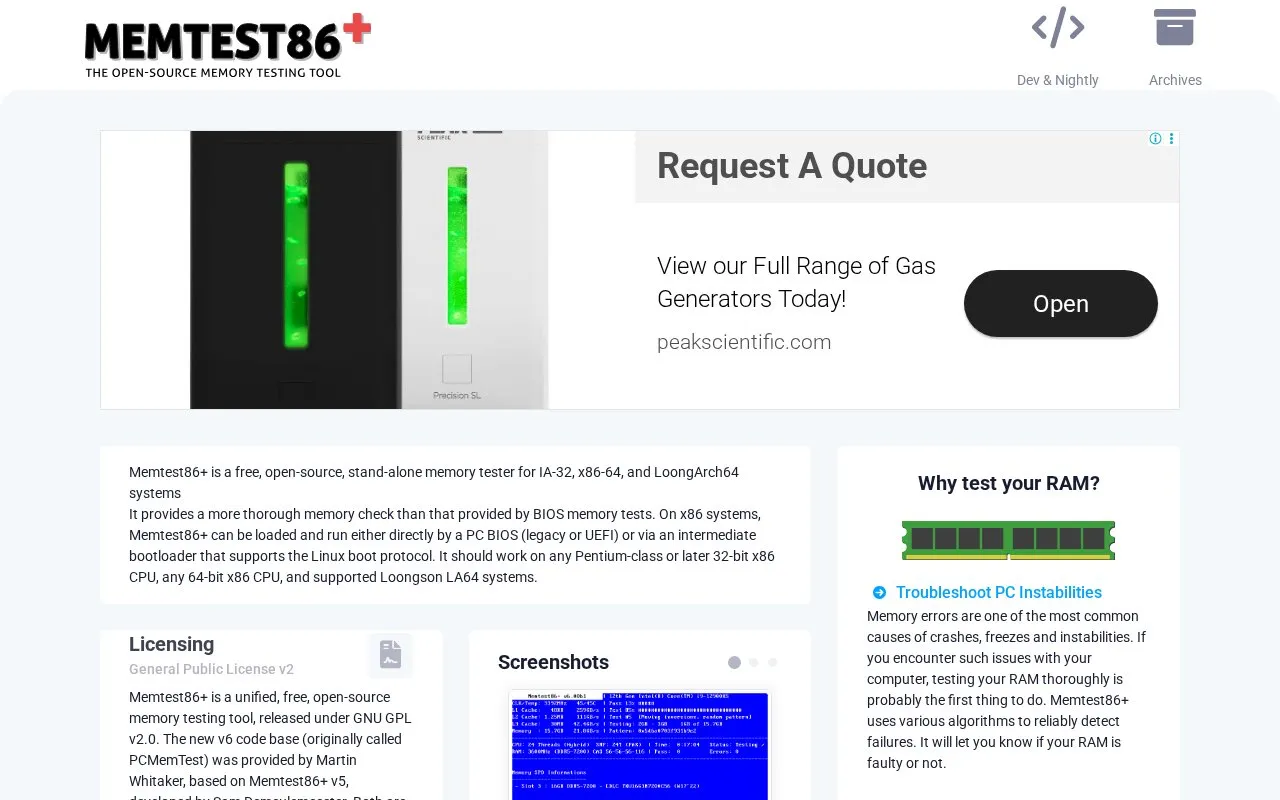
Memtest86+ is a free, open-source standalone memory tester for IA-32, x86-64, and LoongArch64 systems, released under GNU GPL v2.0. It runs outside the operating system, loaded directly by legacy BIOS or UEFI or through a bootloader that supports the Linux boot protocol.
It runs from a FAT32 USB drive, CD, or PXE network boot and tests memory in continuous passes until stopped with ESC. The binary is not signed by Microsoft so Secure Boot must be temporarily disabled, and USB device support remains incomplete.
Key features
Tests IA-32, x86-64, and LoongArch64 system memory standalone
Boots via legacy BIOS, UEFI, or Linux boot protocol loader
Runs from USB flash drive, CD-ROM, or PXE network boot
Uses multiple test algorithms to detect memory errors
Supports serial COM output via ttyS0 parameter
Runs continuous passes until stopped with ESC
Best for: People troubleshooting crashes and freezes or checking memory stability on new, overclocked, or server systems.
Good for
Free and open-source under GNU GPL v2.0
Compatible with BIOS and UEFI systems
Can run from USB, CD, or PXE network boot
Watch out for
Binary is not signed by Microsoft, requires disabling Secure Boot
USB drivers are incomplete and some devices may not work
How to create a bootable Memtest86+ USB drive using Windows?
Plug in a FAT32-formatted USB drive, download and launch the Windows USB Installer and follow the steps, then reboot and select the USB drive in the Boot Menu.
How to create a bootable Memtest86+ USB drive using Linux?
Write the ISO image directly to the raw device using the dd command or a utility with the same function such as balenaEtcher.
When does Memtest86+ stop?
It does not stop on its own; after a successful pass all memory has been tested, and you can press ESC to stop or wait longer for more confidence.
Is something wrong or out of date?
Tell us and an editor will check it.
Own this website?
Claim the listing and suggest updates yourself. An editor checks every claim first.