
CCSIO Benchmark measures sequential read and write performance for a volume and its underlying file stack.
UNIGINE Benchmarks
UNIGINE Benchmarks stress tests PC hardware and measures performance, including CPU, GPU, power supply, and cooling stability.
About UNIGINE Benchmarks
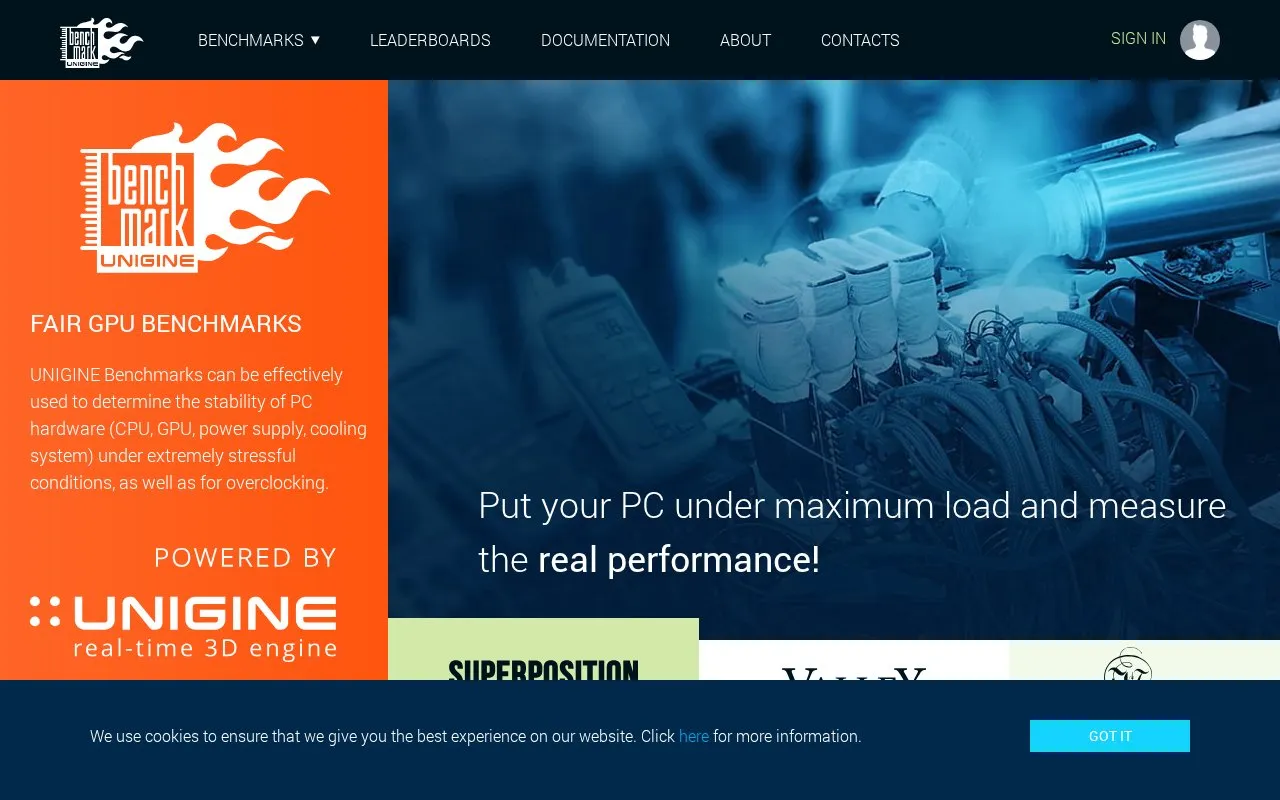
UNIGINE Benchmarks is a set of graphics benchmark scenes for stress testing PC hardware and measuring its performance. According to the site, the benchmarks can be used to check the stability of the CPU, GPU, power supply and cooling system under extremely stressful conditions, and for overclocking. The homepage lists three scenes: Superposition 2017, Valley 2013 and Heaven 2009. The site states that the benchmarks have been published since 2007 and run across Windows, Linux and macOS with DirectX and OpenGL support.
Results can be compared with other users on online leaderboards. The site describes a free Basic edition and a Professional edition with in-depth performance reviews and extended features for hardware manufacturers, assembly and repair shops, and commercial companies involved in hardware testing or marketing. The homepage also mentions a separate free UNIGINE 2 Community SDK for building interactive virtual worlds.
Key features
- Stress tests CPU, GPU, power supply and cooling stability under heavy load
- Three benchmark scenes: Superposition 2017, Valley 2013 and Heaven 2009
- Fly-by and walk-through modes for exploring the virtual worlds
- Supports DirectX and OpenGL rendering
- Online leaderboards for comparing results with other users
- Professional edition with in-depth performance reviews and extended features
Best for: PC hardware enthusiasts and overclockers who want to check system stability and compare benchmark scores, as well as commercial hardware businesses that need the Professional edition's detailed reviews.
Good for
- A Basic edition is described as completely free
- Runs on Windows, Linux and macOS
- The site states that the benchmarks produce in-game style rendering workloads
Watch out for
- Extended features and in-depth reviews are in the Professional edition, not the Basic edition
- The Professional edition is aimed at manufacturers, repair shops and commercial companies
- Stability testing involves extremely stressful conditions, which the site describes as the purpose of the tests
UNIGINE Benchmarks at a glance
- Website
- benchmark.unigine.com
- Category
- Software & Utilities › Hardware & Diagnostics
- Type
- Website
- Pricing
- Not confirmed. Check the site
- Platforms
- Linux, macOS, Web, Windows
- Open source
- Not stated
- Language
- English
- Last checked
- Oct 6, 2026 · Online when checked
- Listed
- Oct 5, 2026
UNIGINE Benchmarks alternatives
Tools and sites you could use instead, ranked by how closely they match.

Quick CPU monitors processor temperatures, voltages, frequencies, and usage, and includes tuning and stability testing tools.

REW measures and analyzes room acoustics, speakers, subwoofers, and audio devices.

CrystalDiskMark benchmarks disk performance and is available in Standard, Aoi, and Shizuku editions.
Free
18 alternatives
Microsoft PC Manager offers Windows tools for boosting PC performance, cleaning storage, and managing large files.
Pick
22 alternatives
Universal x86 Tuning Utility lets users customize performance settings on x86 laptops and computers.
Popular in Hardware & Diagnostics
Well-known listings from the same topic.
Dolby Accessapps.microsoft.com/detail/9n0866fs04w8RAMMaplearn.microsoft.com/en-us/sysinternals/downloa…AppControlappcontrol.comMemTestmemtest.orgVIAcaniusevia.comTrueNAStruenas.com


UNIGINE Benchmarks FAQ
Is there a free edition?
Yes. The site describes a completely free Basic edition. Extended features and in-depth performance reviews are listed under the Professional edition.
Who is the Professional edition for?
The site says it is for hardware manufacturers, assembly and repair shops, and commercial companies involved in hardware stability testing, component evaluation or hardware marketing.
Can I use UNIGINE to build my own virtual worlds?
The homepage invites visitors to download the UNIGINE 2 Community SDK, which it describes as free, for creating interactive virtual worlds.
Is something wrong or out of date?
Tell us and an editor will check it.
Own this website?
Claim this listing
Claim the listing and suggest updates yourself. An editor checks every claim first.