
TreeSize analyzes disk space to locate large files and folders for cleanup.
WizTree
WizTree analyzes disk space on Windows by reading the Master File Table to locate files and folders.
About WizTree
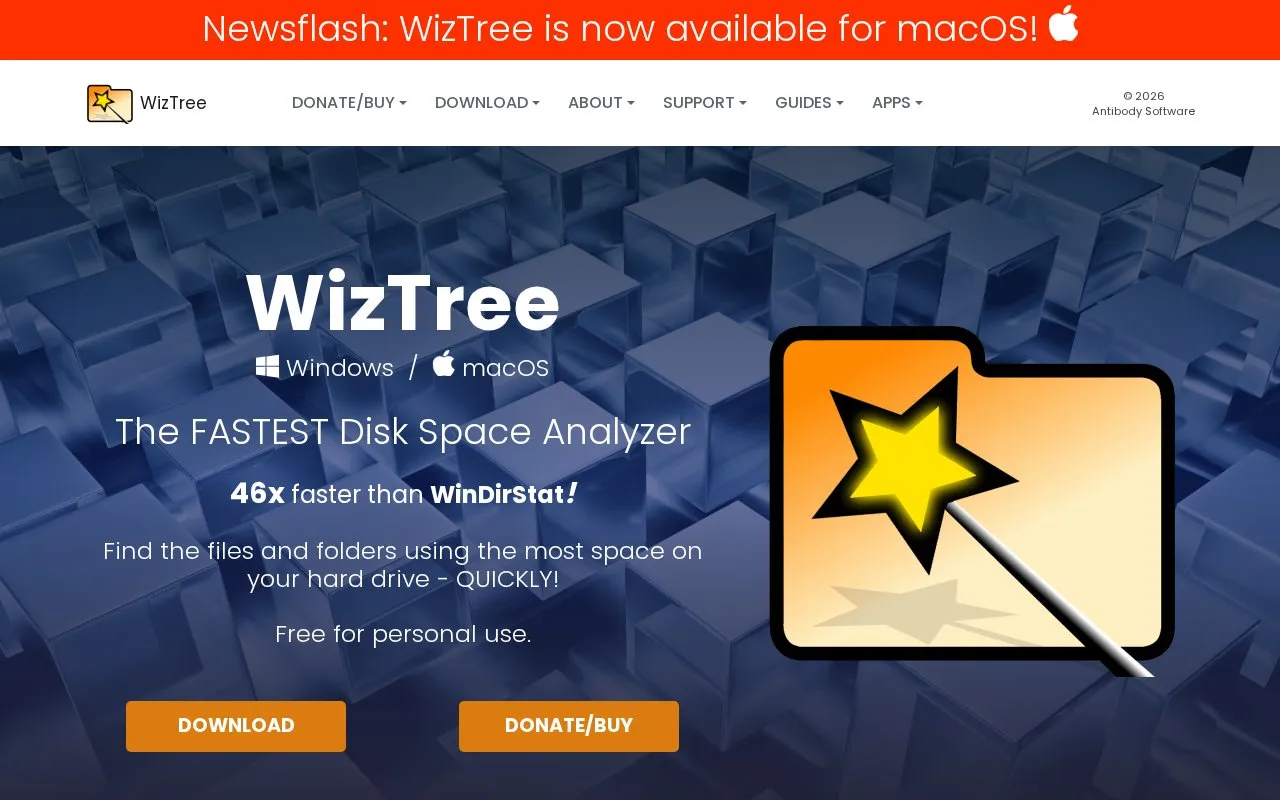
WizTree is a disk space analyzer for Windows that shows which files and folders take up the most space on a drive. The homepage also lists a macOS version and a web platform. It displays the size of files and folders in a visual tree map, lists the largest files on a drive, finds duplicate files, and exports file details to a CSV file. On NTFS drives, it reads the Master File Table directly from the disk, which the site says makes scans faster than similar tools. It also states that the total allocated space it reports matches what Windows reports.
WizTree is free for personal use. Commercial use requires a paid "Supporter Code", and large organisations are directed to an Enterprise license. The homepage describes the product as in active development, with new features added regularly.
Key features
- Visual tree map showing the size of files and folders
- Lists the largest files on a hard drive
- Finds duplicate files
- Exports file details to a CSV file
- Counts hard-linked files once so totals are not inflated
- Scans non-NTFS and network drives
Best for: Windows users, especially personal users, who want to find large files and folders in order to free up disk space.
Good for
- Reads the NTFS Master File Table directly, which the site says speeds up scans
- Reports allocated space that the site states will match what Windows reports
- Free for personal use
Watch out for
- Commercial use requires a paid Supporter Code or a license
- Large organisations are directed to an Enterprise license for unlimited use
WizTree at a glance
- Website
- diskanalyzer.com
- Category
- Software & Utilities › Hardware & Diagnostics
- Type
- Website
- Pricing
- Not confirmed. Check the site
- Platforms
- macOS, Web, Windows
- Open source
- Not stated
- Language
- English
- Last checked
- Oct 6, 2026 · Online when checked
- Listed
- Oct 5, 2026
WizTree alternatives
Tools and sites you could use instead, ranked by how closely they match.
CCSIO Benchmark measures sequential read and write performance for a volume and its underlying file stack.

REW measures and analyzes room acoustics, speakers, subwoofers, and audio devices.

AppControl tracks CPU, memory, disk, temperature, and GPU usage over time, with controls for managing applications.

Microsoft PC Manager offers Windows tools for boosting PC performance, cleaning storage, and managing large files.
Pick
22 alternatives
PresentMon captures and analyzes high-level performance characteristics of graphics applications on Windows.
Open source
24 alternativesPopular in Hardware & Diagnostics
Well-known listings from the same topic.
Dolby Accessapps.microsoft.com/detail/9n0866fs04w8RAMMaplearn.microsoft.com/en-us/sysinternals/downloa…UNIGINE Benchmarksbenchmark.unigine.comMemTestmemtest.orgVIAcaniusevia.comTrueNAStruenas.com


WizTree FAQ
Is WizTree free to use?
It is free for personal use. Commercial use requires a Supporter Code, and large organisations should purchase an Enterprise license.
Can WizTree scan network drives?
The homepage states that WizTree can also quickly scan non-NTFS and network drives. Direct reading of the Master File Table applies to NTFS drives.
Does WizTree count hard-linked files more than once?
No. The homepage states that WizTree correctly handles hard-linked files and does not count them more than once.
Is something wrong or out of date?
Tell us and an editor will check it.
Own this website?
Claim this listing
Claim the listing and suggest updates yourself. An editor checks every claim first.