
MetaCTRL
MetaCTRL provides Android apps for syncing files between phones and tablets.
About MetaCTRL
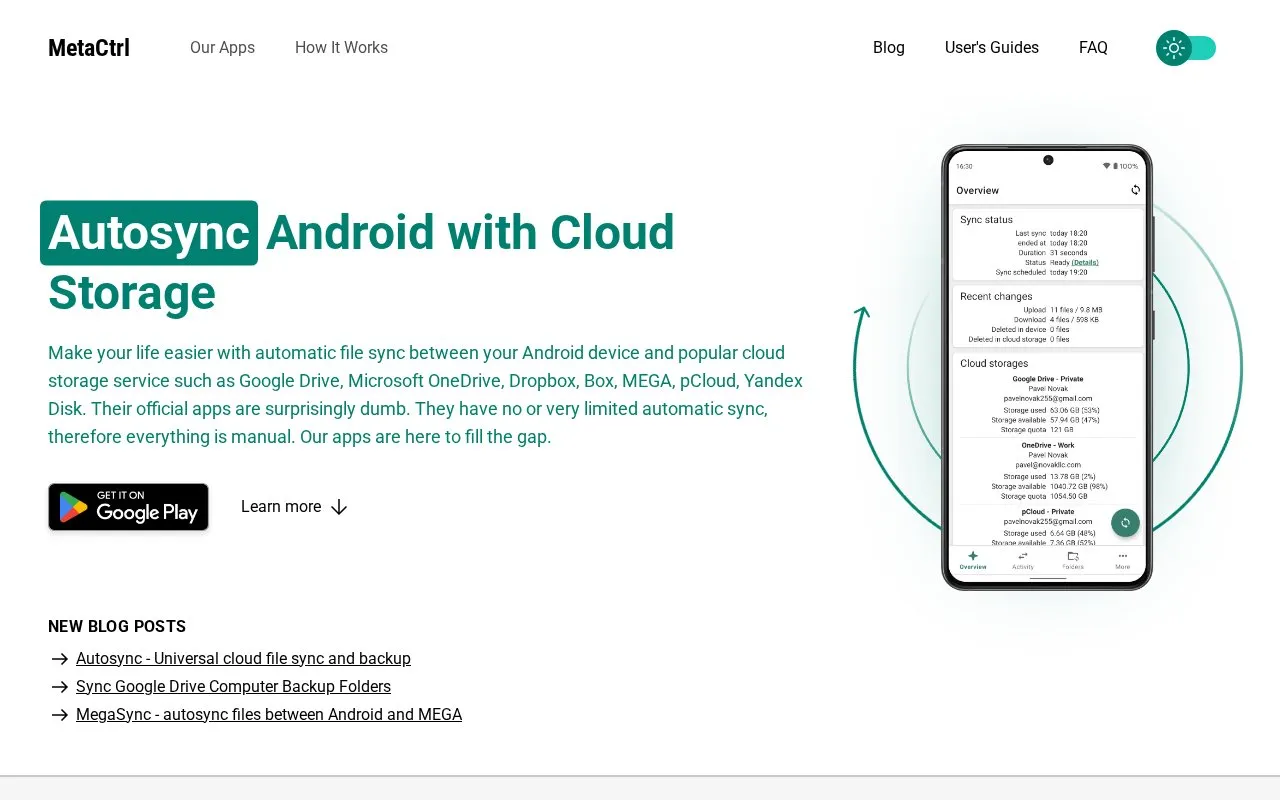
MetaCTRL publishes Android apps that automatically sync files between an Android phone or tablet and a cloud storage account. The homepage lists Google Drive, Microsoft OneDrive, Dropbox, Box, MEGA, pCloud and Yandex Disk, and some listed apps also mention WebDAV and LAN/SMB. Each service has its own separate app. Once configured, the app runs in the background and uploads new device files to the cloud and downloads new cloud files to the device. Files deleted on one side are deleted on the other. Syncing across multiple devices that share the same cloud account is also described.
The homepage describes the apps as an alternative to the official cloud storage apps, which it says have little or no automatic sync. The homepage does not state pricing, available plans, or geographic eligibility.
Key features
- Automatic upload of new Android files to a connected cloud storage account
- Automatic download of new cloud storage files to the Android device
- Deletions mirrored between the device and the cloud storage account
- Multiple folder pairs, each linking a device folder to a cloud folder
- Option to skip hidden files during sync
- Option to allow sync only on Wi-Fi networks
- Once configured, sync runs automatically in the background, according to the settings chosen.
- Supports several named cloud storage services, each with its own app page.
- Individual app pages on the homepage show user ratings between 4.7 and 4.9.
- Deleting a file on one side also deletes it on the other side, so mistaken deletions can spread.
- Each cloud storage service has its own separate app rather than one app for all services.
- The homepage does not state pricing or whether any features require a paid version.
MetaCTRL at a glance
- Website
- metactrl.com
- Category
- Mobile Apps › Android Utility Apps
- Type
- Website
- Pricing
- Not confirmed. Check the site
- Platforms
- Android, Web
- Open source
- Not stated
- Language
- English
- Last checked
- Oct 6, 2026 · Online when checked
- Listed
- Oct 5, 2026
Popular in Android Utility Apps
Well-known listings from the same topic.


MetaCTRL FAQ
Which cloud storage services are supported?
Can sync be limited to Wi-Fi?
What happens if I delete a file on my phone?
Tell us and an editor will check it.
Claim the listing and suggest updates yourself. An editor checks every claim first.