Swift Backup

Swift Backup backs up Android apps, messages, call logs, and other device data.

swiftapps.org
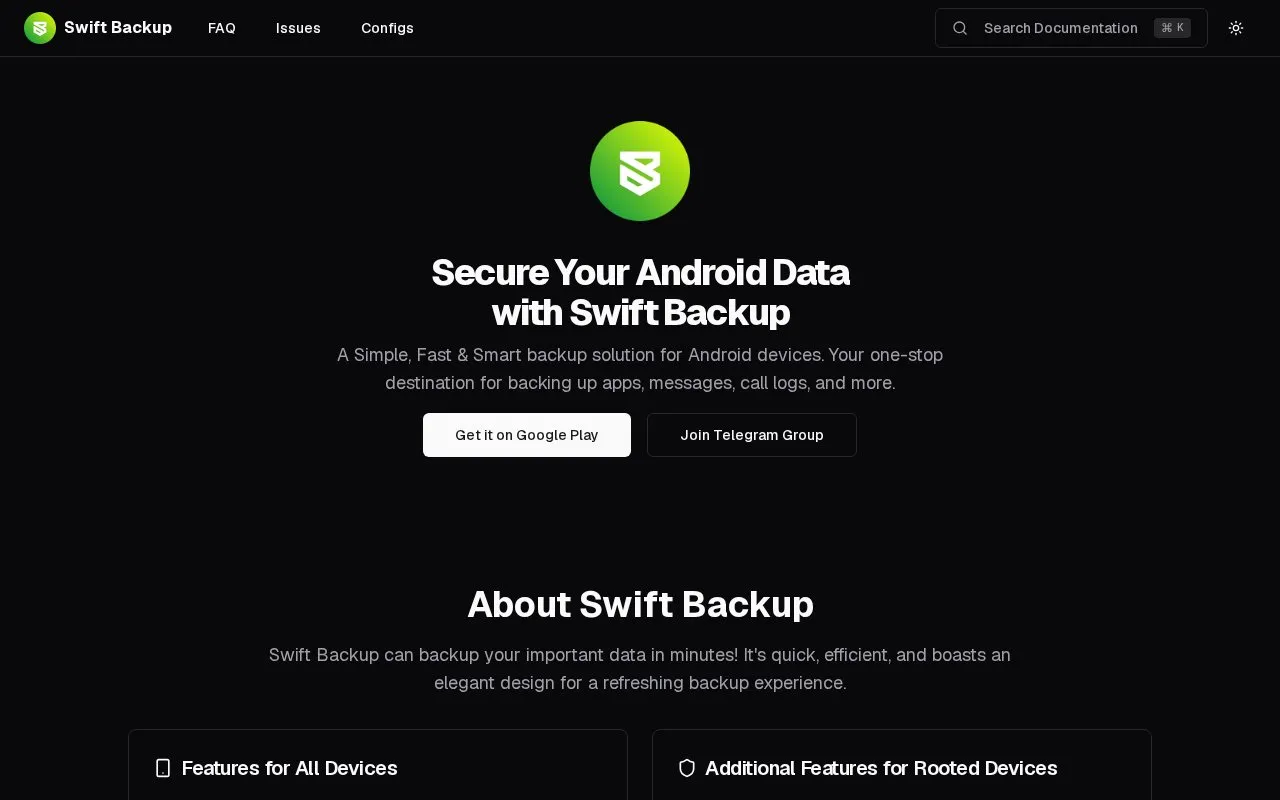
Swift Backup homepage screenshot

About Swift Backup

Swift Backup backs up Android device data including apps as APKs, messages, call logs, and applied wallpapers. On rooted devices it can also back up app data, special app data, and WiFi network configurations.

Batch restoring of apps requires root access or the Shizuku service running. Cloud backups for apps, scheduled backups, app labels, and per-app backup settings are offered as premium features via in-app purchase, and backups can be uploaded to services including Google Drive, Dropbox, OneDrive, and WebDAV.

Key features

  • Back up installed apps as APK files
  • Back up text messages
  • Back up call logs
  • Back up applied wallpapers
  • Back up app data on rooted devices
  • Upload backups to Google Drive, Dropbox, OneDrive and others
Best for: Android users who need to back up apps, messages, call logs, and device settings, particularly those with rooted devices.
Good for
  • Backs up apps, messages, call logs and wallpapers without requiring root
  • Supports uploads to many cloud and storage services
  • Provides app data and WiFi configuration backup on rooted devices
Watch out for
  • Batch restoring apps requires root or Shizuku service running
  • Cloud backups for apps require premium in-app purchase
  • Scheduled backups require premium in-app purchase

Swift Backup at a glance

Type
Website
Pricing
Not confirmed. Check the site
Platforms
Android, Web
Open source
Not stated
Language
English
Last checked
Oct 5, 2026 · Online when checked
Listed
Oct 5, 2026

Swift Backup alternatives

Tools and sites you could use instead, ranked by how closely they match.

All 4 alternatives

OpenAndroidBackup

mrrfv.github.io/open-android-backup

Open Android Backup backs up and restores Android devices locally, without vendor lock-in or closed-source software.

Free

Adebar

codeberg.org/izzy/Adebar

Adebar uses Bash and ADB to create Android device backups and reports.

Popular in Android Utility Apps

Well-known listings from the same topic.

All 36

Swift Backup FAQ

What can be backed up without root?
Apps as APKs, messages, call logs, and applied wallpapers.
What requires root?
App data, special app data, and WiFi network configurations. Batch restoring apps also requires root or the Shizuku service running.
Which storage services can hold backups?
Google Drive, Dropbox, OneDrive, Box, Mega.nz, pCloud, CloudMail.Ru, Yandex, WebDAV, S3, SMB, SFTP, and FTP.
Is something wrong or out of date?

Tell us and an editor will check it.

Own this website?

Claim the listing and suggest updates yourself. An editor checks every claim first.

Claim this listing