
Swift Backup backs up Android apps, messages, call logs, and other device data.
OpenAndroidBackup
Open Android Backup backs up and restores Android devices locally, without vendor lock-in or closed-source software.
About OpenAndroidBackup
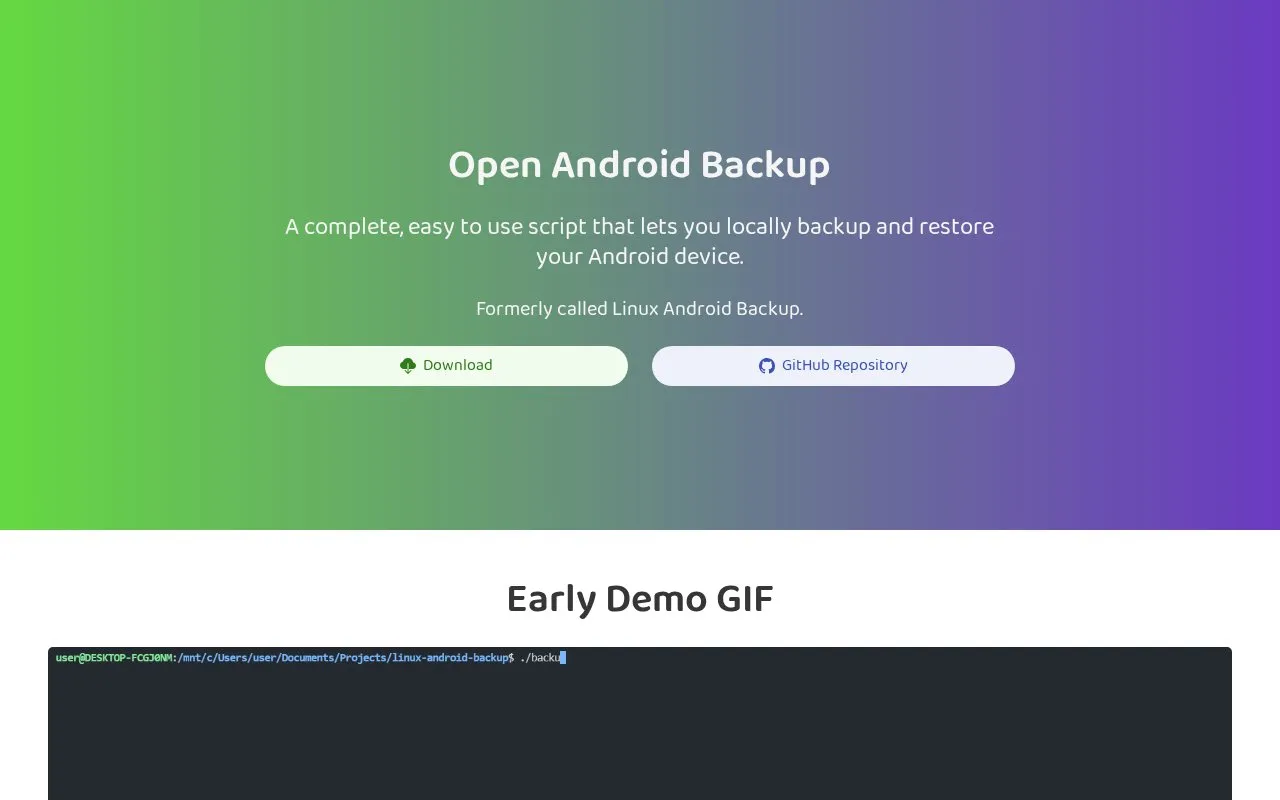
Open Android Backup is a local backup and restore tool for Android devices. It runs on Windows, macOS, and Linux. The homepage describes it as a shell script with a Flutter companion app, and it was formerly called Linux Android Backup. Backups are stored on the computer and packed into 7-Zip archives, so the data stays readable without the script. The homepage says backups and metadata are encrypted and compressed by default.
The tool backs up photos and videos in original quality, internal storage, contacts exported as CSV, a list of installed applications, and call logs exported as text. SMS messages and call logs cannot be restored at the moment, and app data is not saved because of Android restrictions. The homepage says a cable is still needed for initial setup, though later backups can be made wirelessly. The homepage describes the project as open source, but the directory record lists open_source as false, so the licensing status is not confirmed here. Pricing is listed as free.
Key features
- Local backup and restore of Android devices from a computer
- Backup archives packed with 7-Zip compression
- Backups and metadata encrypted by default, according to the homepage
- Wireless backups after an initial cable-based setup
- Photos and videos exported in original quality
- Companion Flutter app reaches devices beyond adb without root
Best for: People who want to back up Android device data to a Windows, macOS, or Linux computer and prefer not to depend on a single vendor's software.
Good for
- Listed as free, with no paid tier described on the homepage
- Runs on Windows, macOS, and Linux
- Homepage states a small footprint of around 20 megabytes
Watch out for
- SMS messages and call logs cannot be restored at the moment
- App data is not saved due to Android restrictions
- A cable is still needed for initial setup
OpenAndroidBackup at a glance
- Category
- Mobile Apps › Android Utility Apps
- Type
- Website
- Pricing
- Free
- Platforms
- Android, Linux, macOS, Web, Windows
- Open source
- Not stated
- Last checked
- Oct 6, 2026 · Online when checked
- Listed
- Oct 5, 2026
OpenAndroidBackup alternatives
Tools and sites you could use instead, ranked by how closely they match.
Popular in Android Utility Apps
Well-known listings from the same topic.
GitNexgitnex.comMiXplorermixplorer.comFuel.iofuel.ioSkyHawkskyhawkrecovery.github.ioMetaCTRLmetactrl.comntfyntfy.sh


OpenAndroidBackup FAQ
Can SMS messages and call logs be restored?
Not at the moment. The homepage says SMS messages and call logs cannot be restored, although they can be backed up.
Is app data included in backups?
No. The homepage says app data is not saved due to Android restrictions.
Do I need a cable to use wireless backups?
A cable is still needed for setup. After that, the homepage says the device can be connected wirelessly for backups.
Is something wrong or out of date?
Tell us and an editor will check it.
Own this website?
Claim this listing
Claim the listing and suggest updates yourself. An editor checks every claim first.