

Nova Skin creates and edits Minecraft skins in a 3D editor, with pose, background, effects, and animation controls.
MiEX
MiEx exports Minecraft worlds to USD, the Universal Scene Description format, for use in visual effects and animation.
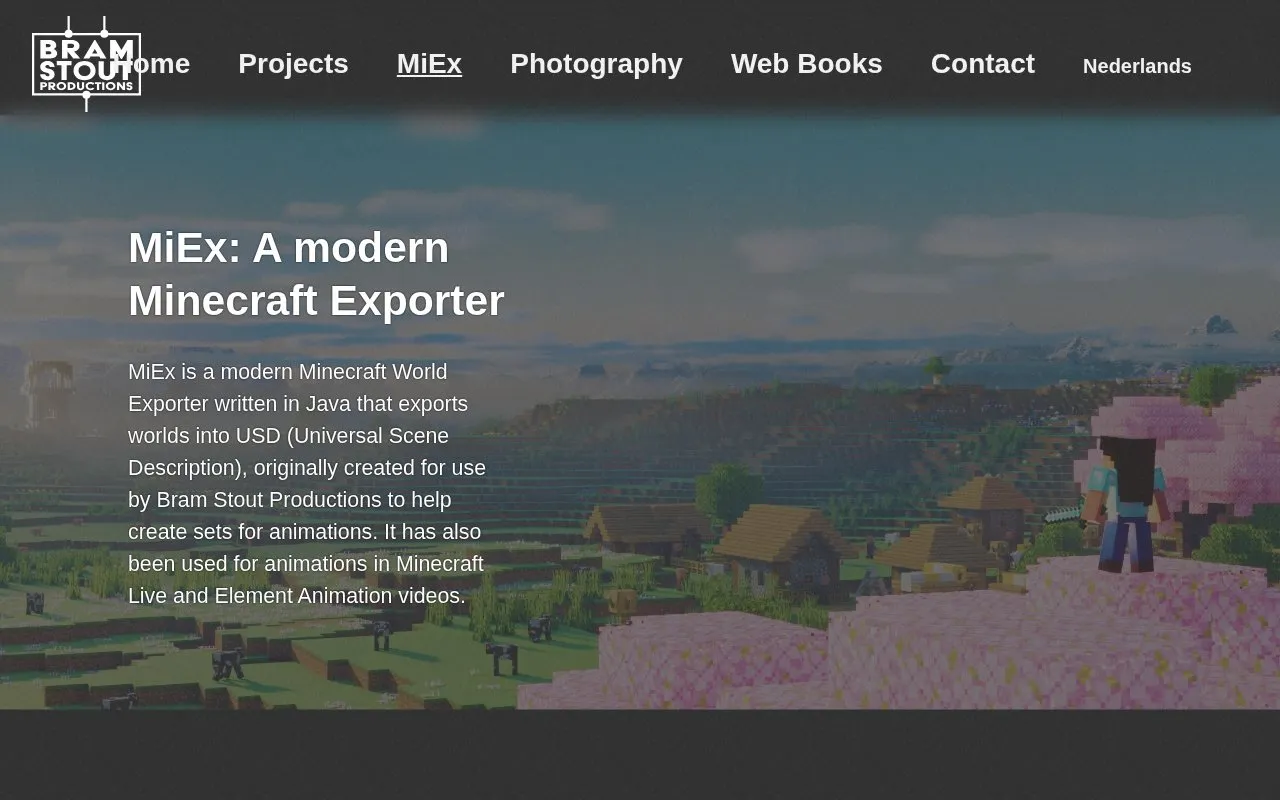
About MiEX
MiEx is a Minecraft world exporter written in Java. It converts Minecraft worlds into USD (Universal Scene Description) so they can be used in visual effects and animation work. Bram Stout Productions originally created it to help build sets for animations. The homepage states that it has also been used for animations in Minecraft Live and Element Animation videos.
The exporter uses Minecraft's resource pack system to reproduce the world's appearance, including custom resource packs, biome colours, and animated textures. It can export large worlds in chunks that are loaded as payloads, so users can choose which parts of a world to bring into a scene. The source lists GitHub as the place to get MiEx and links to a wiki for documentation.
Key features
- Exports Minecraft worlds to USD (Universal Scene Description) format
- Uses Minecraft resource packs, including custom resource packs, for accurate export
- Supports biome colours and biome blending
- Supports animated textures, including random frame offsets
- Level-of-detail system for exporting larger worlds
- Exports chunks as payloads so users choose which world parts load
Best for: Animators and visual effects artists who want to bring Minecraft world layouts into USD-based scene pipelines.
Good for
- Exports to USD, which the source says can be loaded into most programs.
- Chunked payload export lets users load only selected parts of a world.
- Supports modded worlds and custom resource packs.
MiEX at a glance
- Website
- bramstout.nl/en/miex
- Category
- Gaming › Game Guides, Wikis & Tools
- Type
- Website
- Pricing
- Not confirmed. Check the site
- Platforms
- Web
- Open source
- Not stated
- Language
- English
- Last checked
- Oct 6, 2026 · Online when checked
- Listed
- Oct 5, 2026
MiEX alternatives
Tools and sites you could use instead, ranked by how closely they match.

MCA Selector lets users select Minecraft Java world chunks and regions for export or deletion.
Open source
24 alternatives
ObjToSchematic converts 3D models into Minecraft formats and can generate models for Minecraft building.

mcglint provides tools for customizing Minecraft enchantment glint effects and preparing resource packs.

Mine-imator forums provide downloads and community discussion for the 2.0 animation tool.

Pocket Bard plays music and sound effects for tabletop role-playing sessions through an interactive audio tool.
Freemium
24 alternativesPopular in Game Guides, Wikis & Tools
Well-known listings from the same topic.
GTA Bossgtaboss.ggGTAGaragegtagarage.comSerebii.netserebii.netBlock Displayblock-display.comWorldPainterworldpainter.net2-Minute Tabletop2minutetabletop.com


MiEX FAQ
Can I choose which parts of an exported world are loaded?
Yes. The source says MiEx exports worlds in large chunks that are payloaded into a scene, so you can choose which parts of the world are loaded.
Where can I get MiEx?
The homepage links to MiEx on GitHub, and it links to a wiki for documentation.
Is something wrong or out of date?
Tell us and an editor will check it.
Own this website?
Claim this listing
Claim the listing and suggest updates yourself. An editor checks every claim first.